
Video issue

When placing a video, the problem occurs that only the top part is displayed (see screenshot), and the rest is cut off.
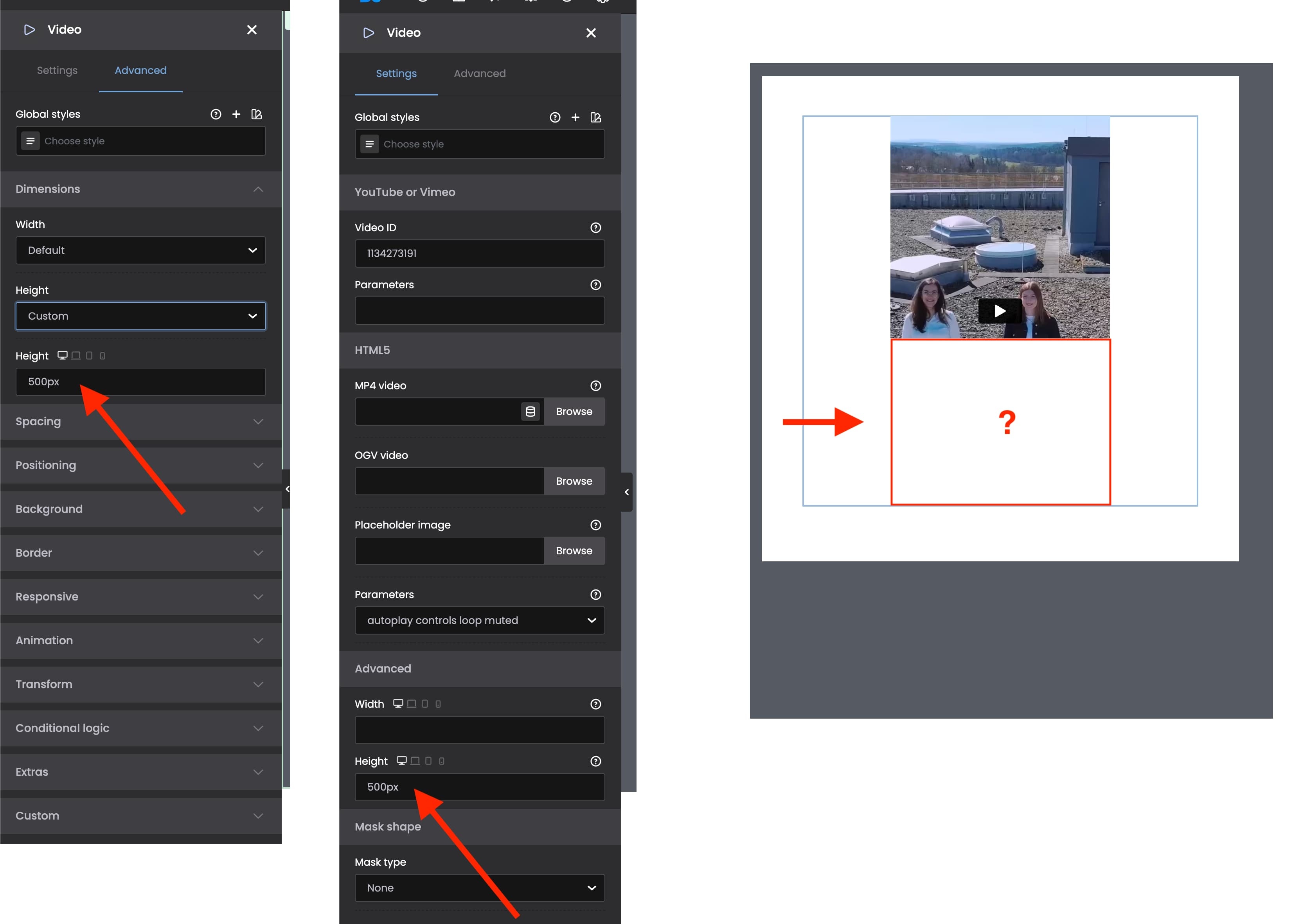
I've already tried several parameters (marked in red), but I can't find the cause of the error.
When placing a video, the problem occurs that only the top part is displayed (see screenshot), and the rest is cut off.
I've already tried several parameters (marked in red), but I can't find the cause of the error.
Comments
hello ?
Hi,
What height value did you set in the Settings tab?
Best regards
500px
please see screenshot
Please attach a link to your website so we can check it out. If the page is offline(localhost), then our help will be limited. You will have to contact us when the page is online. Also, please make sure that the page is not under maintenance before you provide us with the link.
Thanks
URL = https://www.digital-nuernberg.de/?page_id=138
Please remove the height value from the Advanced tab, and in the Settings tab set width to auto:
Best regards
not working, can i send you the login credentials ?
The video has a 9:16 portrait format, and even with the new settings it is still being cropped.
?
Please send us the WordPress dashboard access privately through the contact form, which is on the right side at [Links visible only for registered users] and we will check what might be the reason.
Notice!
Please attach a link to this forum discussion.
Sending incorrect or incomplete data will result in a longer response time.
Therefore, please ensure that the data you send are complete and correct.
Thanks
Please chec it out now.
As I mentioned in my previous message I set the height in custom to default:
And set the height in the Settings:
Best regards
Thank you very much, it works in the desktop version
Please see screenshot. What about the mobile view ?
Please check it out now.
I have added the following CSS code:
Best regards