Hello,
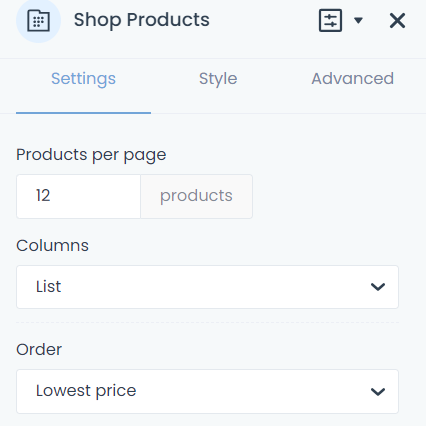
I want to use the list option in the shop products option on the shop page.
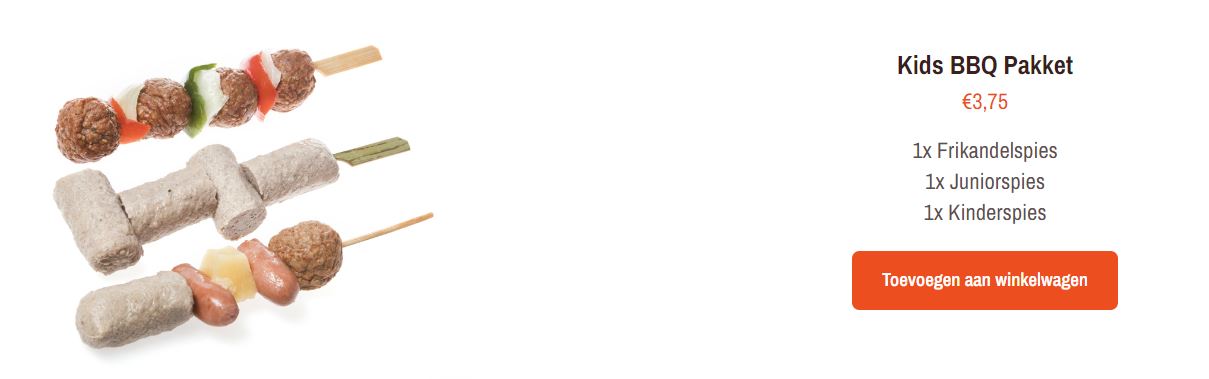
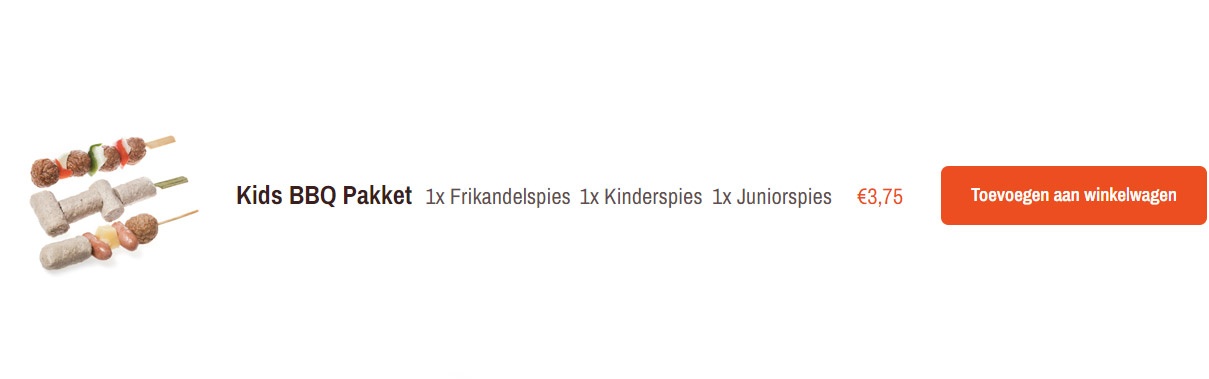
But I need to adjust its layout. Can this be adjusted with CSS? First image is how it looks by default, second image is how i want it to look like.
This is the test site
Thanks!
Regards
Roy


Comments
Hi,
Such change would require more advanced CSS, and we help with rather minor ones.
Regarding this, you should contact your web developer instead.
Best regards
Ok.
Can you help me with this:
When i use display: none to hide the image, the rest does not shift to the left as you would expect. How can I hide the image column and get the rest to align to the left?
Thanks
Roy
Yes, with that, I can help you.
Please try the following CSS code:
.products .mfn-li-product-row-image{
 display: none;
}
.woocommerce .content_wrapper .column_shop_products ul.products.columns-1 li.product{
 padding-left: 0!important;
}
Best regards
Ok i added that and some other CSS. I got i almost as i would like it to be.
But how can i delete the 2 area's as pointed out in the image below? I need this space so I can make the title space and description space bigger
Thanks!
I do not see those you marked on your screenshot.
Did you handle this in the meantime?
Best regards
Hello Phil,
I tried some css and it seems to be working now.
Only need to figure out how to get it to 1 column on mobile, now it is 2 colums and then its overlapping. But i think i can get i done.
Only thing i can't seem to figure out is how to show only one category. I would like to show the product by category and then below each other.
I use a template, but can only select these options and by Shop products i can't select categories. I see shop categories as an option but then all categories are shown.
Thanks
1) To have one column on mobile, you must activate that in Betheme -> Theme options -> Shop -> Products list.
2) For that, you can use the Query Loop feature. Please see the following video tutorials:
[Links visible only for registered users]
Best regards
Hello Phil,
I watched the video and understand how it works. Have already made some test page with it. The only thing I can't manage is to add a quantity field so that visitors can indicate how many products they want to put in the shopping cart.
Thanks
Roy
There is no option to add quantity to the Query Loop.
Best regards
Ok, but then the query loop option is not a solutions to my problem.
The customer needs to be able to add the amount of quantity the need.
No other solutions available?
Thanks
Roy
Unfortunately, no, there is nothing else that comes to my head.
Best regards
Hello,
I got it working with shortcodes.
Category 1
[products columns="4" category="Category 1"]
Category 2
[products columns="4" category="Category 2"]
Roy
Happy to see that you found a solution, and thanks for sharing that with others.
Best regards
No problem,
Do you know if it is possible to use listview instead of columns?
Thanks
It is a WooCommerce shortcode, and we do not have influence on that. To make it look like a list you would have to use a Custom CSS.
Best regards