
Filter function for pages

Hello,
I have pages with categories. When I insert the filter function according to your instructions, it unfortunately does not work. Does this even work with pages, and if so, how do I set it up correctly?
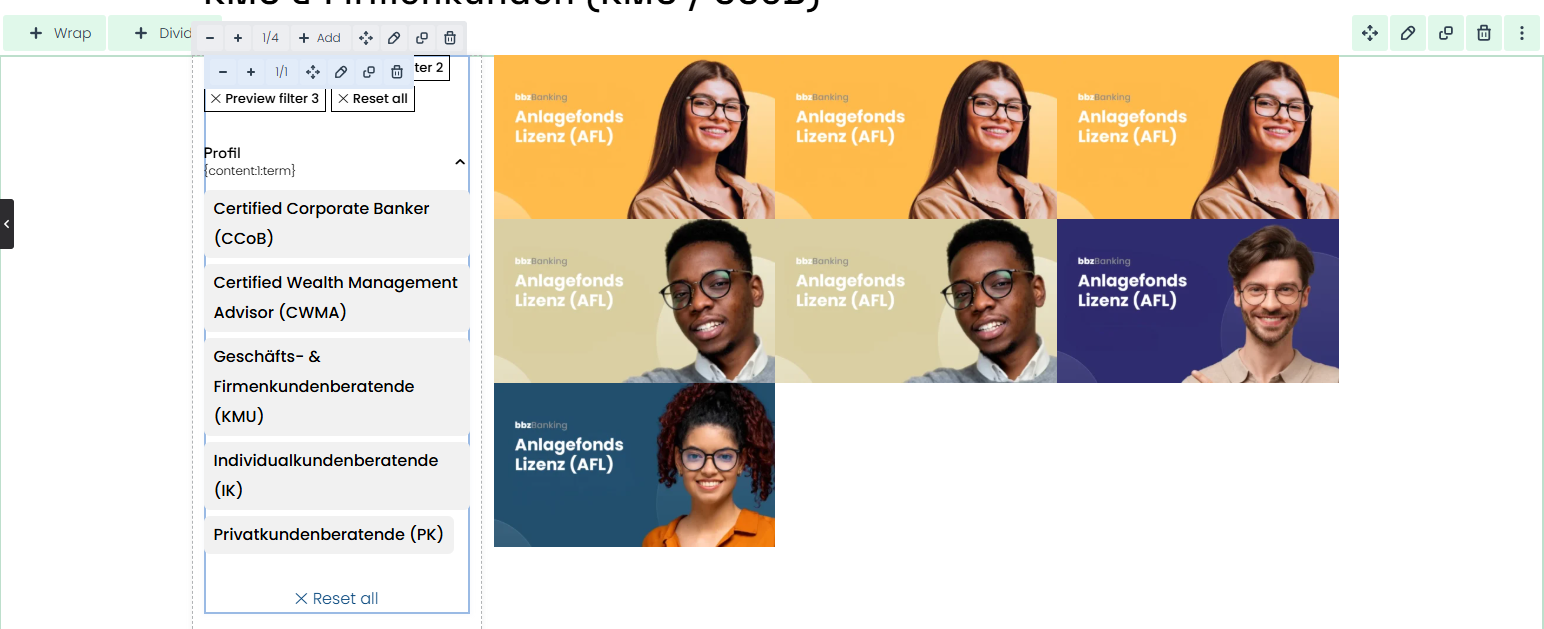
Hello,
I have pages with categories. When I insert the filter function according to your instructions, it unfortunately does not work. Does this even work with pages, and if so, how do I set it up correctly?
Comments
Hi,
Please always attach a link to your website so we can check it out. If the page is offline(localhost), then our help will be limited. You will have to contact us when the page is online. Also, please make sure that the page is not under maintenance before you provide us with the link.
Also, please attach more screenshots showing how you set it up.
Thanks
Hello
Here is the link: [Links visible only for registered users]
Chat GPT says that it works with the filter functions, but to do it with query loop. Here is a screenshot.
Your documentation lacks information on how to link the filters to what needs to be filtered.
Definitely Filters element cannot be placed in a query loop, and the wrap that contains it, should be a regular wrap.
We have a video tutorial about filters. Please check it out:
https://support.muffingroup.com/video-tutorials/ajax-advanced-filtering-live-product-filters-for-any-post-type/
Best regards
Yes, I watched the video, but it only explains the filter functions, not how the filters are linked to the portfolio, for example. I have now copied everything from the template used in the video, but the filters are not working. I click on individual filter options, but nothing happens... I guess there is a missing link from the filter to the part that needs to be filtered.
Please send us the WordPress dashboard access privately through the contact form, which is on the right side at [Links visible only for registered users], and we will check that out.
Notice!
Please attach a link to this forum discussion.
Sending incorrect or incomplete data will result in a longer response time.
Therefore, please ensure that the data you send are complete and correct.
Thanks
You did not create and assigned blog page in WP settings:
I have done that, and the filters work properly.
BTW, note that AJAX filtering does not work on regular pages, and it is available in the archives only. I have passed it on to the dev team that this option should not appear on regular pages.
Best regards