
Responsive Editing in BeBuilder

Hi,
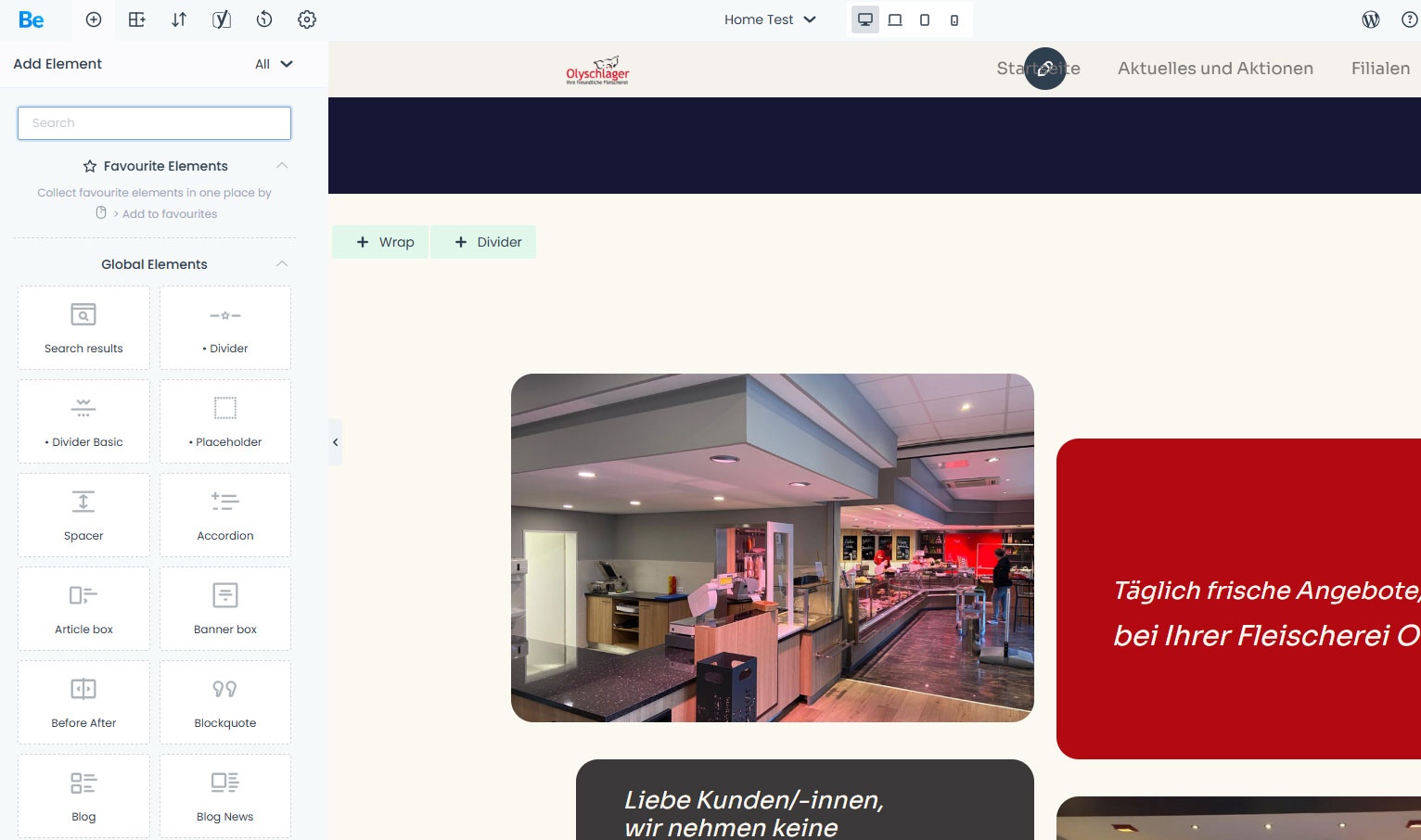
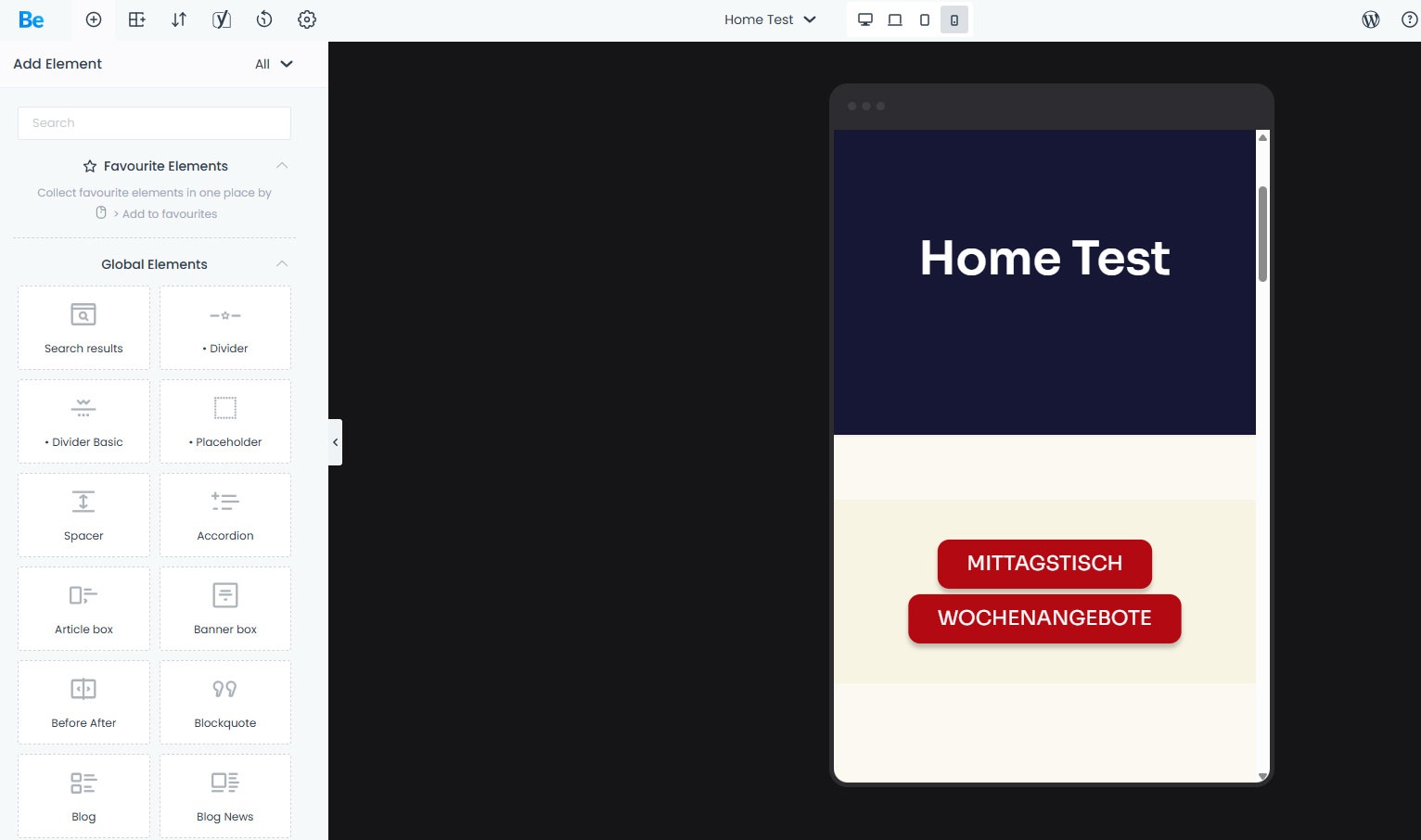
I'm currently trying out your video "Responsive Editing in BeBuilder". On the following website, [Links visible only for registered users] the top photos aren't displayed when I switch to mobile mode (see screenshot). Where can I change this?
Thanks and have a nice weekend!
Comments
Hi,
You set a section with these images to be hidden on the mobile:
You must show it again in the responsive settings for this section.
Best regards
Hi,
Can I configure the responsive settings for this section in BeBuilder as well? If so, where?
Sorry, I'm just starting to get to grips with BeBuilder.
Thanks
Please edit the section and go to Advanced -> Responsive:
There you can control visibility.
Best regards
Hi,
I'm only familiar with this screenshot from the Classic Themes. Where can I find this setting in BeBuilder? (See my attached screenshot.)
Thanks
You have to grab SECTION and switch to Advanced tab. This is where you will get all these options.
Sorry, but where do I find the Section section in Be Builder?
I haven't been working with Be Builder for very long; it's all new to me.
Thanks
This is a seciton:
Here you have advanced options:
Best regards