
Template all Tags and full image on phone

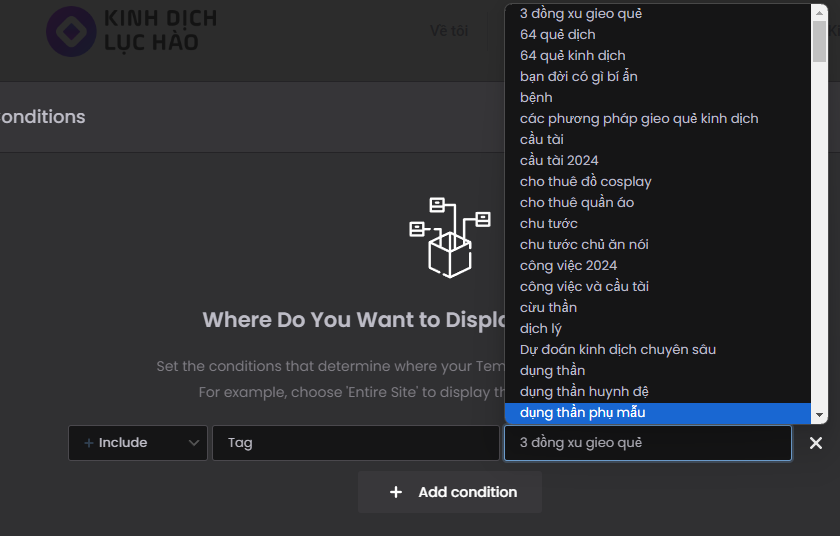
I want to design 1 Template for all Tags. When publishing, where should I select?
and
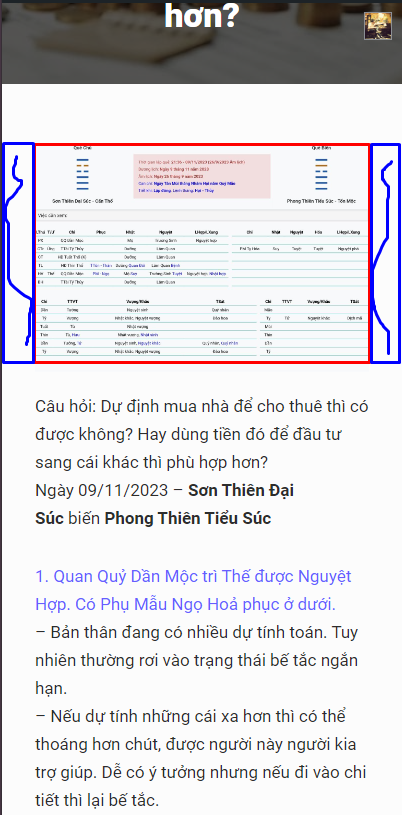
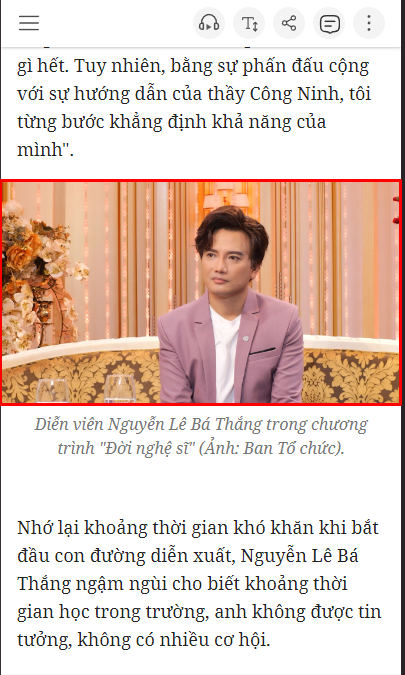
I want the image to be full when displayed on the phone.

I want to design 1 Template for all Tags. When publishing, where should I select?
and
I want the image to be full when displayed on the phone.
Comments
Hi,
Please always attach a link to your website so we can check it out. If the page is offline(localhost), then our help will be limited. You will have to contact us when the page is online. Also, please make sure that the page is not under maintenance before you provide us with the link.
Thanks
My website: [Links visible only for registered users]
Please edit your template and the section that contains the Post content element and set its width to Full Width.
Best regards
If I do that, both the content and the image will be full. But I only need the full image.
For example: [Links visible only for registered users]
On their website, mobile interface. Full image, not full content.
You can put the image in a separate section that will be full-width.
Best regards
It doesn't work.
Here, it's not full on both sides.
In such case, please send us the WordPress dashboard and FTP access privately thru the contact form, which is on the right side at [Links visible only for registered users] and we will check what might be the reason
Notice!
Please attach a link to this forum discussion.
Sending incorrect or incomplete data will result in a longer response time.
Therefore, please ensure that the data you send are complete and correct.
Thanks
in Edit with BeBuilder the image is Full width
However, when displayed outside, it is not full.
@Albert @Phil
No need to bump. You sent your message beyond our working hours, and we could not answer you.
Did you send WP dashboard access to your website?
We have not received anything from you yet.
Best regards
Sorry. I just sent you the contact information again. I look forward to your help.
In your single post template the section with the post content is not set to full width:
I have changed it to the full width:
Please check it out now.
Best regards