
Sold out "X" buton in sizes in single product

I want the product to display a button with the size one at the beginning, even before the customer clicks it, and to display a X on the number "M/L" to show that it is sold. Can this be done?
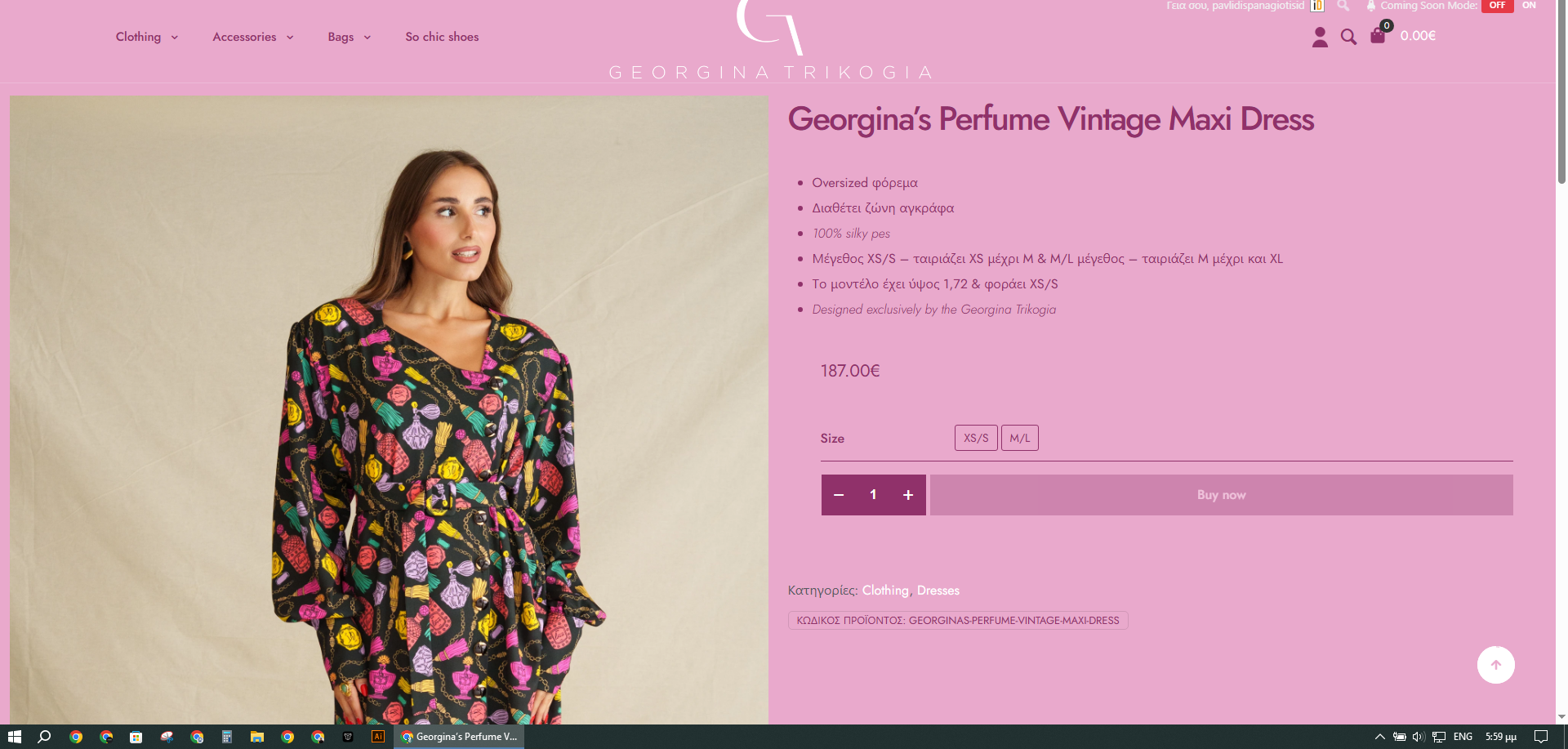

I want the product to display a button with the size one at the beginning, even before the customer clicks it, and to display a X on the number "M/L" to show that it is sold. Can this be done?
Comments
Hi,
Please always attach a link to your website so we can check it out. If the page is offline(localhost), then our help will be limited. You will have to contact us when the page is online. Also, please make sure that the page is not under maintenance before you provide us with the link.
Thanks
This is the page online. I also wanted to ask why sometimes the shop page doesn't display products. why?
also in mobile view related product and the products you might like have a lot of space on the left as if it has right alignment and not in the center. and it shows the syllabary without letters. if you can help me.
1) Try the following CSS code:
.single-product .mfn-product-add-to-cart .mfn-vr .mfn-vr-options li.disabled:before{
 content: 'X';
 position: absolute;
 transform: translate(18px, 5px);
 font-size: 25px;
}
Put it in Betheme -> Theme options -> Custom CSS & JS -> CSS.
2) Regarding products not being visible, please disable your plugins one by one (except WooCommerce) and see if the problem persists.
3) You have added a left margin to this element:
Please remove it.
https://support.muffingroup.com/video-tutorials/responsive-editing-in-bebuilder/
Best regards