
Revolution Slide for WooCommerce Shop

I am trying to do two things;
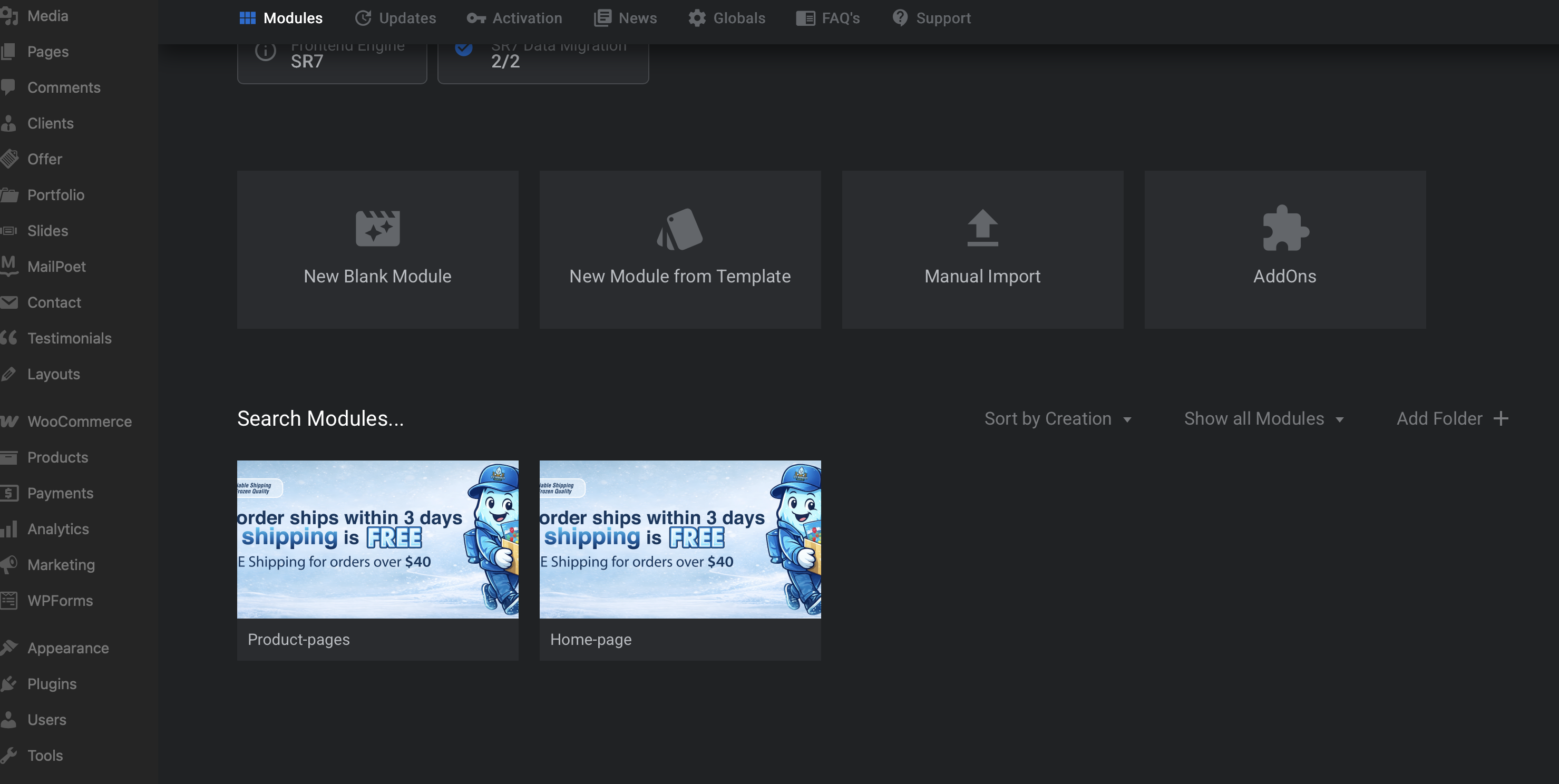
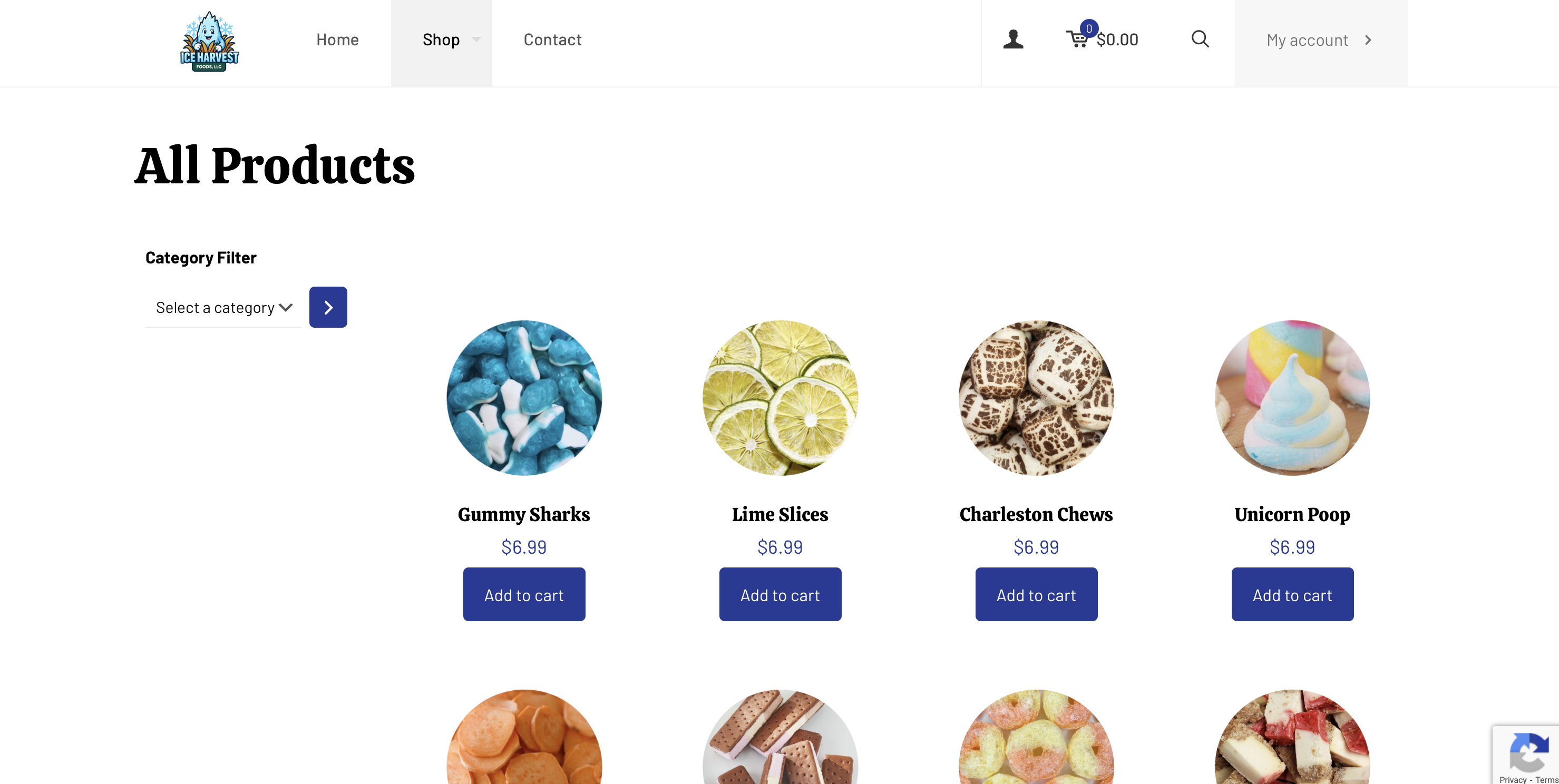
1) I am trying to add a slider for my woocommerce shop page, including all the category pages in the shop. I wanted the slider to be placed above the " All Products " "Fruits" "Candy" etc label(s)) When I attempted to implement it I lose my filter, and the page partition. I want the sliders from the home page and product pages to be separate from each other.
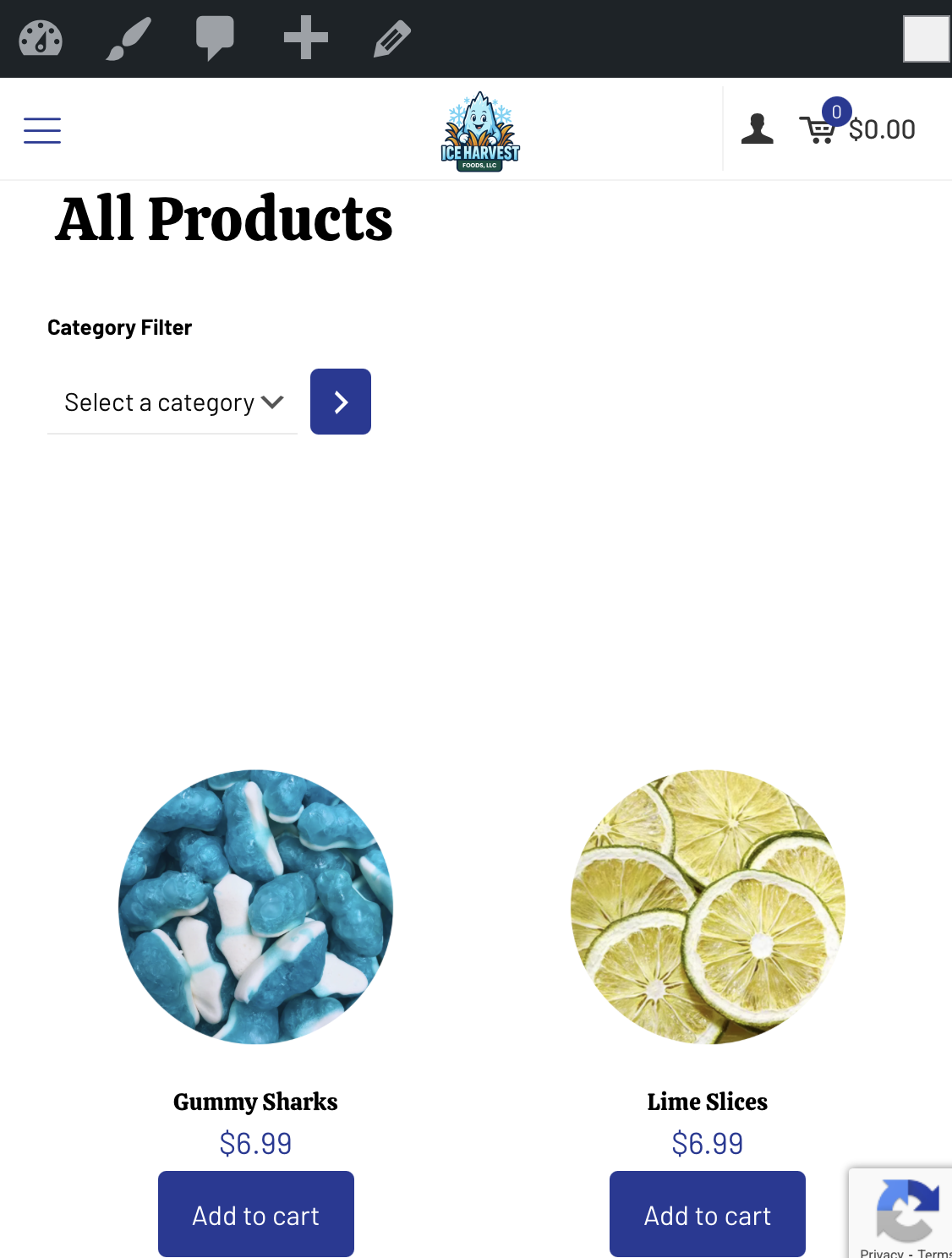
2) When viewing the product page in the mobile view. I can't figure out how to lower the category filter about an inch. I've been trying to adjust the padding and different offsets, but can't seem to find what I need.
Thankful for any assistance you can offer.
Comments
Hi,
Please always attach a link to your website so we can check it out. If the page is offline(localhost), then our help will be limited. You will have to contact us when the page is online. Also, please make sure that the page is not under maintenance before you provide us with the link.
Thanks
If need be, your login credentials are the same.
Aaron
1) Go to Betheme -> Theme options -> Shop -> General, and change the Slider to All:
2) Go to Appearance -> Widgets, edit the shop sidebar, and add a spacer element at the top.
Best regards
I changed the slider to all. What widget am I editing?
You should edit Plugin | WooCommerce widgets area:
Best regards
Attached)Almost there.... I think? I want "All Products" under the slider though, and my slider is overtop of the products.... when I added the spacer it affected all views.... web, mobile, tablet. I was looking to only move the sidebar in the mobile applications. Also, it's pushing everything down.
Now I do not see any slider in your shop page:
Also, I see only one widget in your sidebar, and there is no spacer there:
Anyway, you can try the following CSS code instead:
@media only screen and (max-width:767px){
 .woocommerce .mcb-sidebar .widget-area #block-10{
  padding-top: 30px;
 }
}
Put it in Betheme -> Theme options -> Custom CSS & JS -> CSS.
Best regards
I removed what I did because it destroyed my page, and the page is still active.
I will give that a try and report my results. Thanks