
H2 headings not rendering correctly in BeBuilder

Hi BeTheme Support,
I’m having an issue with my homepage built in BeBuilder.
When designing the elements, I inserted an H2 heading, but it doesn't appear properly when inspecting the page. The section visually looks like a heading, but appears as a styled/design element, rather than a true text-based output, and Google doesn't seem to recognize it as a readable H2.
In the inspector, I can see markup like:
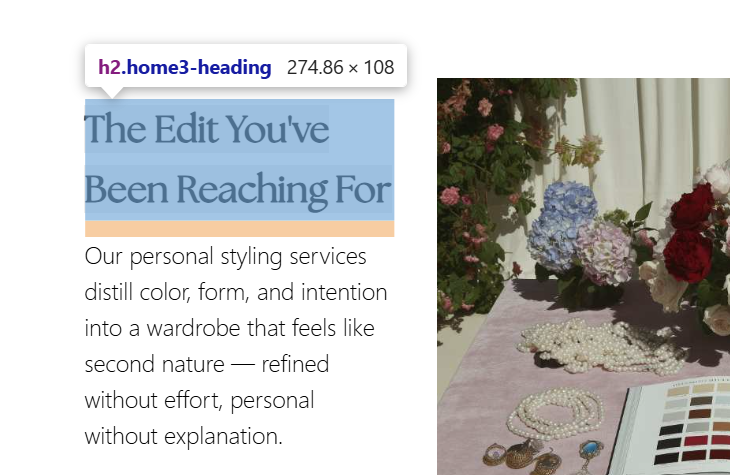
However, the heading does not display correctly on the page, and I’m concerned this is affecting how search engines interpret the structure of my homepage.
Could you please advise on how to add a heading output that's fully readable by search engines? and whether any theme CSS or font settings could be preventing the text from rendering correctly?
Thank you very much!
Comments
Hi,
Please always attach a link to your website so we can check it out. If the page is offline(localhost), then our help will be limited. You will have to contact us when the page is online. Also, please make sure that the page is not under maintenance before you provide us with the link.
Thanks
Hi,
Thanks for your reply! Here's the site - [Links visible only for registered users]
Cheers,
Sesily
I have used the following tool to check your website: [Links visible only for registered users], and it correctly counts all H2 headings used on your website.
The class has been added directly to this heading:
You can check if you see any difference when you remove it from this column text element.
Best regards