
Menu levels

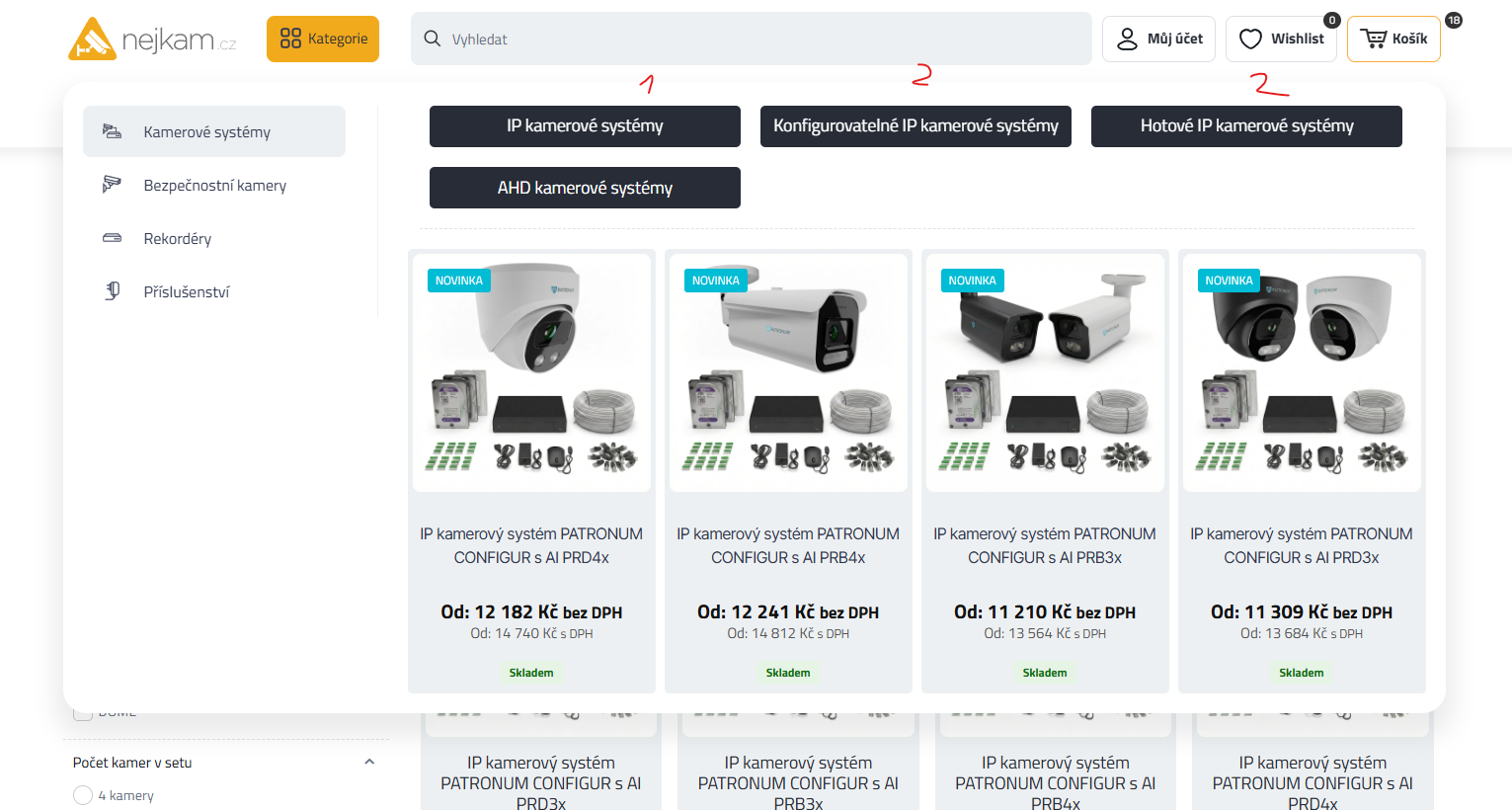
1) Hello, How in megamenu set this setting but only with 2th level categoorie, no subcategoriies in 3th level?
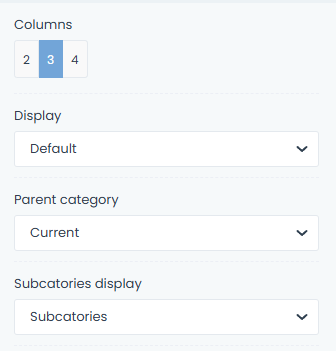
2) How set subcategoriees design form this
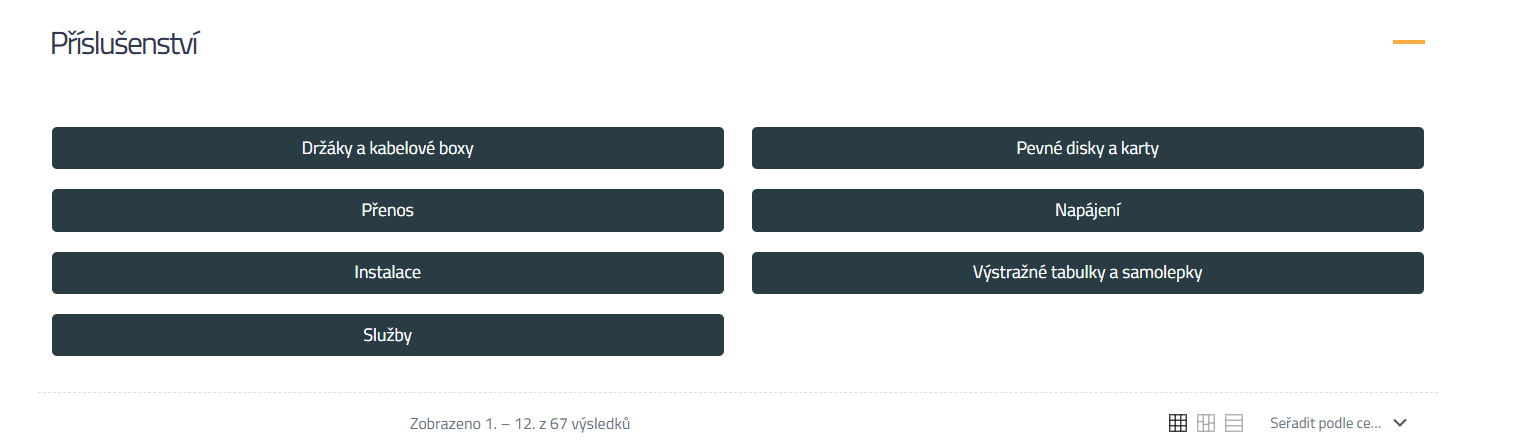
to
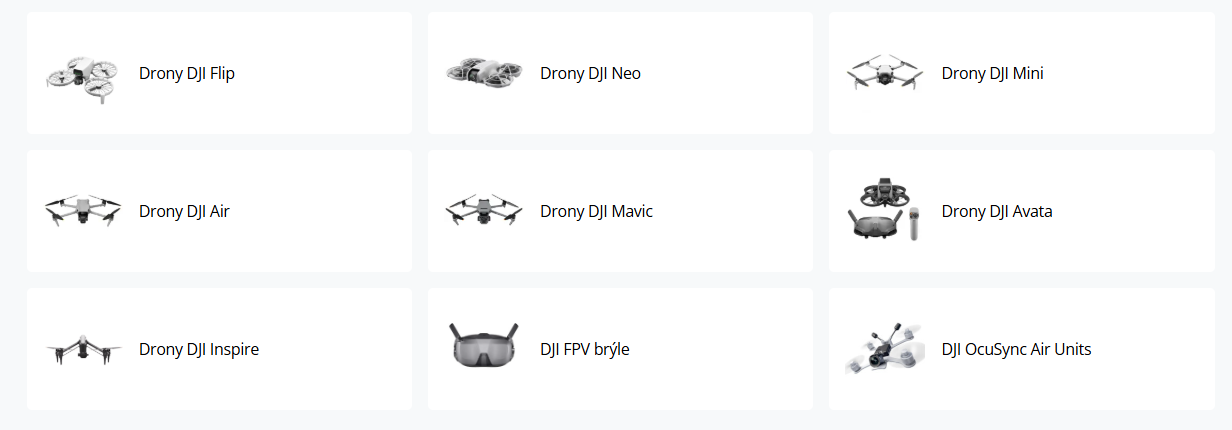
BTW columns count is same for dektop and responsive version, which it big pain:

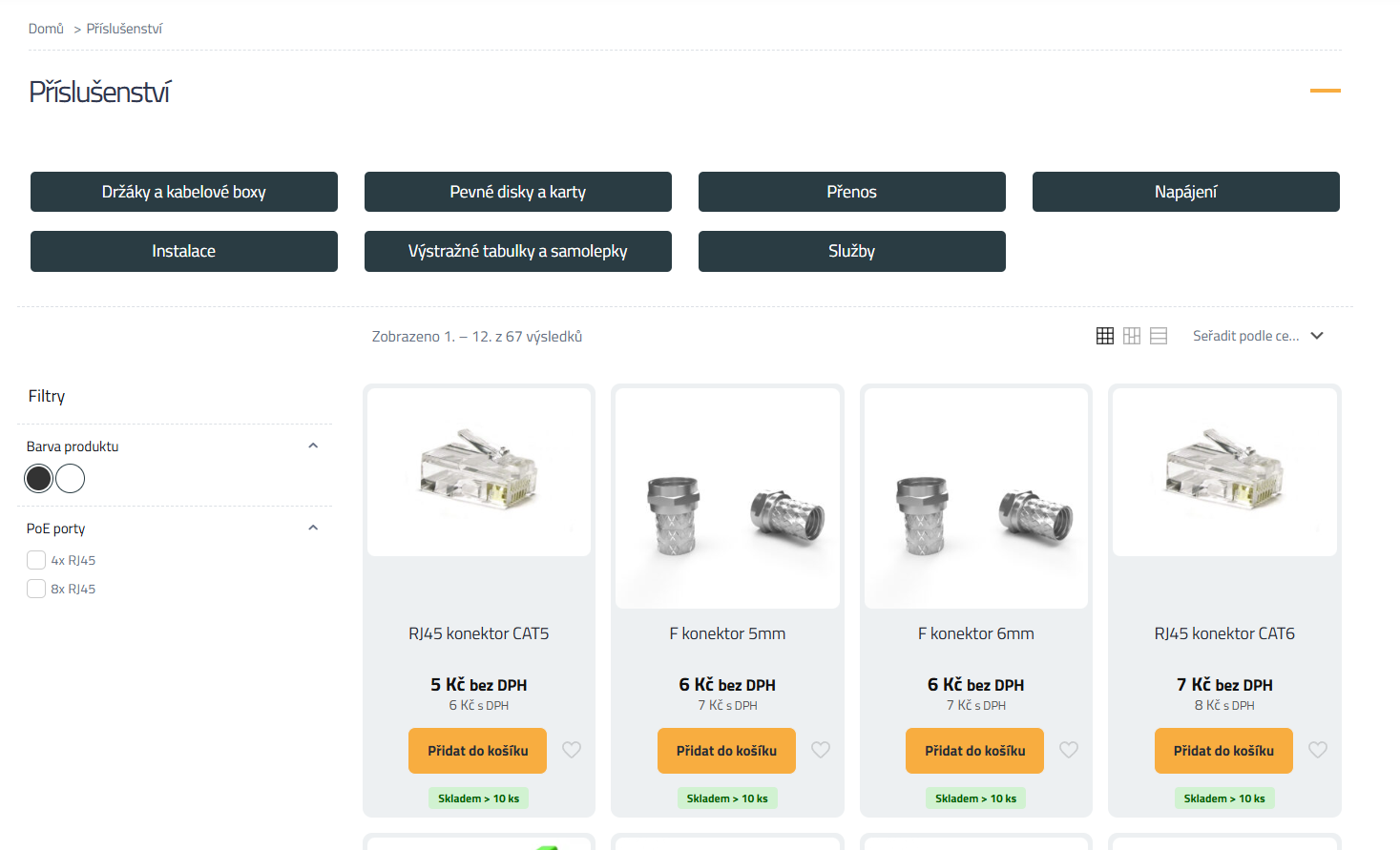
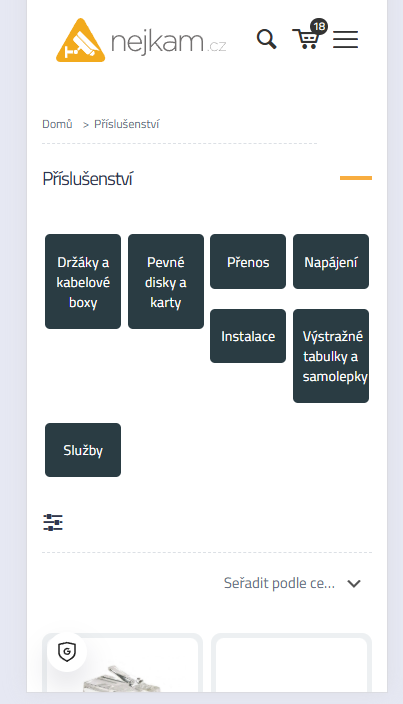
3) Megamenu gets stuck even when you don't have the cursor on it
Comments
Hi,
1) There is no option to limit that to a specific level. You can only choose to display the first level of the categories.
2) Set the image to Show in the Shop Categories element.
If you would like to set a custom number of columns, a custom CSS code is necessary at the moment.
3) Please always attach a link to your website so we can check it out. If the page is offline(localhost), then our help will be limited. You will have to contact us when the page is online. Also, please make sure that the page is not under maintenance before you provide us with the link.
BTW, the link you sent has access restricted.
Thanks
1) good tip for new feauture
2)OK, but without custom CSS cant looks like on my example?
3) www.nejkam.cz
[Links visible only for registered users]
2) You mean the image on the left, and the title on the right?
You can replicate that with the Query Loop.
[Links visible only for registered users]
3) The area on the left is still a part of the Mega Menu.
You would have to change the Mega Menu type to Custom, and set the width you need:
Best regards
2) triing to set friend, but cant set post type. Thnak you
Where are you editing this? Is it in the single product template?
Best regards
Nop, its shop template.
That is the reason. Query Loops used in templates are located to the type of the query loop. So if you edit the shop archive, then it will be locked to the products list.
If you enable an image in the Shop Categories element, I can check whether it can be moved to the left using custom CSS.
Best regards