
Sidebar menu+Filters Form

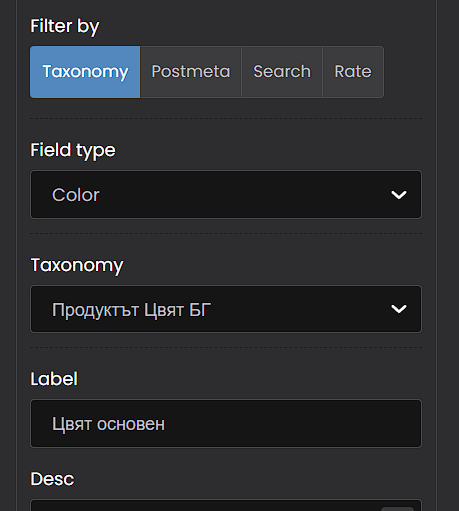
When using the Filter Form in BeTheme, the Color field type does not render the attribute color swatches correctly when the filter is placed inside the sidebar.
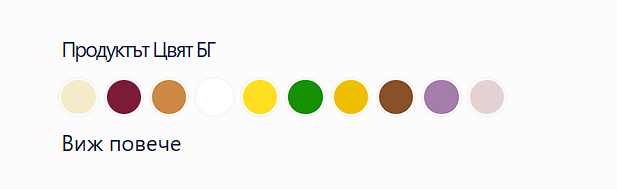
The same filter configuration, using the same WooCommerce attribute (e.g. color with defined swatches), works correctly in other locations (such as in the main content area or builder sections), where the colors are displayed as expected.
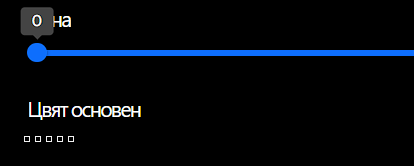
However, when the identical filter is rendered in the sidebar, the color swatches are missing and are instead shown as empty elements or plain text without styling.
This behavior has been tested and consistently reproduced, confirming that the issue is specific to the sidebar rendering context rather than the attribute or its configuration.
Comments
Hi,
Are the slugs of these attributes in the Latin alphabet? If not, it could be the reason.
If yes, and it still does not work, please send us the WordPress dashboard and FTP access privately through the contact form, which is on the right side at https://themeforest.net/user/muffingroup#contact and we will check what might be the reason.
Notice!
Please attach a link to this forum discussion.
Sending incorrect or incomplete data will result in a longer response time.
Therefore, please ensure that the data you send are complete and correct.
Thanks