
HELP DISPLAYING SIZE IN PRODUCT DESCRIPTION

I've tried to adjust the size but couldn't. Could you please guide me on how to display the size in the product description?
website:
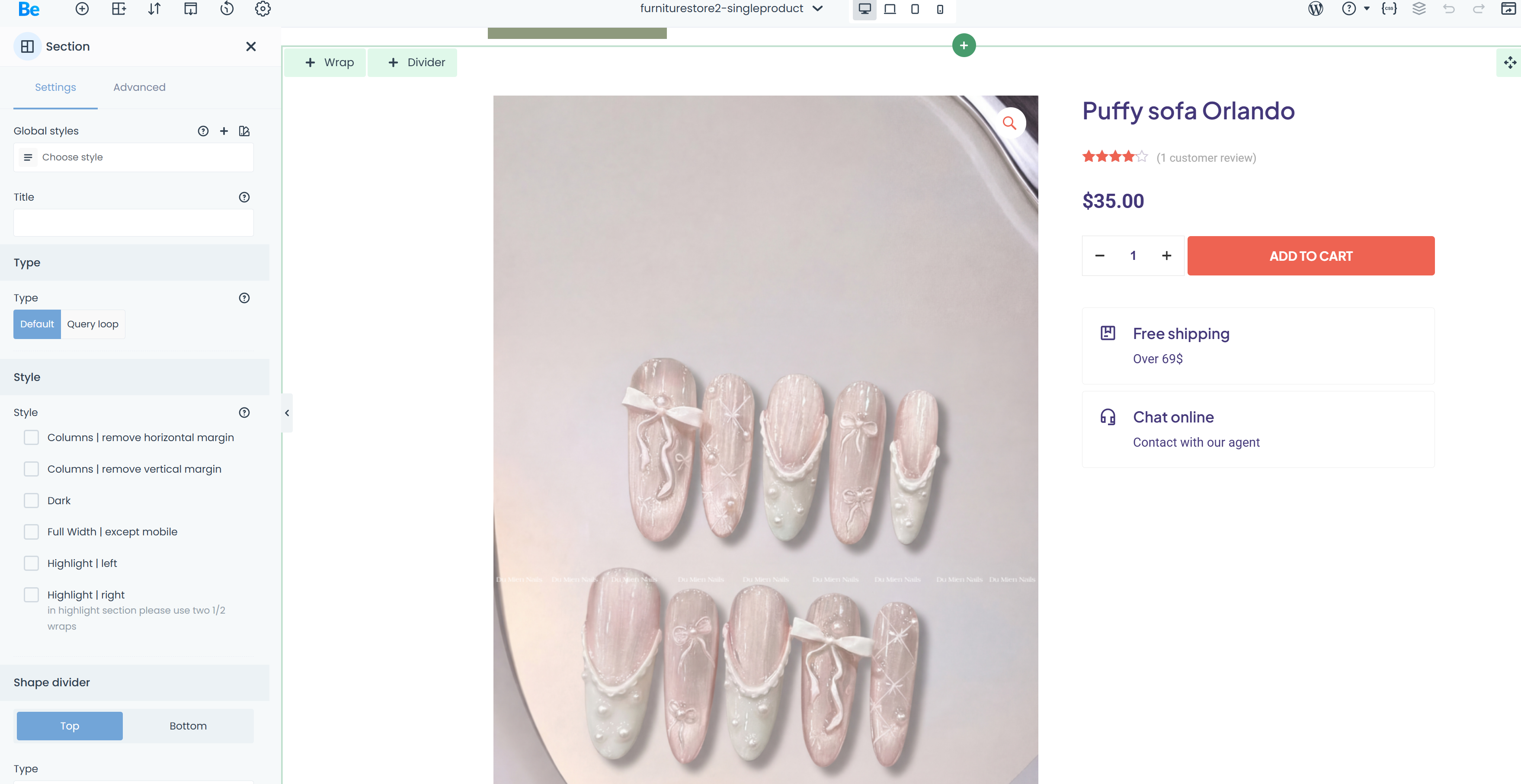
https://muoipressonnails.com/wp-admin/post.php?post=93&action=mfn-live-builder
Comments
Hi,
I am sorry, but I do not quite understand.
Can you describe it further, please?
Thanks
How can I display the available sizes for customers to choose from?
Please see the following video tutorial:
https://support.muffingroup.com/video-tutorials/how-to-use-woocommerce-attribute-swatches/
Thanks
That's great, but in this variant, can I use a drop-down menu? Because my product comes in many different sizes.
You can find more information on the website:
https://jessnailsart.com/products/copy-pinky-cyber-chrome-nails-design-by-jess-team
It must be an attribute if you want to display it like that.
If you want to have a dropdown, leave Display Type as Select:
Best regards
I want to create a banner like the homepage banner; could you send me a tutorial video?
my website: https://muoipressonnails.com/
I did not receive a response.
The options aren't showing up as instructed, please check for me.
Sorry, you wrote beyond our working time, and I could not answer you.
1) It has been done with Slider Revolution. You can find tutorials about this tool here:
https://www.sliderrevolution.com/faqs-and-tutorials/
2) Please send us the WordPress dashboard access privately through the contact form, which is on the right side at https://themeforest.net/user/muffingroup#contact, and we will check what the reason might be.
Notice!
Please attach a link to this forum discussion.
Sending incorrect or incomplete data will result in a longer response time.
Therefore, please ensure that the data you send are complete and correct.
Thanks