
Elements and Wraps Alignment Issue

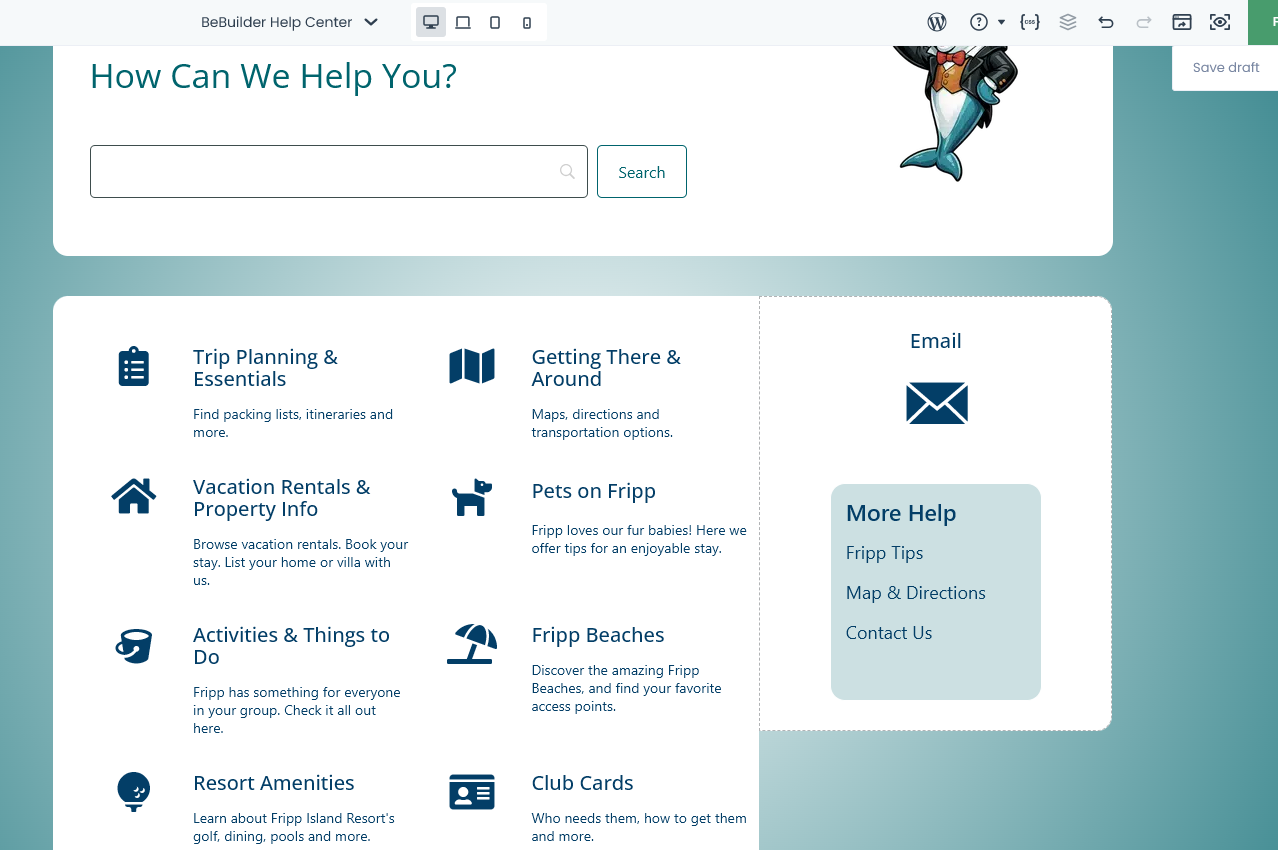
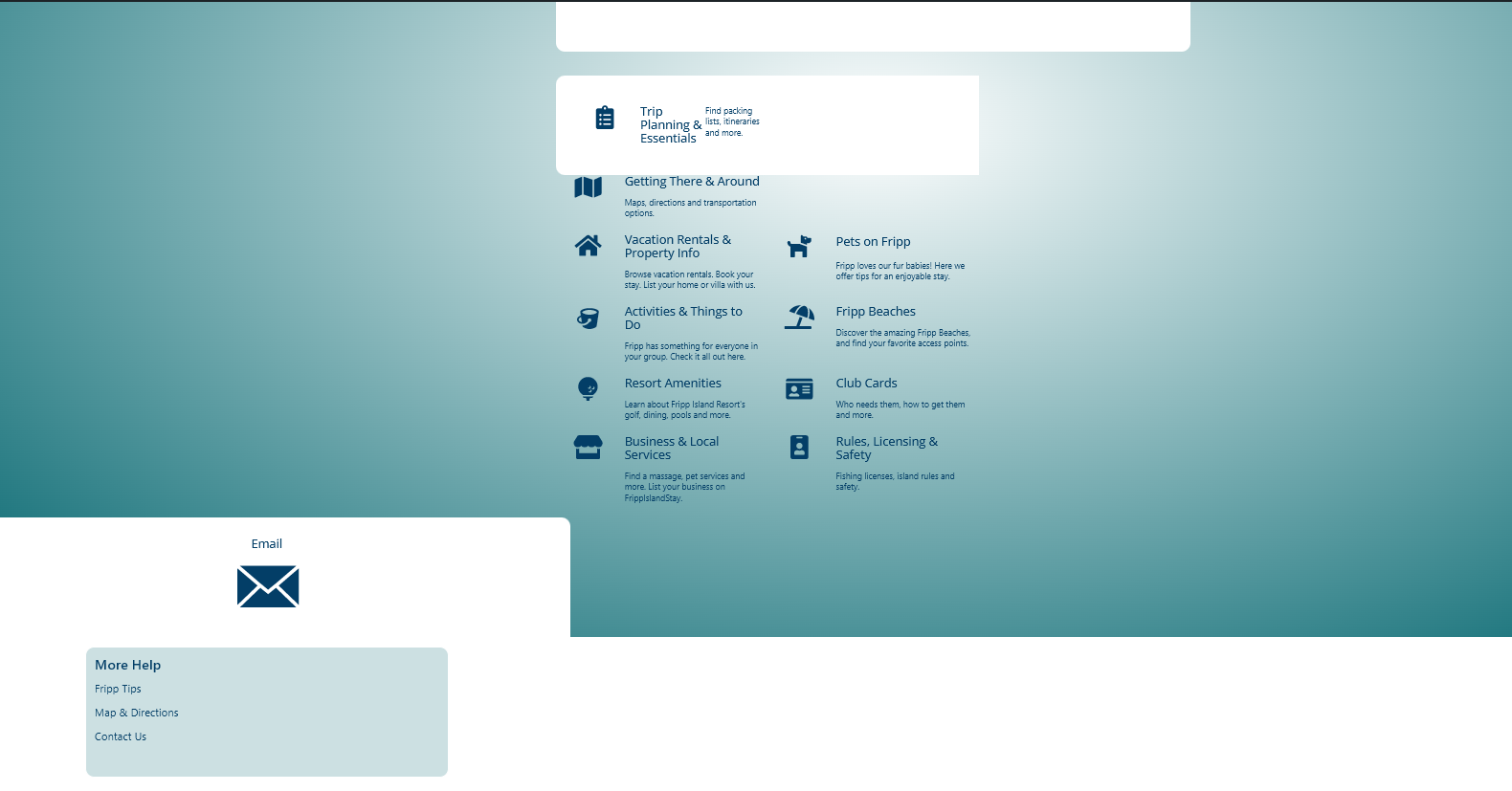
I don't know how to explain what's happening - my design in Bebuilder is not reflected in the Frontend of the page. The page is called Bebuilder Help Center. It is in draft mode. Page: https://frippislandstay.com/?page_id=156852 I will provide credentials.
Comments
Where can I provide login credentials?
Hi,
I received your private message with login credentials.
As I checked, the page looks exactly as it does in the builder as on the front:
But it all happens because you used HTML tags which are not placed and closed correctly:
You must correct all HTML tags on your page to prevent such problems.
BTW, there is no need to use inline CSS to adjust Title styles, as you can set that in the Style tab:
Best regards
Do you know where my missing elements went? Here's a new screenshot - all the other icon boxes are missing.
Most likely, they disappeared because of this incorrect HTML.
You can bring back your content with Revisions, but you must correct everything before saving the page.
https://support.muffingroup.com/video-tutorials/how-to-manage-revisions-in-muffin-live-builder/
Best regards
I will just have to rebuild it. The revisions didn't bring it back. I've chosen stretch in the Section Positioning settings but the wrap with Email icon box isn't stretching to be an equal height. How do I fix that?
Stretch in section options affects wraps only, and stretch in wraps affects columns only.
If you want to have icon boxes with equal heights, you must adjust them manually.
Best regards
I want the entire wrap on left and right to be the same height. I set the wrap to stretch but it isn't making the columns equal height.
I also added stretch in element vertical align. Still not equal.