
Search results not shown after View All Results is pressed

Hello BeTheme,
Unfortunately, the test site is local and I can't provide a link to it. But if necessary, I will add photos.
You can try to vist it on:
[Links visible only for registered users]
If prompted, enter the information below.
Username: authority
Password: guarded
It is shared from local computer and it will bi avalible only at work time - from 9 to 17 Bulgarian time, until this task is resolved. :) If seccesss, to see sidebar shrink browser windo a litle bit and dont scroll. Still not placed search form in scroll header part.
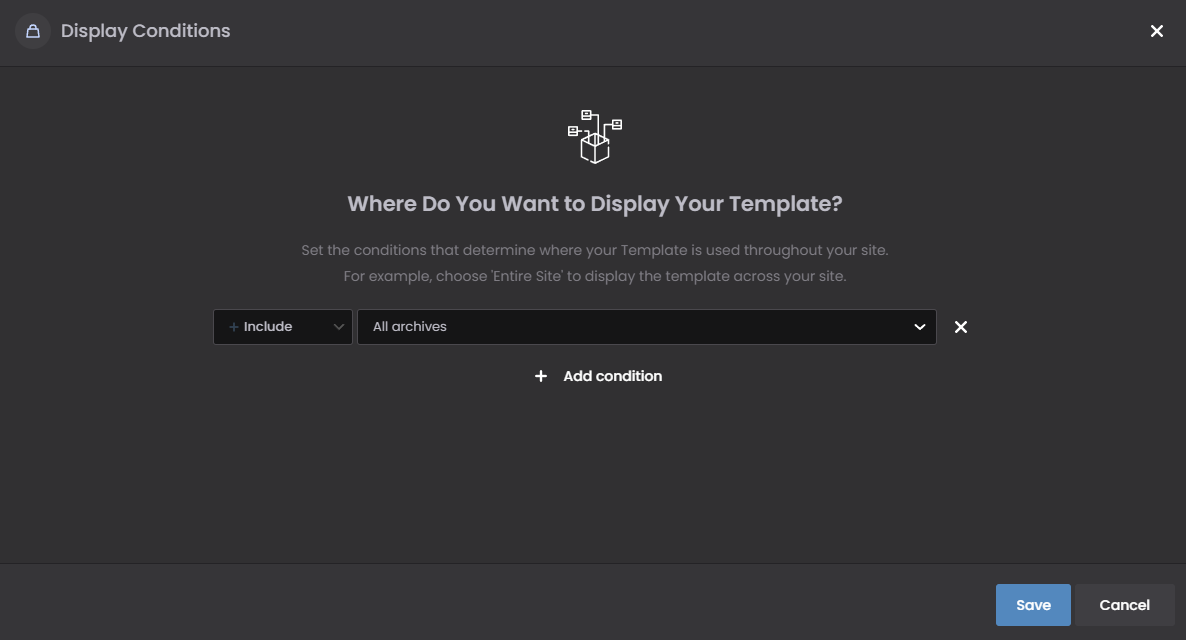
I have a template set up for the store's home page with a condition - Include > All archives
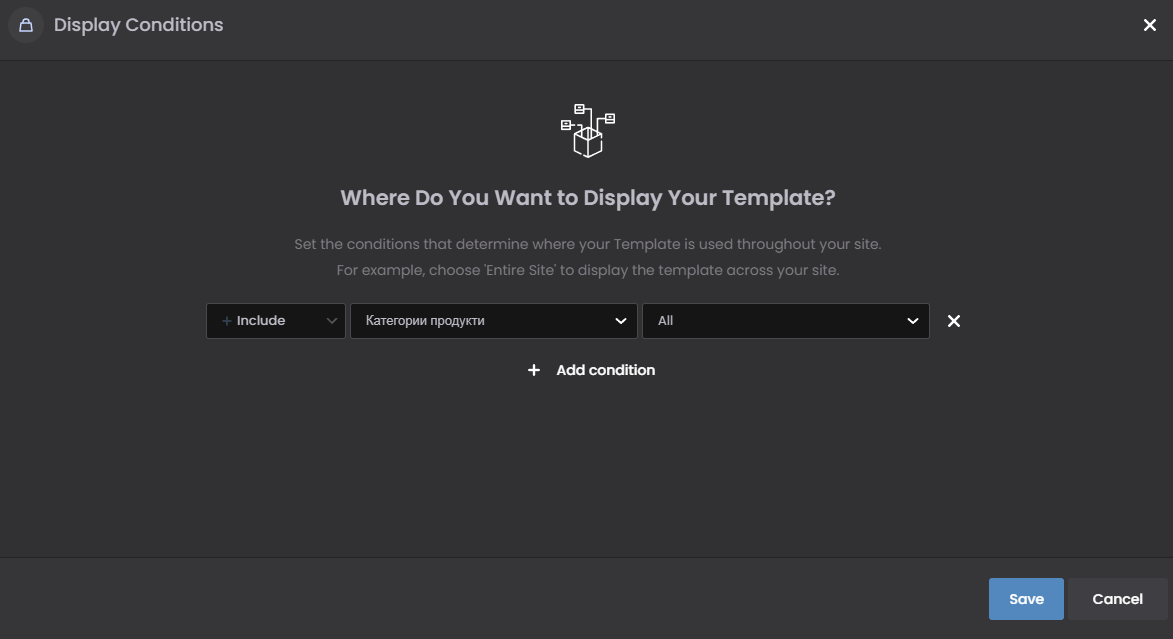
I also have a template for the product categories with a condition - Include > All categories
I have a search field that is set up to search only in products. I am looking for products that are certainly available and Live Search finds them, BUT:
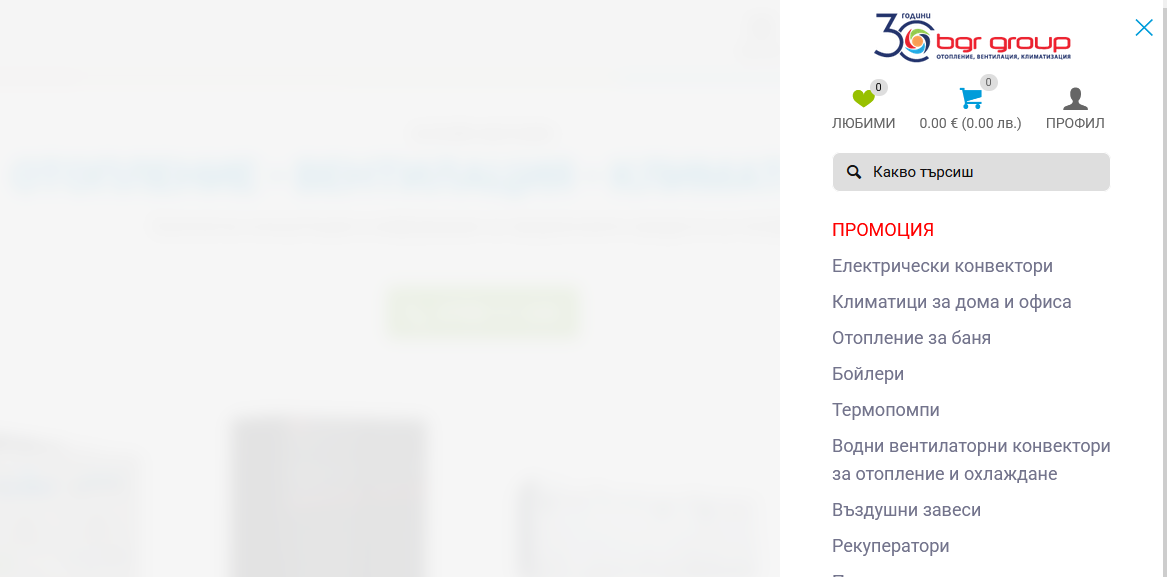
In Live Search, after pressing the - Show All button - the store's home page loads, the template that I made and there are no search results. I dont whant results in mobile Sidbar, but on page.

The same thing happens when I turn off Live Search, enter a search keyword and press Enter.
How can I set up a separate page, some condition in the templates or something else, so that the results page appears? I didn't see Search or anything like that anywhere in the Exclude conditions.
Comments
Hi,
Without at least a link to your website, it is hard to determine what is wrong.
Did you try creating a template for the search page?
Best regards
I dont have this option on testing or live website?
My theme version is 28.3
Please update Betheme to the newest version.
Thanks
Fine. After updating to 28.4.3, the Search template option appeared.
I created one and made it the default.
In the template conditions for the Мain shop page, I set it not to apply to the search template.
I did the same in the Product Categories template.
And yet the search results appear differently from the specified Search Results template!? There is categories and a sidebar displayed, but they are not includet in the Search results template, and it i set full with - no sidebar?
Settings:
Result:
Access to local site, that I shared in first post is valid if it works for You.
In the admin side over Search template option there is a message like:
.... You can also create a special store template specifically aimed at search results by configuring the display conditions that appear after saving your store template in BeBuilder.
So is there place where I can see, read and understand how to set the template conditions for Woocommerce to display what I set in the template, and not an unpredictable result?
Or can you explain this for me and other users, please.
Also it will be less confusing for users like me if Albert create a short tutorial movie about this future :).
I think I resolved my case, but not understand the logic behind!? So confused
I really not understand what is for this Search template, that You mention like problem. When I turned it off and made Another Shop Archive Template, with Condition >Include Search Page - All works like I expect:
Result without sidebar and categories:
So when we should use this Search template? What is its application?
The explanation is at the top of the tab Search in templates:
I did not understand your struggles at the beginning fully, and I did not have a link to your website, which is why I made a guess by creating a search template. Anyway, I am glad that you found a solution and that it is working for you properly
Best regards
Ok. Thank You again for Your time.
But for me this - Explanation at the top of the tab Search in templates - was not clear enough. Probably will be confused for more users, too.
Hope You will make it more informative, with some example use cases and will include this information in Documentation, in future. This will be another pros for BeTheme against many other themes that are not so well documented.
Best Regards,
BGR Group
Thanks for the suggestion.
We will try to make this message more informative.
Best regards