
Cookie Consent is not showing on website, even after enabling it

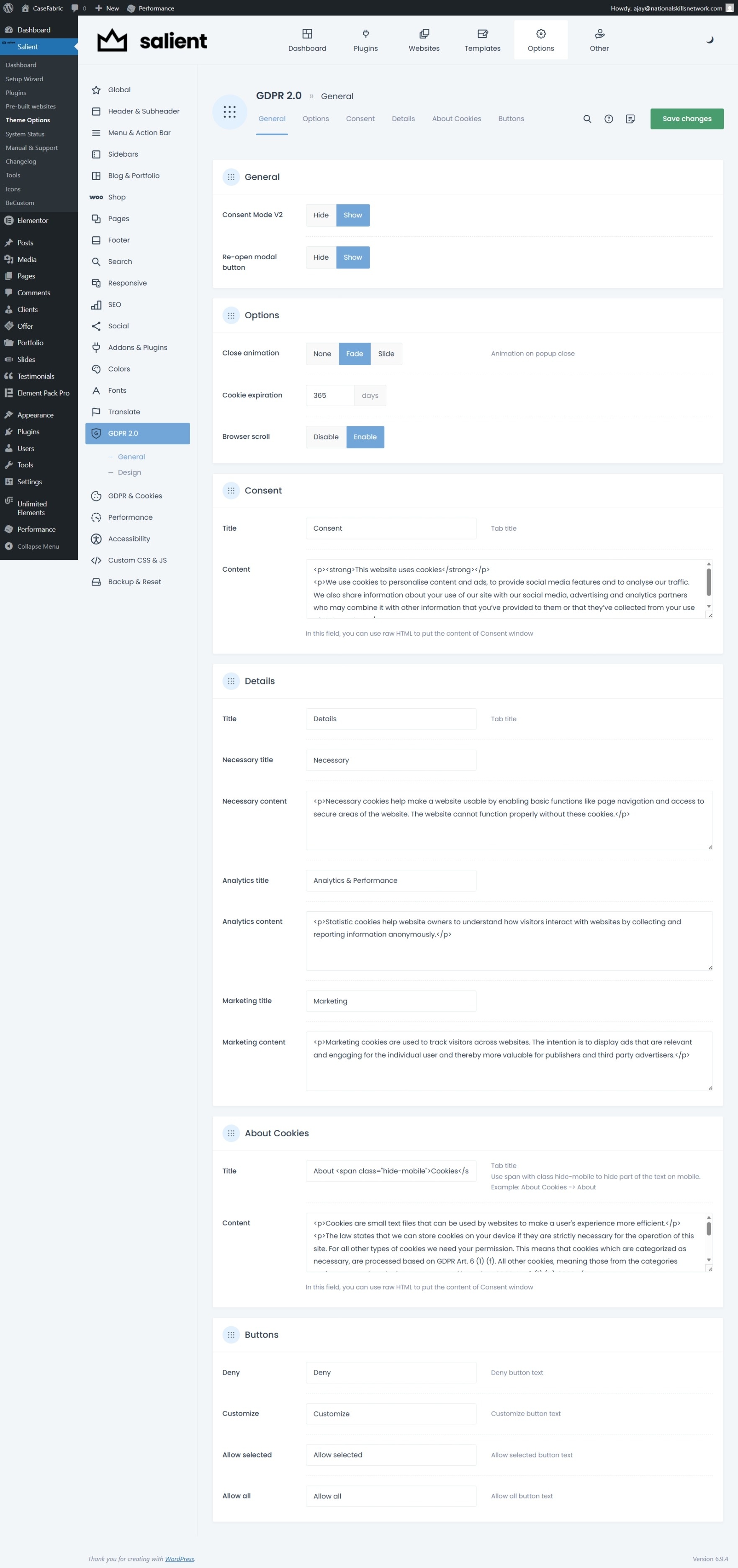
I have enabled GDPR 2.0 on my site, and made it "show" from the options I have in GDPR, but I didn't see a consent popup or anything related to cookies consent, please check the attached screenshot as well.
There are no issues with any other plugins, I already deactivated unnecessary plugins.
Presently am working on my temporary domain, once we done with our website creation we will move to original domain.
Please resolve this issue asap. (I used Becustom plugin to change the title of the plugin etc, based on our requirement)
https://indigo-pheasant-830734.hostingersite.com/
Comments
Hey,
Please send us the WordPress dashboard and FTP access privately through the contact form, which is on the right side at https://themeforest.net/user/muffingroup#contact, and we will check what the reason might be.
Notice!
Please attach a link to this forum discussion.
Sending incorrect or incomplete data will result in a longer response time.
Therefore, please ensure that the data you send are complete and correct.
Thanks
shared the login details.
I disabled plugins we do not support, and GDPR appeared:
I found out that it is caused by the PRO Elements plugin.
Best regards
What are the other ways to resolve this issue? I need to use PRO Elements plugin; is there a way we can get to know what exactly is the root cause?
Please contact the plugin authors regarding this issue.
Best regards
Check once, I installed now Elementor Pro from my friend, activated Elementor Pro and deactivated it and checked, when it is deactivated, the cookies consent is showing and when Elementor Pro is activated the issue is still there, please check.
To check that we will need FTP access as well.
Please send another message with complete data.
Thanks
Shared the details.
FTP credentials you sent do not work:
Are you sure that they are correct?
You did not include the host address, so I used a link to your site.
Best regards
ftp.indigo-pheasant-830734.hostingersite.com this is hostname
It still does not work, unfortunately:
did you try username without: "u595329228" this? I mean to say try username: ajaykumar
I tried both: with, and without this part:
Best regards
sent new details.
Still no difference:
Do you not have any regional restrictions set on your server?
Best regards
let me know if we can connect any other way
I am sorry, but I do not get what you mean by "connect any other way". Can you explain that, please?
Did you check the FTP credentials you sent to see if they work for you? Did you check if you do not have regional restrictions on your server?
Best regards
Please check the attached screenshot
as we have temporary domain, our hosting provider is saying we can't access FTP.
Can we create a copy of your website with the Duplicator plugin to put in our environment to dig in the files?
Best regards
yes
please do.
Please check your website now.
Best regards
Thank you, now I can see the cookie popup, and minimum how many days I can store it. What is the root cause of this problem? How was it resolved? What steps were taken to address it? Is it likely to recur?
We had to adjust theme files to make it work properly with Elementor Pro configured as yours. After we moved your website to our environment, we had access to the files so we could perform appropriate troubleshooting.
After correcting it on our end, we uploaded the corrected theme package to your domain.
It is not likely to recur as it will be fixed in the upcoming Betheme.
Best regards