
Insert an area with text, similar to a pop-up

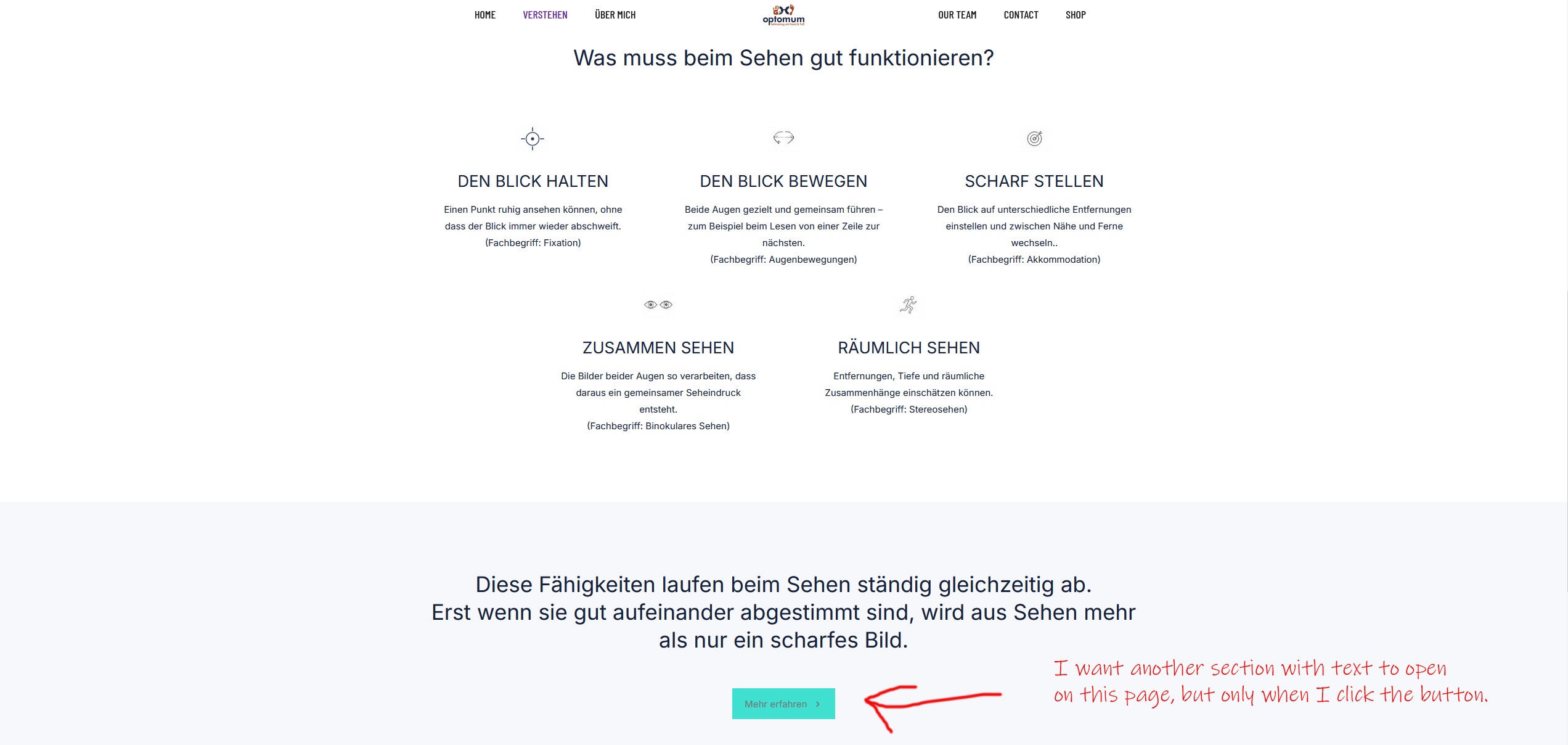
I want another section with text to open on this page, but only when I click the button. How do I do that?
I want another section with text to open on this page, but only when I click the button. How do I do that?
Comments
Hi,
to open content in popup, you need to create popup first with our Popup Builder tool and later, you need to set "Open popup" option and set the right Popup ID.
Hi,
I did that, but I can't find an ID for the pop-up anywhere.
Best regards
From what I can see, you've excluded ALL SINGULARS while page where you would like to use popup is actually singular.
OK, I've now created another pop-up with different options. But I still can't find an ID there that I can link to my button. Can you please help me?
Hi,
Please edit your popup template, and in the popup settings, ensure that the Display trigger is set to On Click. Below that, you can find the popup ID:
Best regards
I did that. Still, it tells me that this ID can't be found.
Best regards
Please send us the WordPress dashboard access privately through the contact form, which is on the right side at [Links visible only for registered users] and we will check what might be the reason.
Notice!
Please attach a link to this forum discussion.
Sending incorrect or incomplete data will result in a longer response time.
Therefore, please ensure that the data you send are complete and correct.
Thanks
I figured out on my own that it was due to the page settings. That settles the matter. Thanks for the help.
Best regards
I am happy to see that you handled it.
Best regards