
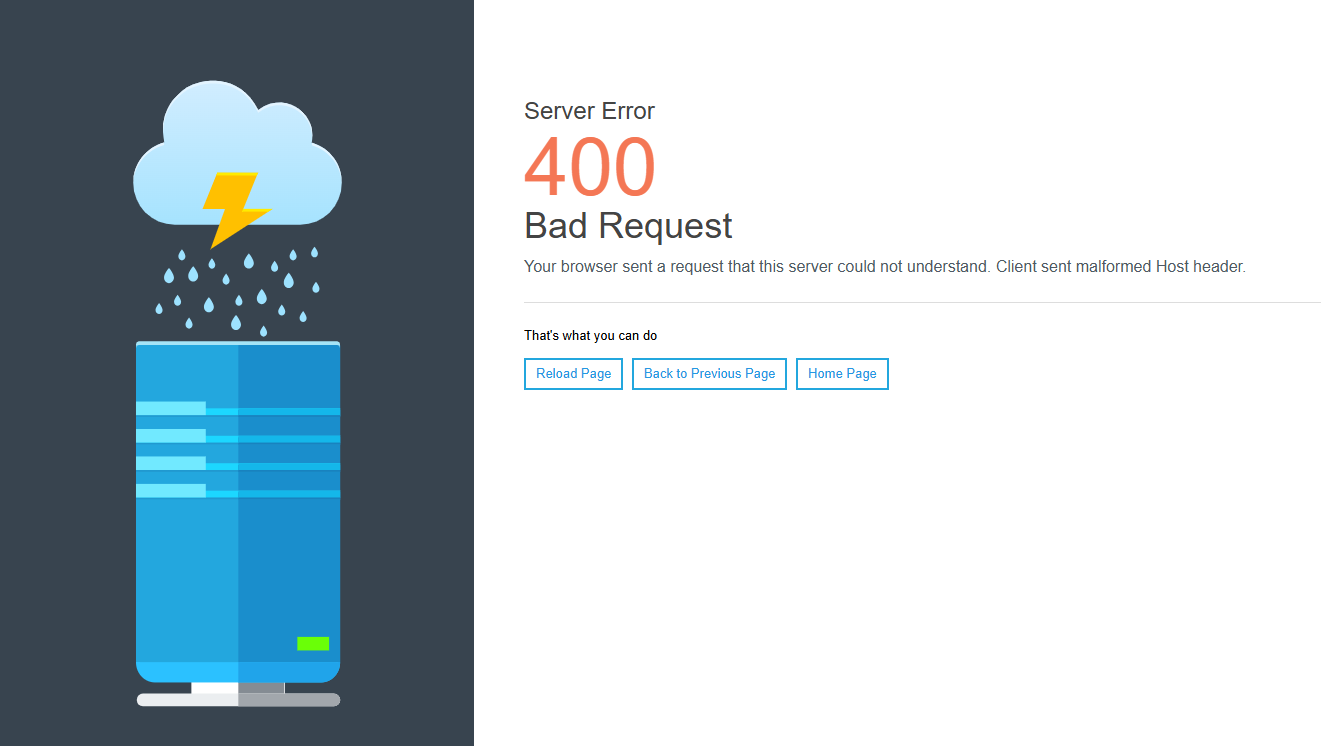
400 Error wont let me make ANY change

hello. I have an issue regarding our newly installed BeTheme on [Links visible only for registered users]
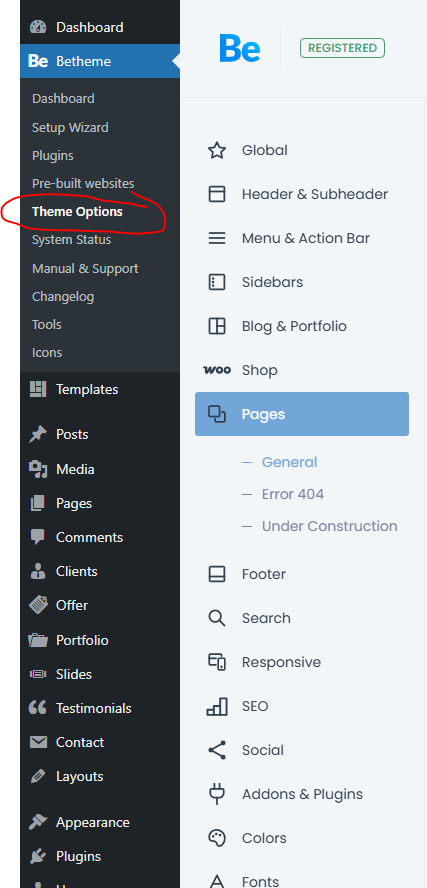
ISSUE: any change I do and click Save Changes, on Betheme/Theme Options takes me to 400 error page. This is crucial for us finishing the website.
Please help! see 2 screenshots below
Comments
Hello,
Please, turn off all of the plugins, refresh your cache, and check if the problem persists.
Moreover, please contact your hosting provider to check this out, as it might be a server issue as well.
Thanks
I refreshed and cleared cache. no change.
could you please be more specific? what is the right question I need to address the hosting provider so that he can look into the exact issue?
Did you disable your plugins as well?
Explain what is happening just like you did in the first message here. You can ask whether they see anything in the server logs, and whether you have any active tools on the server that could block that.
Best regards
hosting provider said The following entries can be found in the error logs for the domain and that The logs clearly show that the plugin appears to be compromised and is therefore being rejected.
[Mon Dec 01 18:46:09.682431 2025] [security2:error] [pid 451589:tid 140639945602816] [client 31.217.165.0:60232] [client 31.217.165.0] ModSecurity: [file "/etc/httpd/conf/modsecurity.d/rules/tortix/modsec/20_asl_useragents.conf"] [line "124"] [id "334703"] [rev "4"] [msg "Atomicorp.com WAF Rules: WinHttp.WinHttpRequest.5 known worm sign detected"] [severity "CRITICAL"] Access denied with code 403 (phase 2). Pattern match "WinHttp\\\\.WinHttpRequest\\\\.5" at REQUEST_HEADERS:User-Agent. [hostname "anahita-music.com"] [uri "/wp-json/wp/v2/users"] [unique_id "aS3UYat1KueYyfv4RGFoSwAAAAU"]
[Tue Dec 02 01:16:55.972808 2025] [security2:error] [pid 2767821:tid 140639584716544] [client 138.199.40.0:25956] [client 138.199.40.0] ModSecurity: [file "/etc/httpd/conf/modsecurity.d/rules/tortix/modsec/51_asl_rootkits.conf"] [line "40"] [id "390501"] [rev "4"] [msg "Atomicorp.com Malware Script Blacklist: Known Malware detected in Request Filename"] [data "wso.php"] [severity "CRITICAL"] Access denied with code 404 (phase 2). Match of "rx ^/.well-known/acme-challenge/" against "REQUEST_FILENAME" required. [hostname "anahita-music.com"] [uri "/zwso.php"] [unique_id "aS4v97k7qlNjBaLK9kCwwwAAADA"]
[Tue Dec 02 01:17:01.226512 2025] [security2:error] [pid 2778851:tid 140639811319552] [client 138.199.40.0:26536] [client 138.199.40.0] ModSecurity: [file "/etc/httpd/conf/modsecurity.d/rules/tortix/modsec/51_asl_rootkits.conf"] [line "40"] [id "390501"] [rev "4"] [msg "Atomicorp.com Malware Script Blacklist: Known Malware detected in Request Filename"] [data "wso.php"] [severity "CRITICAL"] Access denied with code 404 (phase 2). Match of "rx ^/.well-known/acme-challenge/" against "REQUEST_FILENAME" required. [hostname "anahita-music.com"] [uri "/.wp/wso.php"] [unique_id "aS4v-a6ekDINJ5hF@2pqvAAAAFU"]
[Tue Dec 02 01:17:24.500581 2025] [security2:error] [pid 2781398:tid 140639945602816] [client 138.199.40.0:20932] [client 138.199.40.0] ModSecurity: [file "/etc/httpd/conf/modsecurity.d/rules/tortix/modsec/51_asl_rootkits.conf"] [line "40"] [id "390501"] [rev "4"] [msg "Atomicorp.com Malware Script Blacklist: Known Malware detected in Request Filename"] [data "/udd.php"] [severity "CRITICAL"] Access denied with code 404 (phase 2). Match of "rx ^/.well-known/acme-challenge/" against "REQUEST_FILENAME" required. [hostname "anahita-music.com"] [uri "/modules/mod_simplefileuploadv1.3/elements/udd.php"] [unique_id "aS4wFCHQ-QOkAlYsTxmKGgAAAUU"]
They said they cant fix such issues.
we're not sure what went wrong. we just bought the domain, installed WP then Bought Betheme and installed it.
If Betheme was downloaded from [Links visible only for registered users], we guarantee that it has been verified and does not contain any security issues. The above messages may come from any source - possibly triggered by one of the plugins. Please indicate the specific code fragment that, according to the hosting provider, these messages refer to. If ModSecurity is incorrectly configured on the server, it is best to disable this module, as it often produces false-positive alerts.
Best regards