
save BeTheme options causes server error 400 when using PHP higher 8.2

Hello,
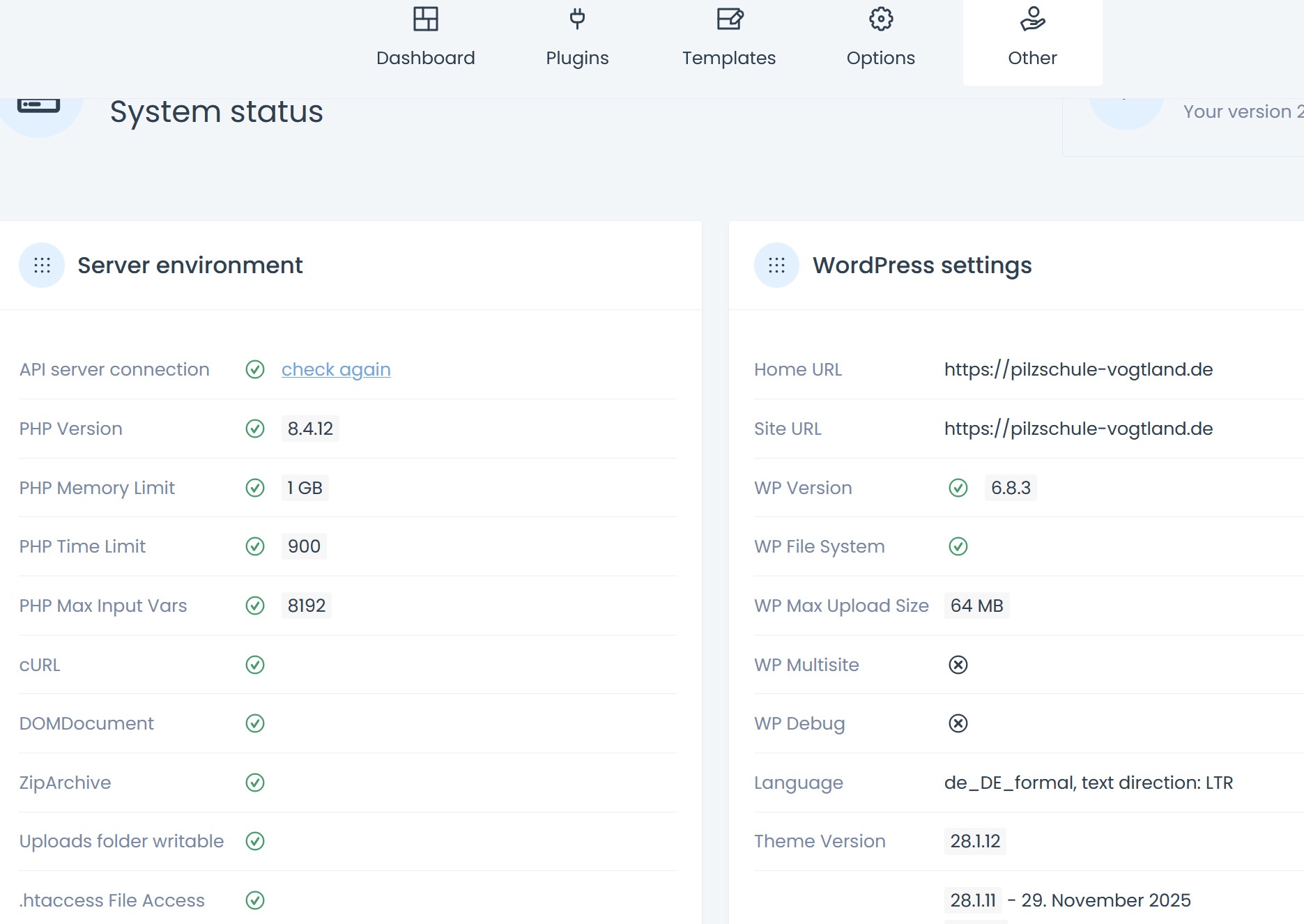
I am responsible for managing several WordPress installations with BeTheme. All installations are running WordPress 6.8.3 and BeTheme 28.1.12. Some web servers can currently only use PHP up to version 8.2, while others are running PHP 8.3 and 8.4.
At the moment, when I access the BeTheme options and try to save them, I receive a 400 server error.
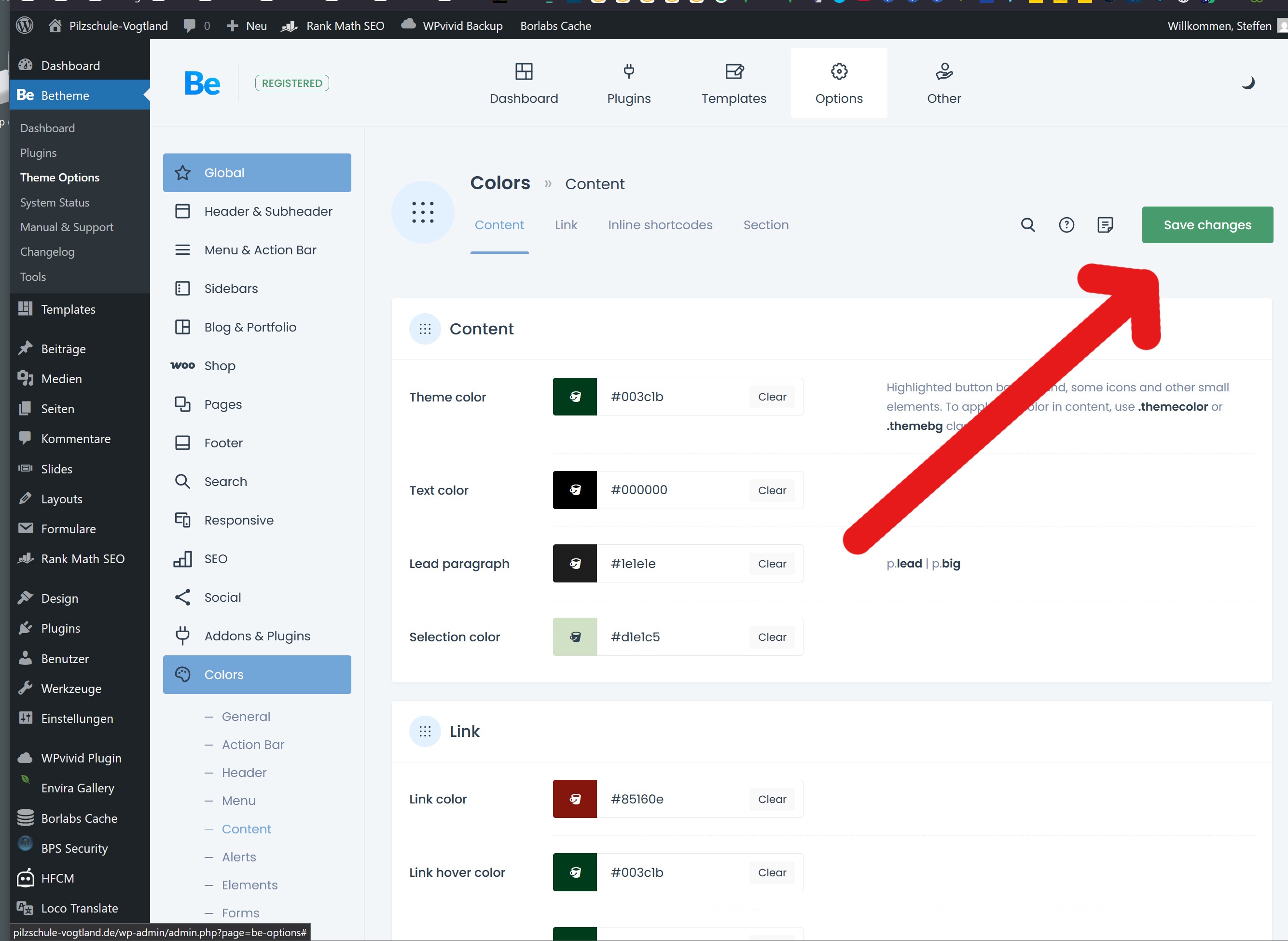
On one installation, I was using BeTheme 8.1.3 – with this version, there was no 400 error. After updating to 8.1.12, the 400 server error also occurred on this installation.
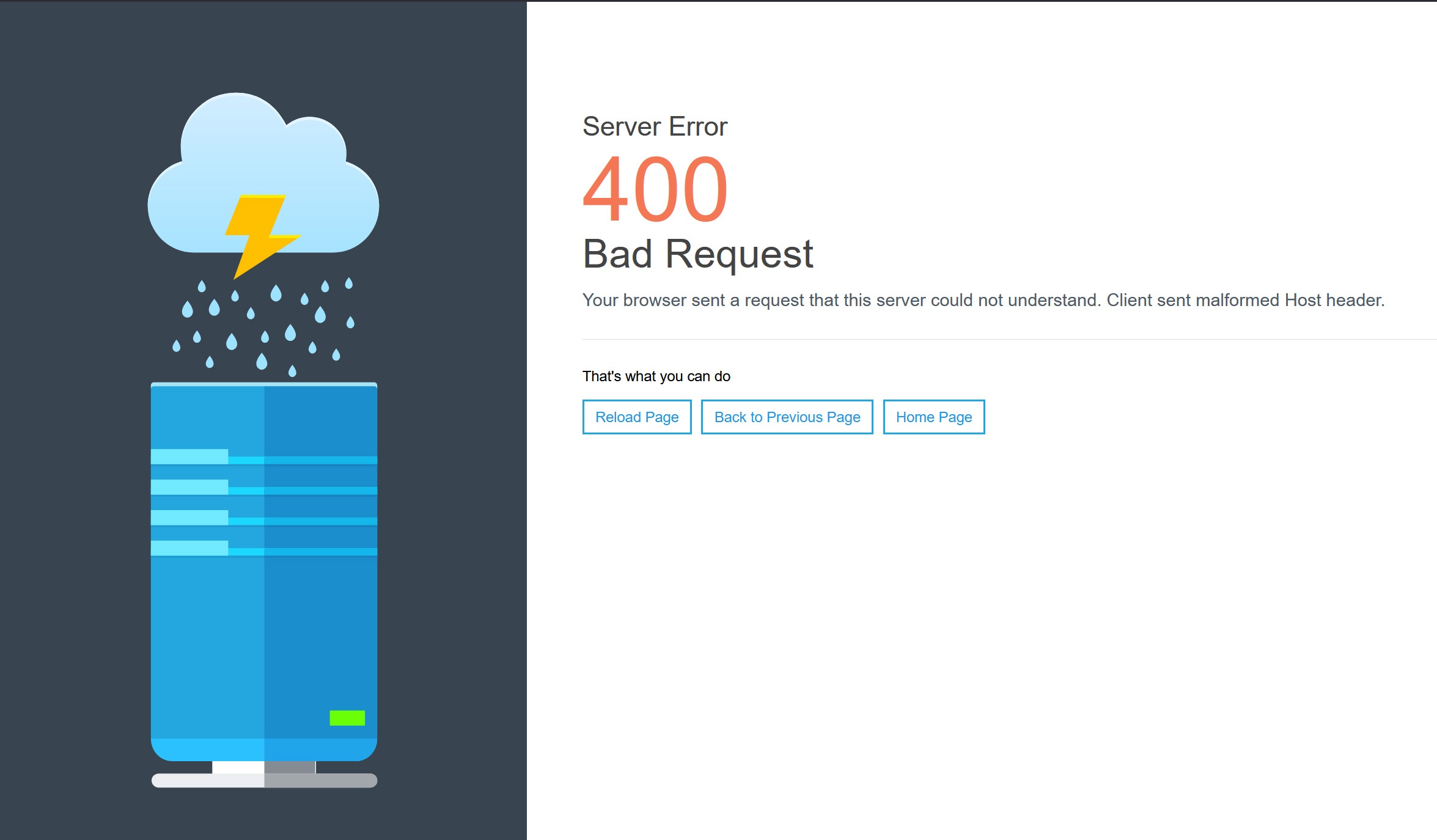
As far as I can tell, the 400 error only appears when you are in the BeTheme options and attempt to save changes.
On all web servers using PHP 8.2, saving the BeTheme options works without any issues.
I am happy to provide access to the backend if needed.
Kind regards,
Steffen
Comments
Hey,
Please send us the WordPress dashboard and FTP access privately through the contact form, which is on the right side at [Links visible only for registered users] and we will check what might be the reason.
Notice!
Please attach a link to this forum discussion.
Sending incorrect or incomplete data will result in a longer response time.
Therefore, please ensure that the data you send are complete and correct.
Thanks
I received your private message, but the FTP credentials you sent do not work:
Are you sure that they are correct?
Best regards
Hello,
Please accept my apologies for the incorrect FTP login details. I will send the correct and recently tested login credentials via private message without delay.
Kind regards,
Steffen Schmidt
No worries, mistakes happen and sometimes in pairs, just like now. 😅
New credentials you sent do not work either:
Please check that.
Thanks
Hello,
are there any updates regarding my BeTheme issue?
Kind Regards,
Steffen
I am still receiving the following error:
Are there any particular steps I should take to access the FTP?
Thanks
Hm, is there a Problem with the password and UTF-8?
I will create a login only with Numbers and digits. This need some time. I will send the new FTP login in private message.
Kind Regards,
Steffen
Thanks, credentials from the last private message finally worked.
We checked the PHP logs on the server after enabling WP Debug. The only errors found there are those from external plugins:
Unfortunately, we cannot test this after disabling them because there is some kind of cache on the server that we do not have access to. Even after disabling these plugins, they remain active, as shown in the screenshots below:
[Links visible only for registered users]
[Links visible only for registered users]
Best regards
Hello,
I use a test installation of BeThem too. There is the same problem.
I will delete any plugins and so on.
The Muffin Group will have only WordPress and BeTheme - noting else.
When I finish, I will give you more information’s.
Kind Regards,
Steffen
Hello,
I have set up a test installation of WordPress and BeTheme.
There are no plugins or cache installed, just WordPress and BeTheme.
The error also occurs here.
I will send the access data via private message.
Kind Regards,
Steffen
I have tested the staging version without any plugins. After enabling debugging, there are no errors in the PHP logs. The site works correctly, but for an unknown reason the server is returning a 400 error without providing any debugging data. One possible cause is that mod_security is enabled and is overly sensitive, reacting to the submission of a large number of fields in the form. In the current theme version, there are over 1000 fields in the Theme Options. Please contact the server administrator to temporarily disable mod_security and provide full server logs.
Best regards
Hello,
thank you very much for the fast Info.
I will contact my server provider and will give feedback.
Kind Regards,
Steffen
Hello,
If I temporarily deactivate the firewall on my web server, saving works without a 400 error.
I have contacted the provider. As soon as I receive a response, I will provide an update here. I expect this to be at the beginning of next week.
Kind Regards,
Steffen
Thanks for letting us know.
We are waiting for your update.
Thanks
Hello,
saving the BeTheme options was triggering my provider’s firewall.
Working together with the provider, we have now set some firewall rules.
It is now possible to save the BeTheme options again.
Thank you very much for your help!
Kind regards,
Steffen
I am happy to see that you sorted it out with your hosting provider.
Let me know if you need anything else.
Best regards