
Trigger link for search button

Hi There,
I am working on this site [Links visible only for registered users] (PW: 99-Jahre-Strom) and I want to add a search-button to the mobile menu.
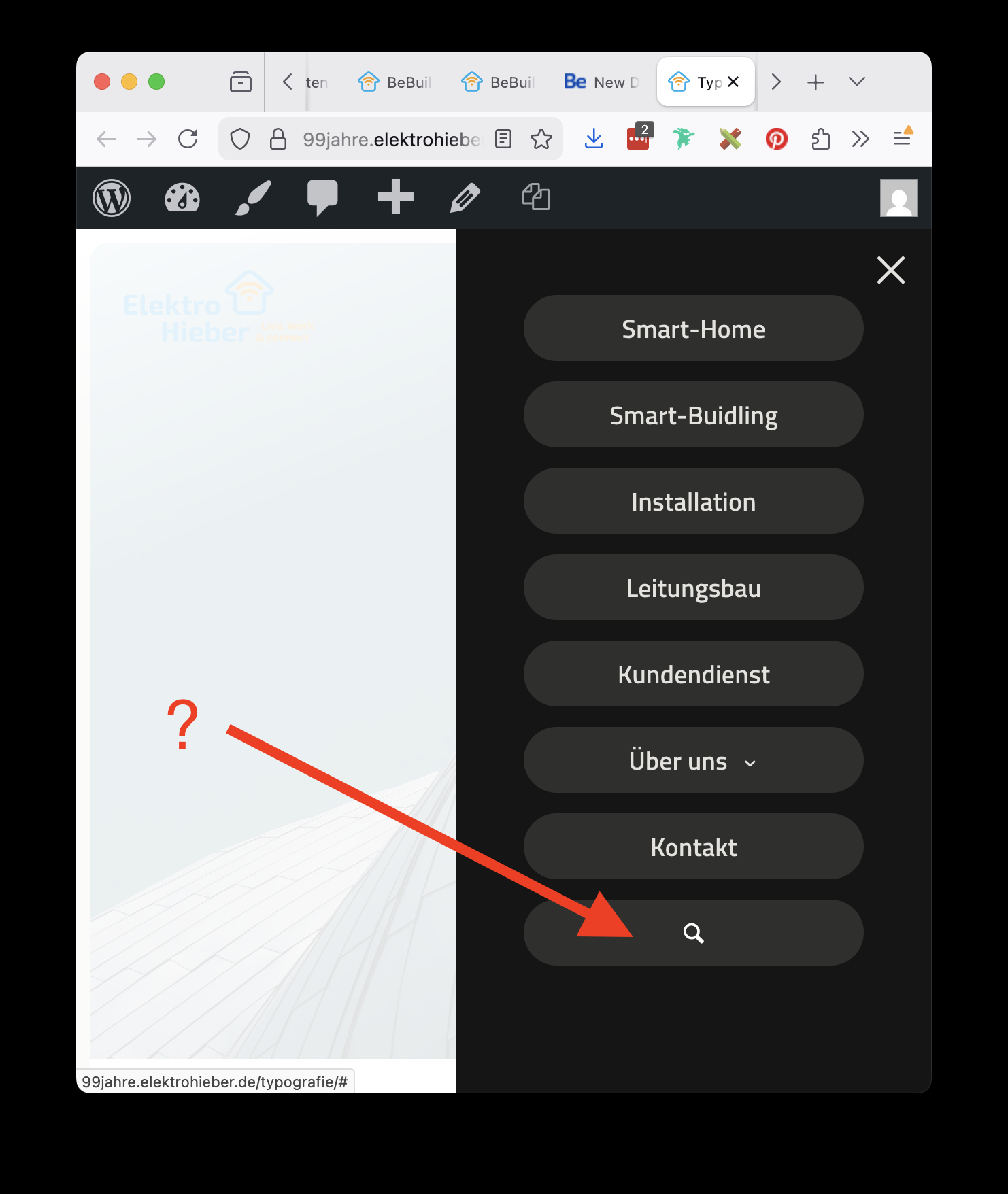
It all works so far – yet I cannot get it to open the search field like in the desktop viewport.
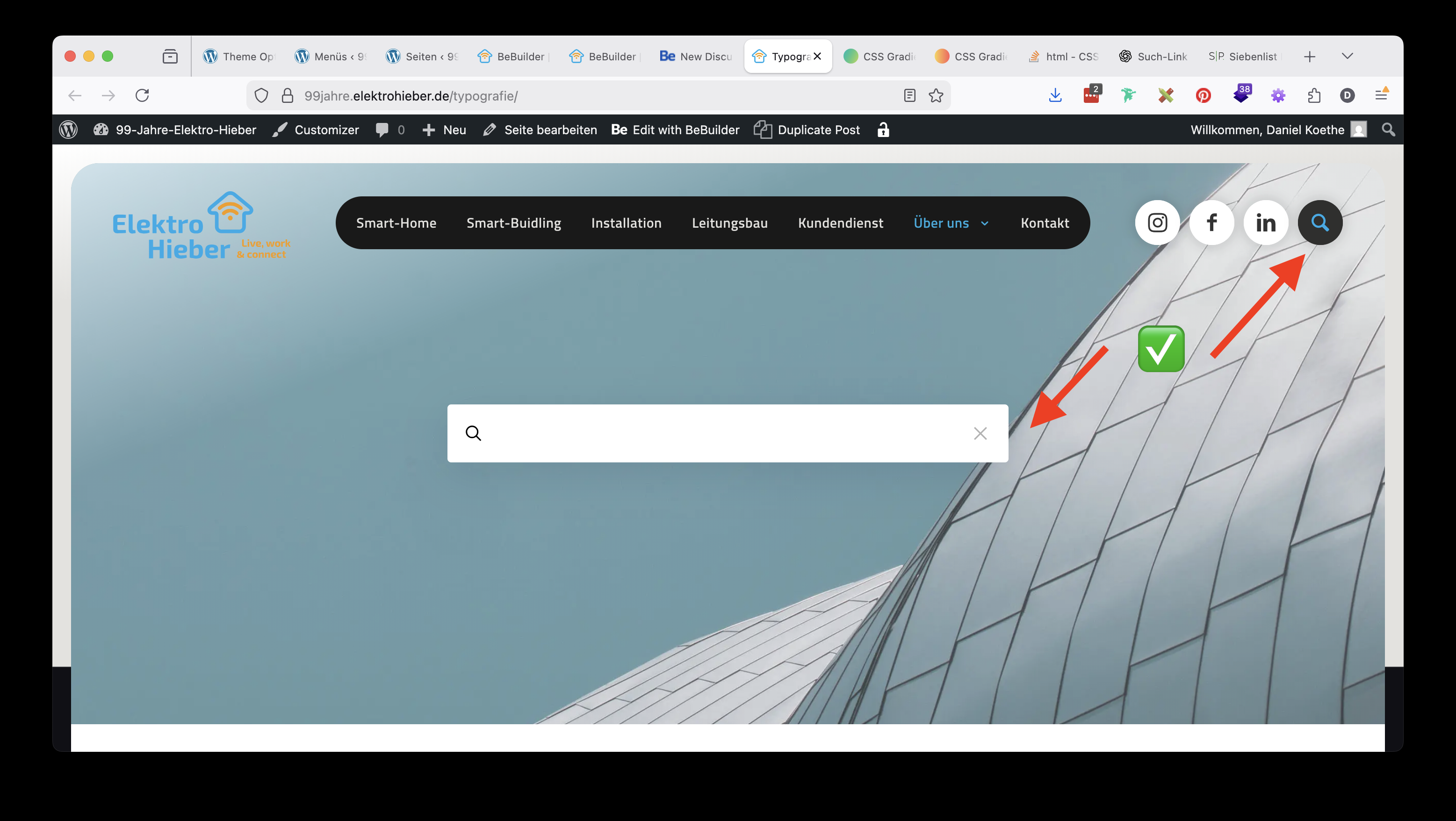
Could you please help me accomplish this?
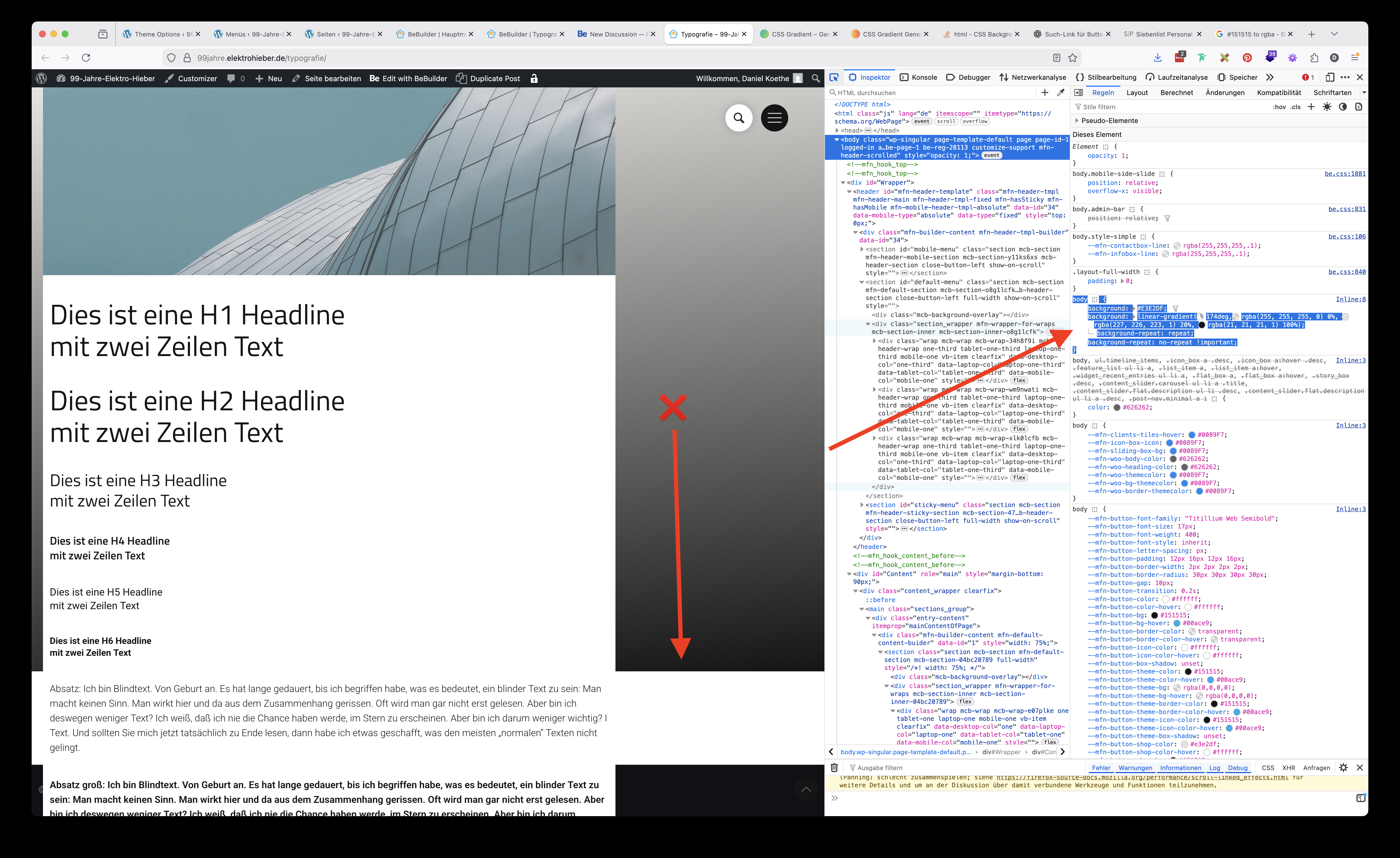
Oh – and is there a possibility to have a gradient for the body / content background.
I´ve tried this but it won´t go all the way to the bottom of the page (see screenshot below):body {
body {
  background: #E3E2DF;
  background: linear-gradient(174deg,rgba(255, 255, 255, 0) 0%, rgba(227, 226, 223, 1) 20%, rgba(21, 21, 21, 1) 100%);
  background-repeat: no-repeat !important;
}
Many thanks and best regards,
Daniel
Comments
Hi,
Please always attach a link to your website so we can check it out. If the page is offline(localhost), then our help will be limited. You will have to contact us when the page is online. Also, please make sure that the page is not under maintenance before you provide us with the link.
Thanks
Hi Phil,
The link to the page is in the first line of my previous message – including the password.
Here again: [Links visible only for registered users] (PW: 99-Jahre-Strom).
Here you should be able to see all needed information.
Best regards,
Daniel
I am sorry, I do not know how I overlooked that.
1) You can use the sidebar menu template, and add the search icon to it:
https://support.muffingroup.com/video-tutorials/sidebar-menu-vertical-header-builder/
2) The white color is assigned to the section, so if you want to add a gradient, set it for the section background:
Best regards
Hi Phil,
many thanks for your quick help.
The Tipp with the sidebar-builder... great. I only have one problem... somehow, I can´t manage to get my Subemnu Icon aligned and in the color of the font. Do you have an idea, how I could solve this?
And for the gradient – I don´t want to set the gradient in the background of a section (that one is easy).
I want to set the gradient for the whole body - so basically here:
I´ve tried setting the color to none and then overrruling with CSS (see the code in my first message), but that doesn´t work. Is there easier way?
Thanks and again best regards,
Daniel
1) Try the following CSS code:
.mfn-menu-wrapper .menu-item .outer-menu-sub{
 top: 22px;
}
2) The sliding footer is a problem here.
Try to change the footer style to default, and use the following CSS code:
#Content{
 background: linear-gradient(174deg,rgba(255, 255, 255, 0) 0%, rgba(207, 226, 223, 1) 20%, rgba(21, 21, 21, 1) 100%);
}
Best regards