
how to remove sku, category and share button

Hello!
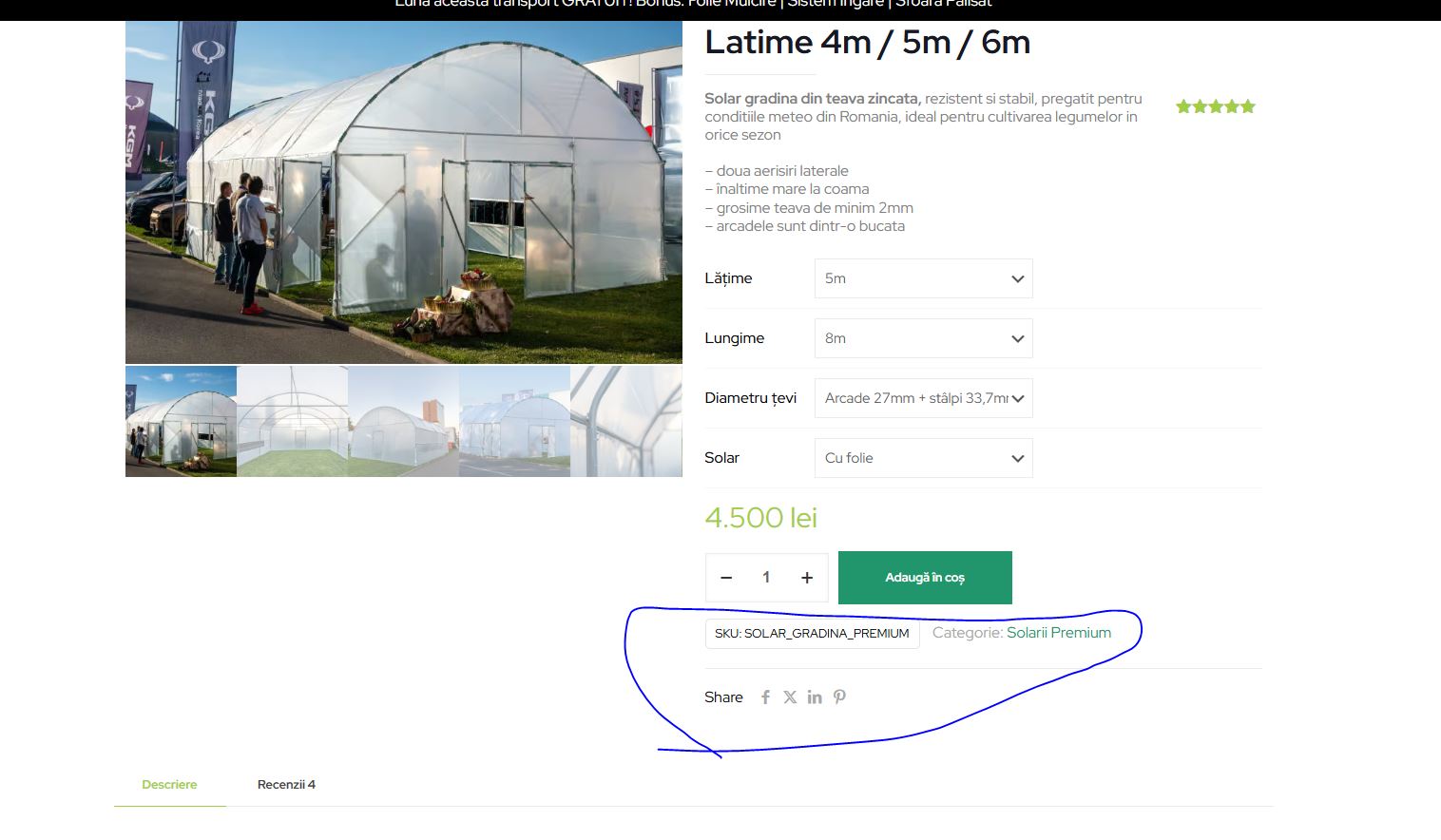
Is there a setting where I can remove the fields from the photo, without having to make a template for the product page?
Thanks
Hello!
Is there a setting where I can remove the fields from the photo, without having to make a template for the product page?
Thanks
Comments
Hi,
1) Go to Betheme -> Theme options -> Global -> Navigation & Share, and set to Hide the Share Box:
2) Hiding SKU and Categories requires a custom CSS code. If you need help with writing it, I will need a link to your website.
Best regards
Thank you!
Yes, it will be great if you help me to hide SKU and Categories.
website:
[Links visible only for registered users]
Use the following CSS code:
.single-product .entry-summary .product_meta{
 display: none;
}
Put it in Betheme -> Theme options -> Custom CSS & JS -> CSS.
Best regards
thank you, Phil