
Global Style will not change Opacity

Hello,
I have a problem with a global style.
I am defining a global style for a section. Here, I set a background overlay with a color and an opacity of 0.05. See image 1.

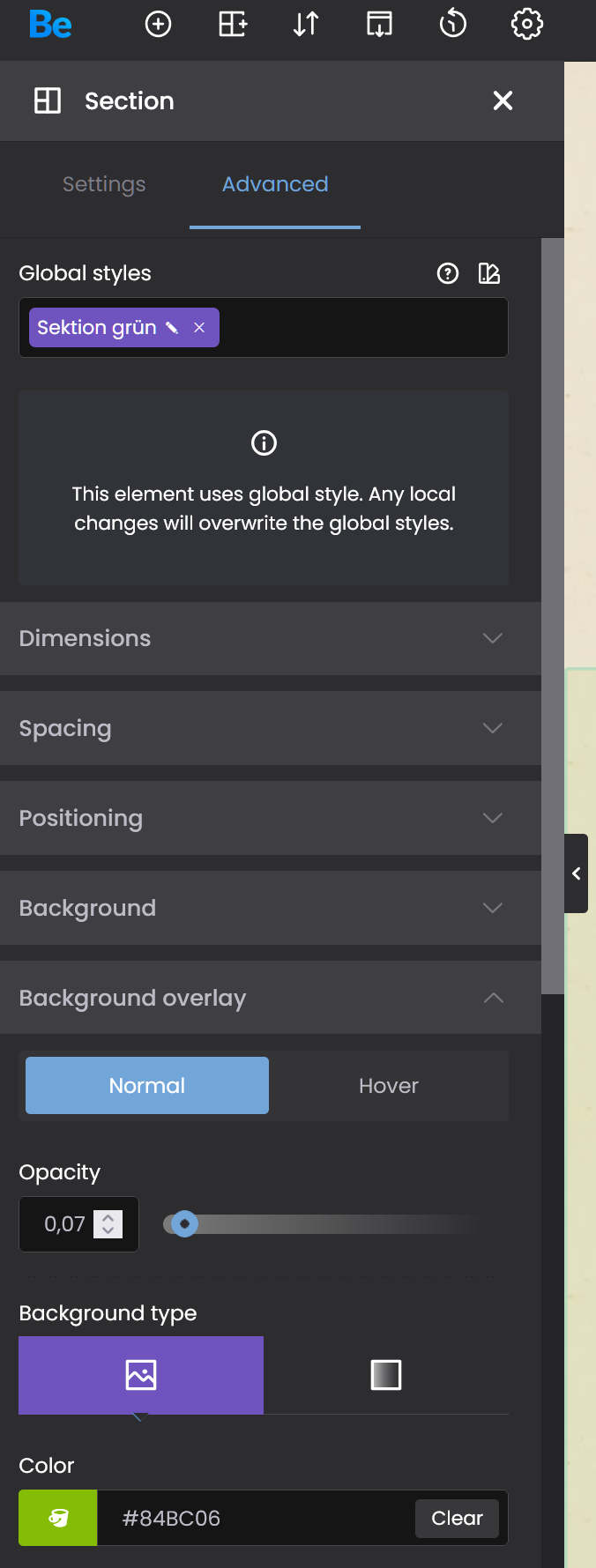
When I apply the style (see image 2), the old opacity value of 0.07 is not overwritten by the new value of 0.05.
Kind Regards,
Steffen
Comments
Hello,
I use version 28.2.1
As I can see, all Custom Styles are not working. I can defgine a style, but when I use this style, no settings aere changed.
I try this with 2 BeTheme installations.
Kind Regards,
Steffen
Hi,
What happens when you empty this field here?:
Best regards
Hello,
when I empty the field Opacity, delete all numbers, not 0,00, then it's working.
Kind Reagrds,
Steffen
When you use local style in the section, then it will overwrite the global style.
So when you use global styles, you must ensure that no values are placed in the section/wrap/element.
Best regards
Thank you for helping and information.
Kind Regards