
Boxed header aligned with page content

Hi everyone,
I’d like to make my header boxed with the page content, the same way the footer is already boxed.
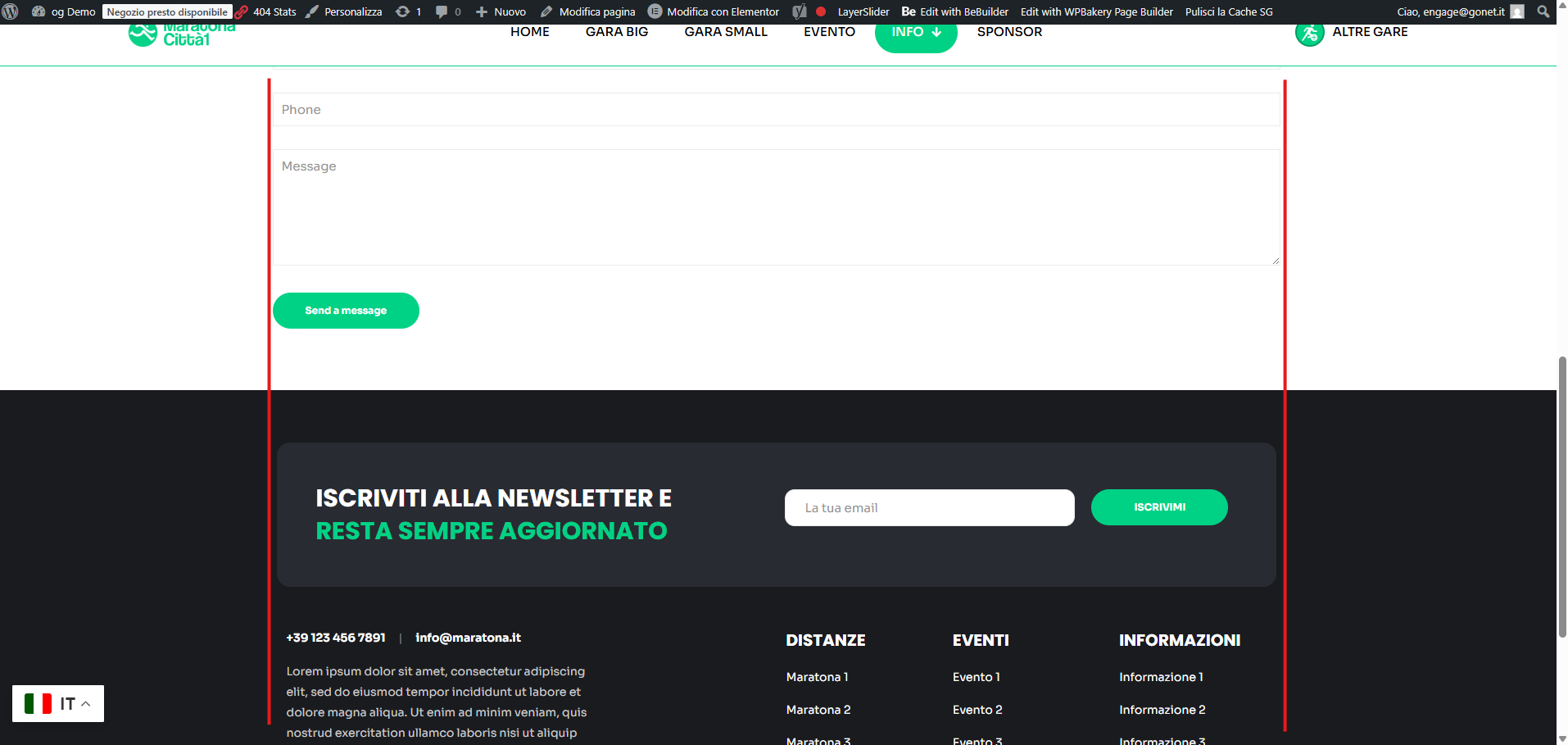
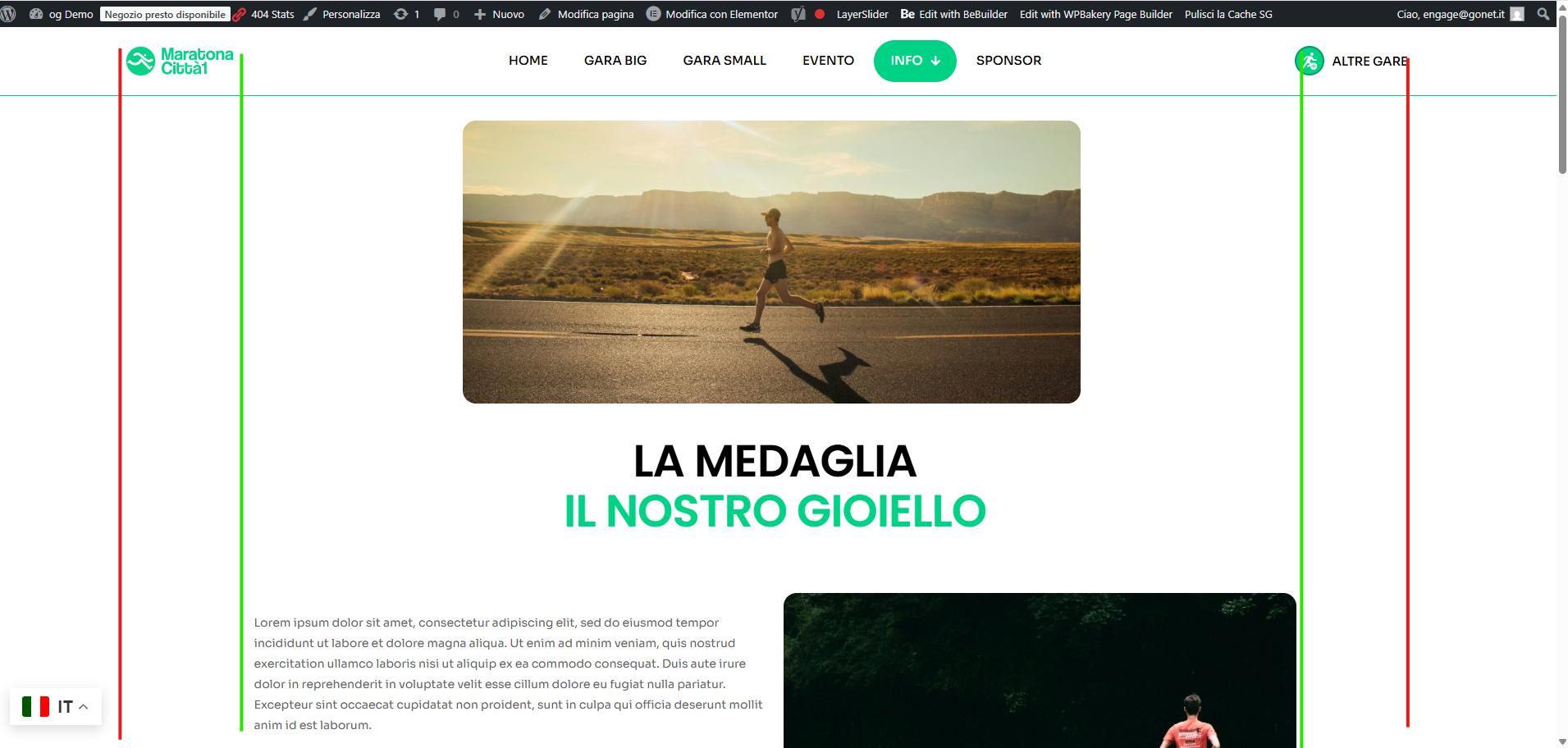
Right now the header seems in a different width, while the content and footer follow a boxed layout (see attached screenshots). I want the header elements (logo/menu/icon) to stay inside the same container width as the page content, and keep it responsive (same way as mobile).
How can I set the header to be boxed like the content/footer?
Also the footer seems a little bit smaller then the page content..
Here's my website: [Links visible only for registered users]
Here's the screenshots
Thanks in advance,
Filippo
Comments
Hi,
The header is set to full width with paddings on the side:
Edit the header template, change the section width to the default, and remove the side paddings.
Best regards
got it, thank you!