
"Text excerpt" in BeBuilder

Hello.
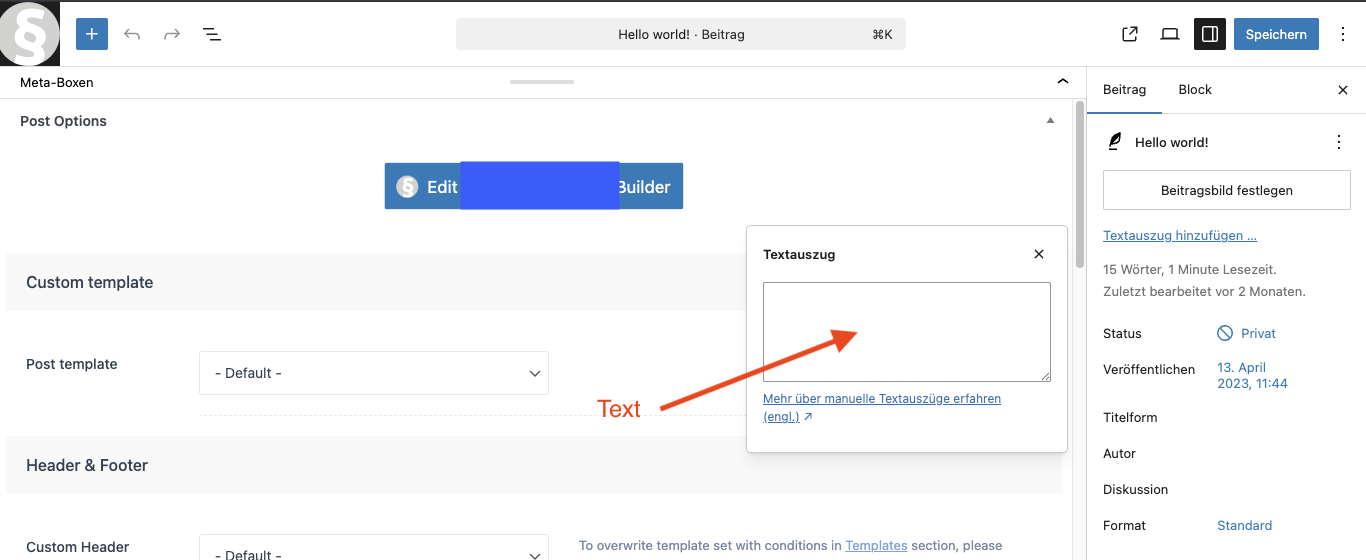
I have a quick question about Bebuilder. In the normal WordPress editor, you can enter a text excerpt in the backend in the right sidebar under “Post,” which is then displayed on the preview page instead of the normal text in the post. I have attached a screenshot for this. Where can I find this option in Bebuilder?
Thanks for any tips.
Comments
Hi,
This option is not accessible through BeBuilder, so if you want to add an excerpt, you must edit the page through WP Editor.
Best regards