
Can't add an image to the video element

I migrated my WordPress site from a local environment to [Links visible only for registered users]. Some BeBuilder/BeTheme elements still reference the old URL, e.g. this asset is stored as:
[Links visible only for registered users]
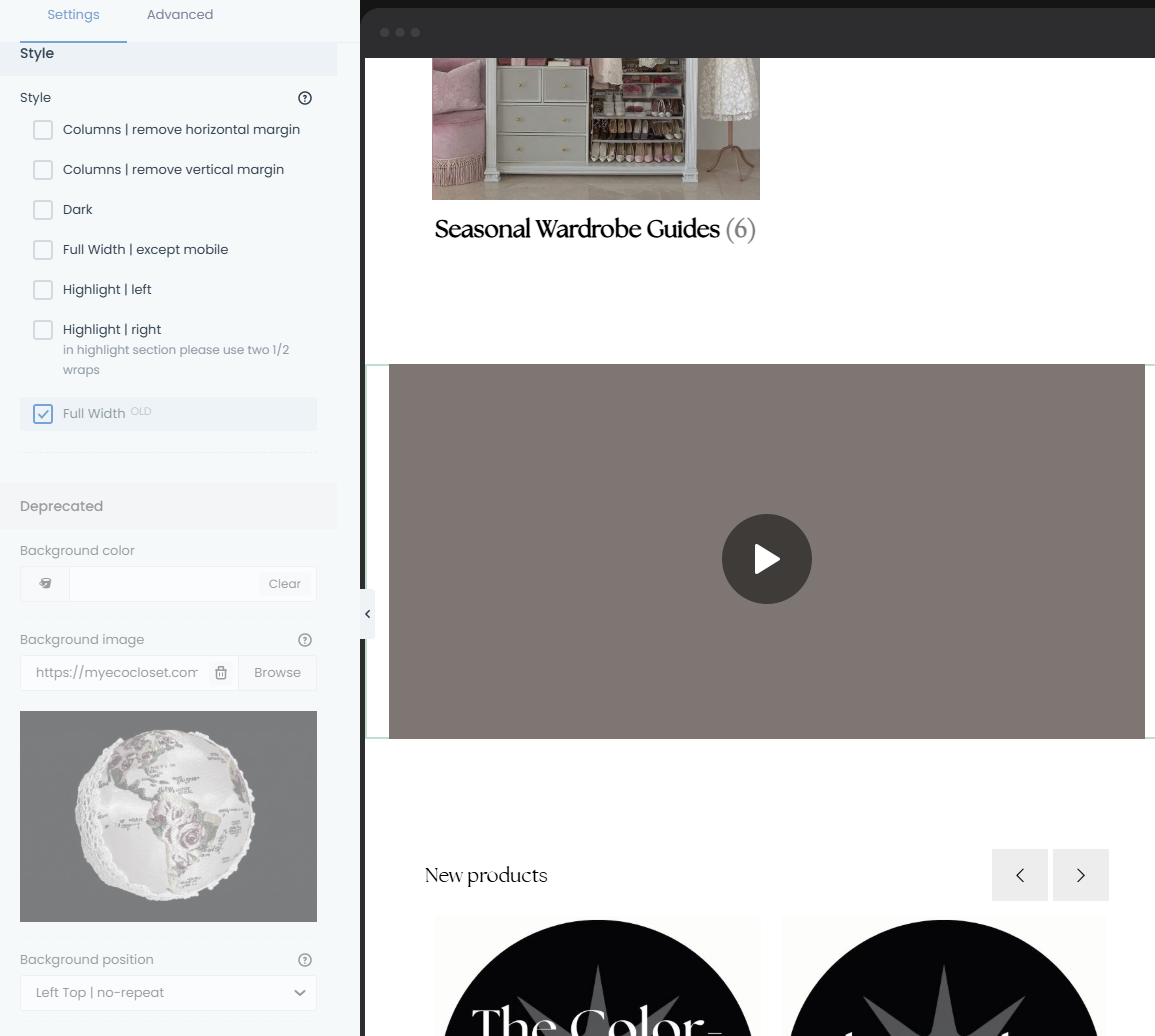
I tried updating URLs and now the main image for a specific section disappeared, and I can’t find where that section’s image/background is set in BeBuilder. In the element settings I only see “Deprecated” controls (background color/position, padding), but no background image field.
Can you please tell me:
- Where BeBuilder stores/sets the section’s main image for this layout (which element type/control), and
- The recommended way to bulk-replace
localhost:10016URLs in BeTheme/BeBuilder content after migration without breaking section images?
Comments
Now it looks like this for some reason. Is there any way to fix this?
PLEASE DISREGARD THIS TICKET - SOLVED!
Not sure why I can't delete this query, but I was able to fix the error through here:
Sorry for bothering!
Hi,
I am glad to see that you managed to resolve that.
Can I help you with anything else?
Do you want me to remove this topic?
Best regards