
Responsive - Color inversion on iPhone

Hi Phill,
We are working on a website and everything looks great but we have a problem when navigating from iPhone (Safari and also Chrome and Duck-Duck-Go)
How this part is viewed on iPhone: background light, image darkened
The Adevit image has grey background while the actual background is white
(Actual image shown on iPhone: greyed picture, white background)
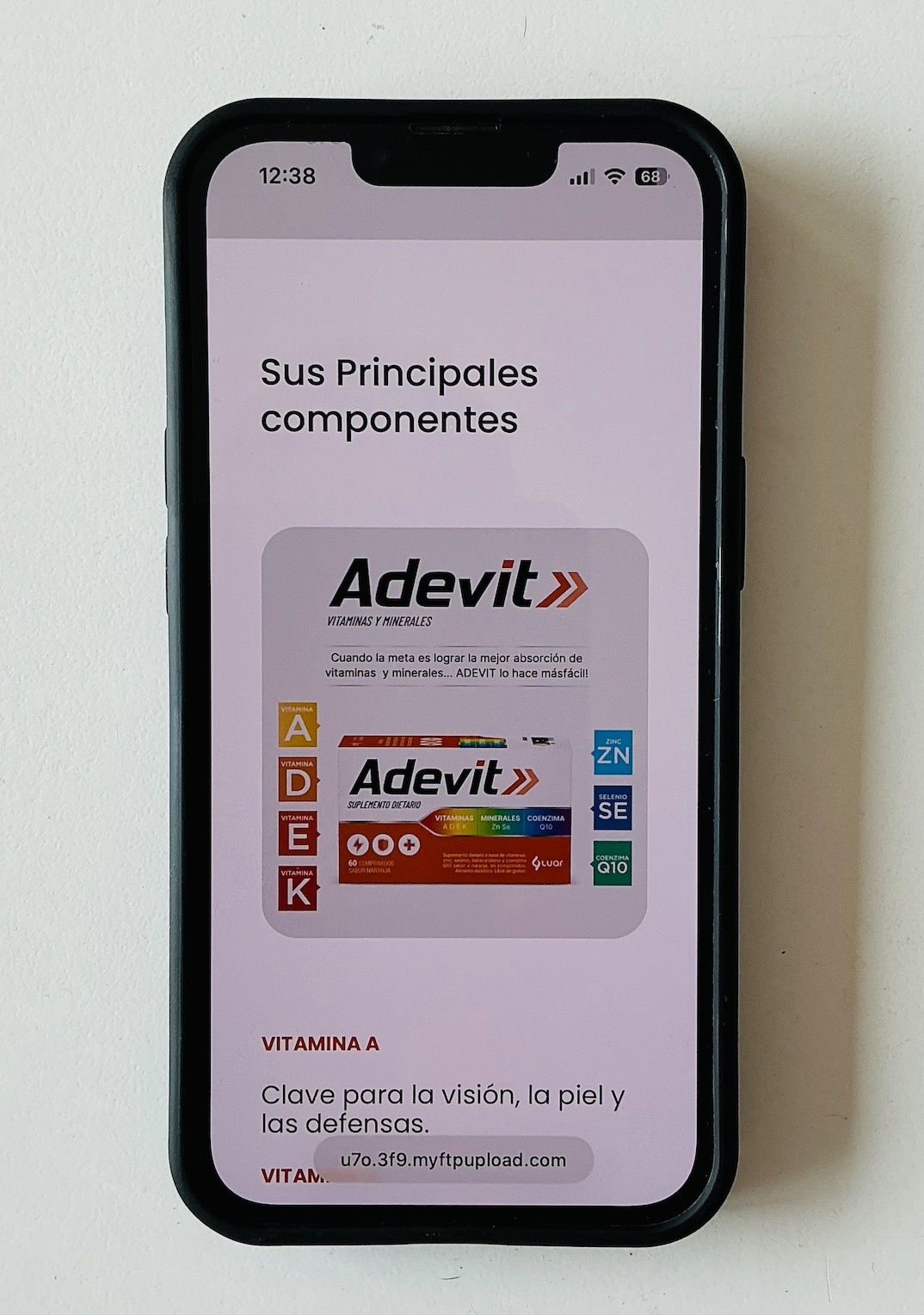
This is how it should be seen, and this is how it is shown in Bebuilder showing responsive-mobile
(Provided content in website: Image has white background, webpage has light-grey background)

There are two issues:
- Image inversion (image should be white and not greyed)
- Background inversion: it should be light grey and not white
Website url:
[Links visible only for registered users]
Please advise, thanks!
Comments
Hi Phill, we solved the issue by going to each section and forcing the background color to the desired color
We indicated background color in hexa for #ffffff (white) and #efefef for light grey and problem solved
Forget about this issue
Thank you
Hi,
I am happy to see that you handled it.
If you have any other questions or problems, feel free to ask.
Best regards