
I can't change the menu icon.

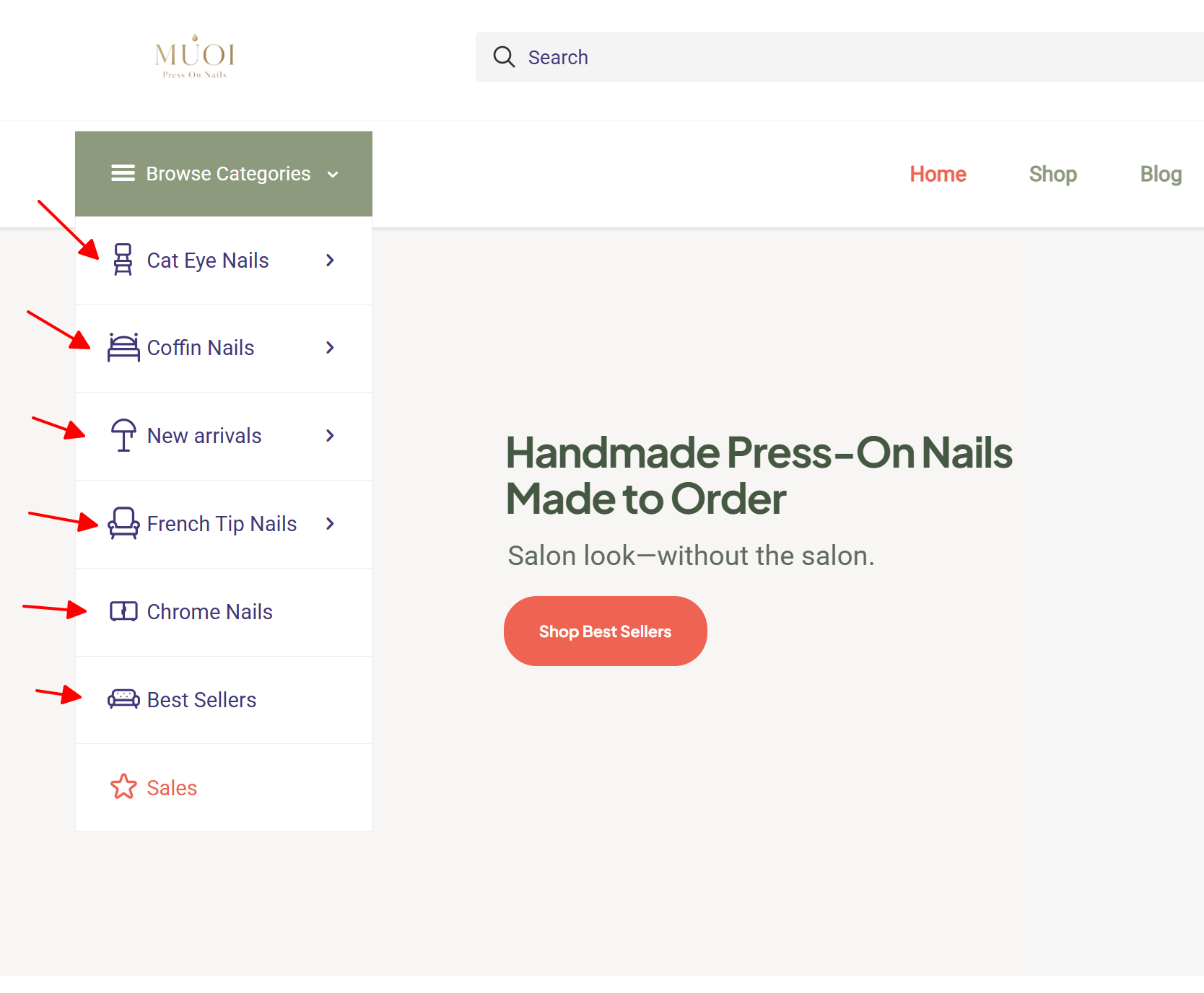
I can't find how to change the icon. Can you help me?
My website: [Links visible only for registered users]

I can't find how to change the icon. Can you help me?
My website: [Links visible only for registered users]
Comments
Hi,
You can change these icons through Appearance -> Menus:
Best regards
Thanks you
Where can I edit a sub-collection?
Please edit the mega menu, and there the icon is assigned directly to the element.
https://support.muffingroup.com/video-tutorials/how-to-use-mega-menu/
Best regards
I want to change the colors in the mega menu and collection bar; where do I adjust that?
1) Open the header builder, and edit the "Browse Categories" menu. Then, in the Style tab, adjust the color for the submenu items.
2) Edit the Shop template, click on the Shop title element, and in the Style tab as well, you can change the color.
https://support.muffingroup.com/video-tutorials/how-to-create-custom-template-for-the-shop/
Best regards
I'm having trouble adjusting the text display; it's not working as intended. Could you guide me through two scenarios?
1: Can I adjust it once and have all devices display the same text?
2: Can I adjust it individually for each device?
Thank you.
1) Instead of using px values, you can try others that are based on the screen width, like % or vw.
2) Yes, you can. When fileds has these icons above:
It means that you can set individual values for each breakpoint.
Best regards