
How to assign Template for Main Shop Page

Hi beTeam,
Can You tell me how I can make Template for Main shop page?
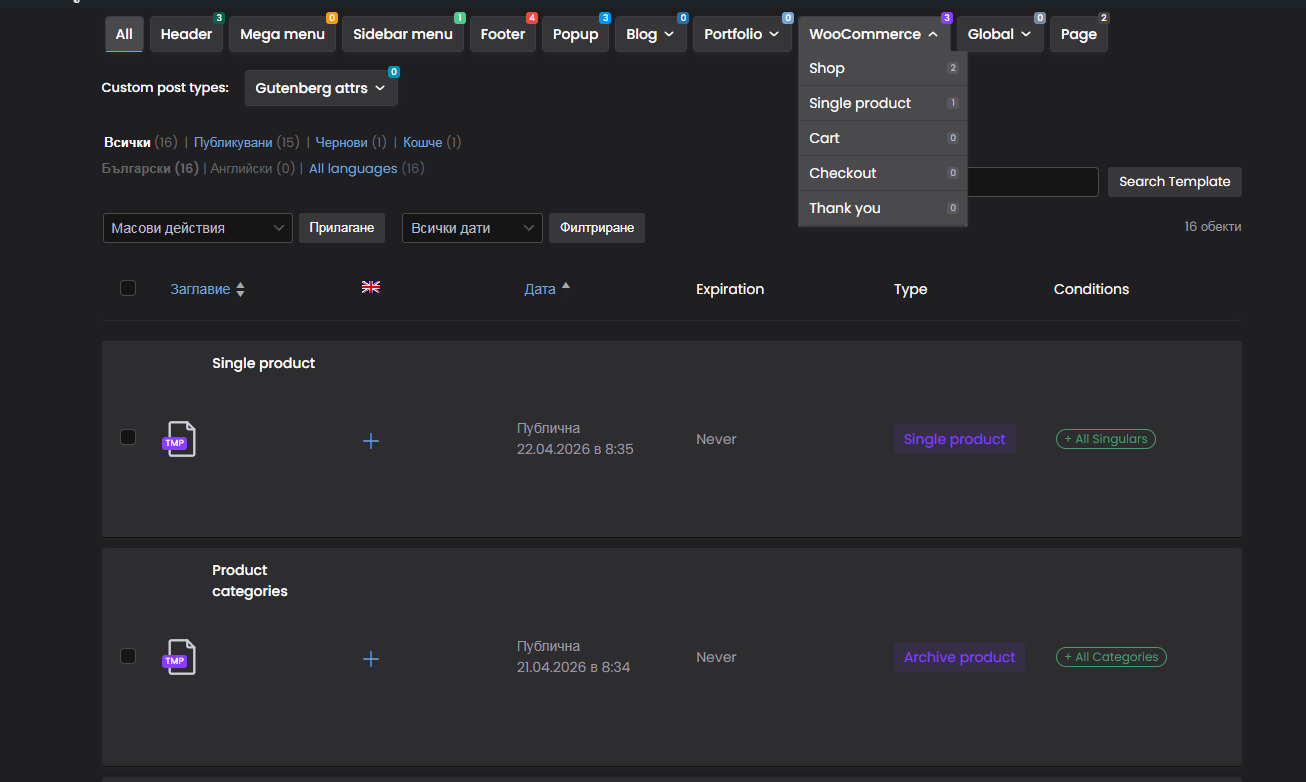
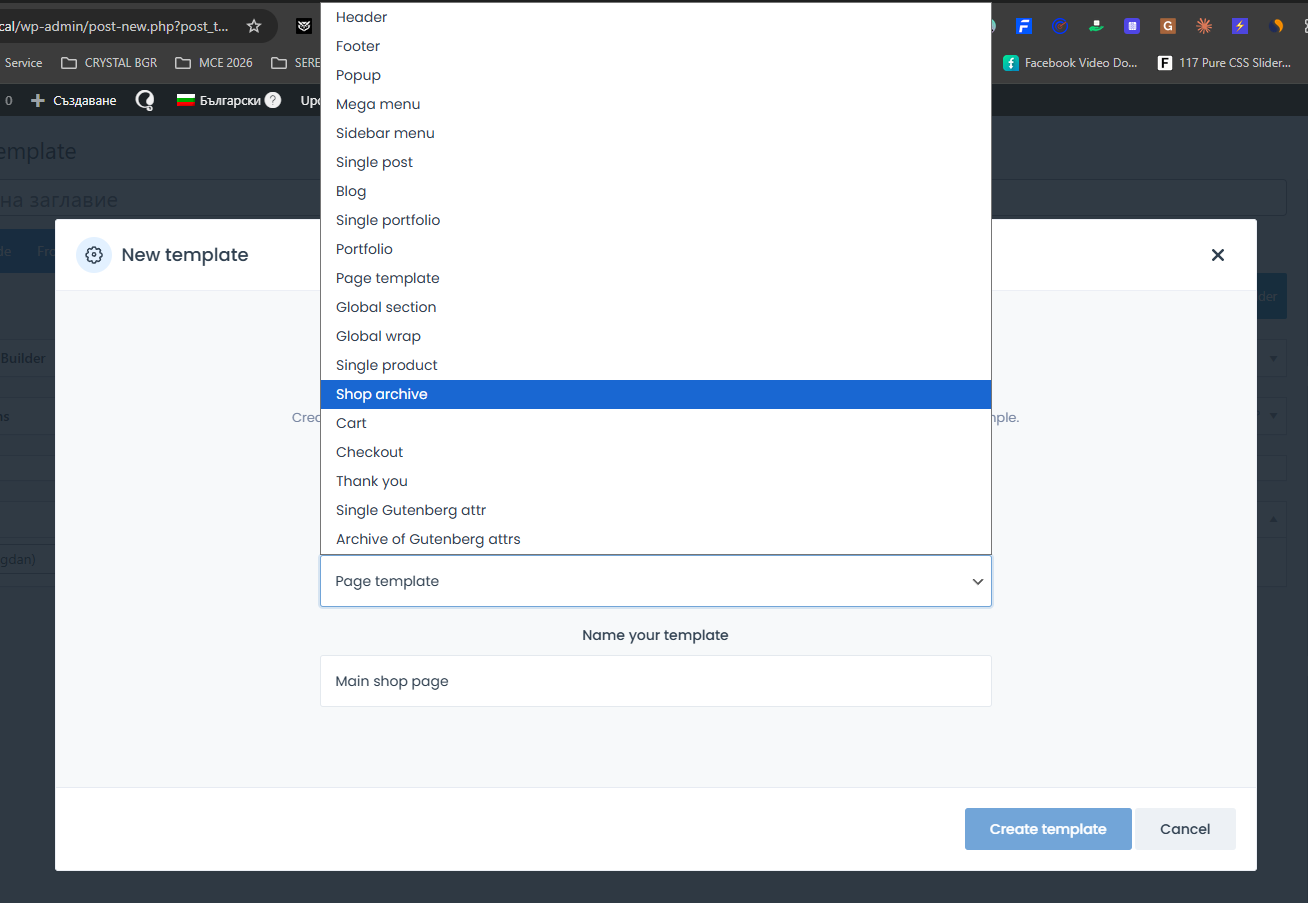
I made one for Archives watching Your video for nested categories. Made one for single product pagem too. They are shown on screenshots.
Product categories template is assigned to - Shop Archives
Single product template is assigned to - Post type Product
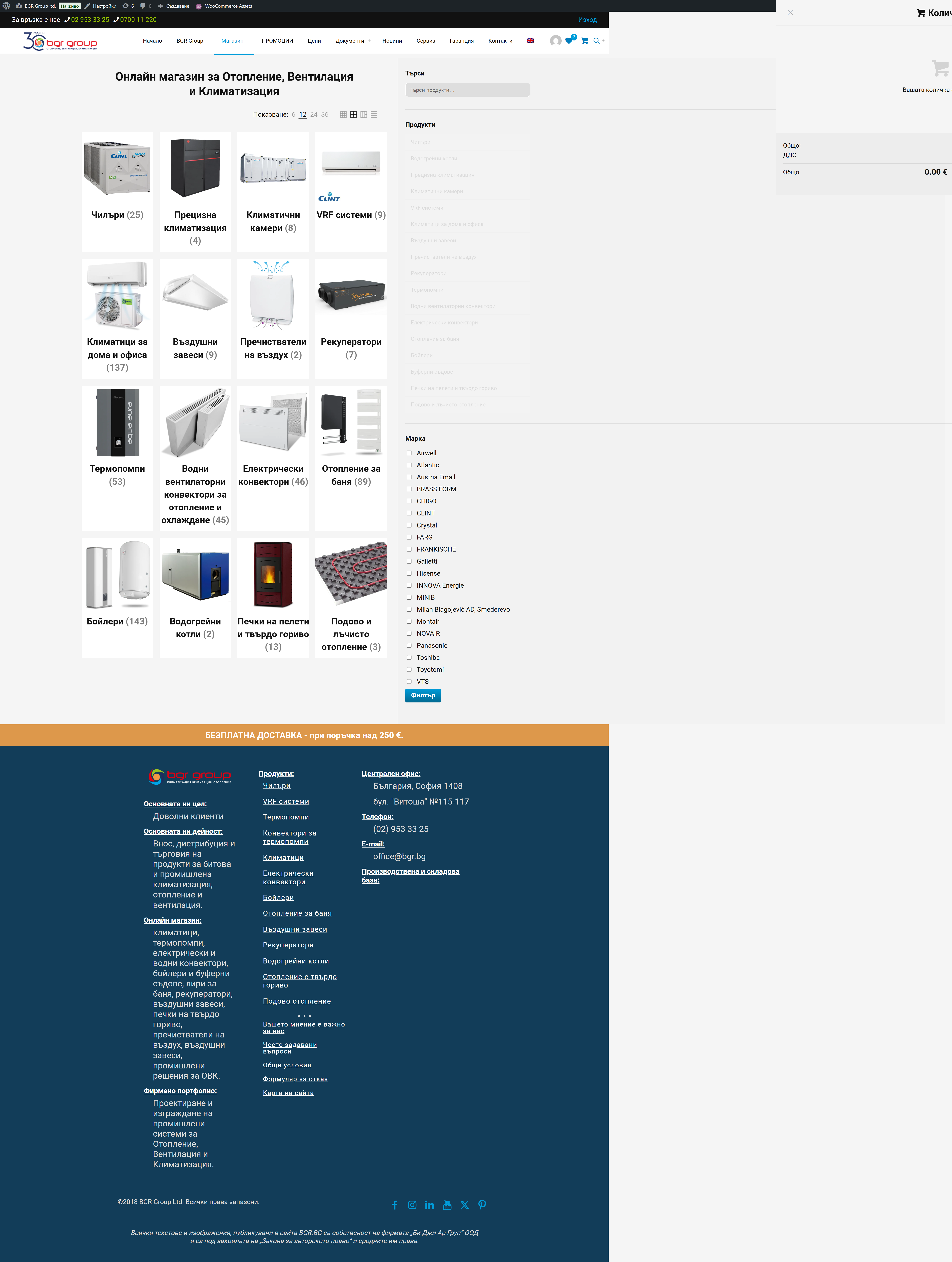
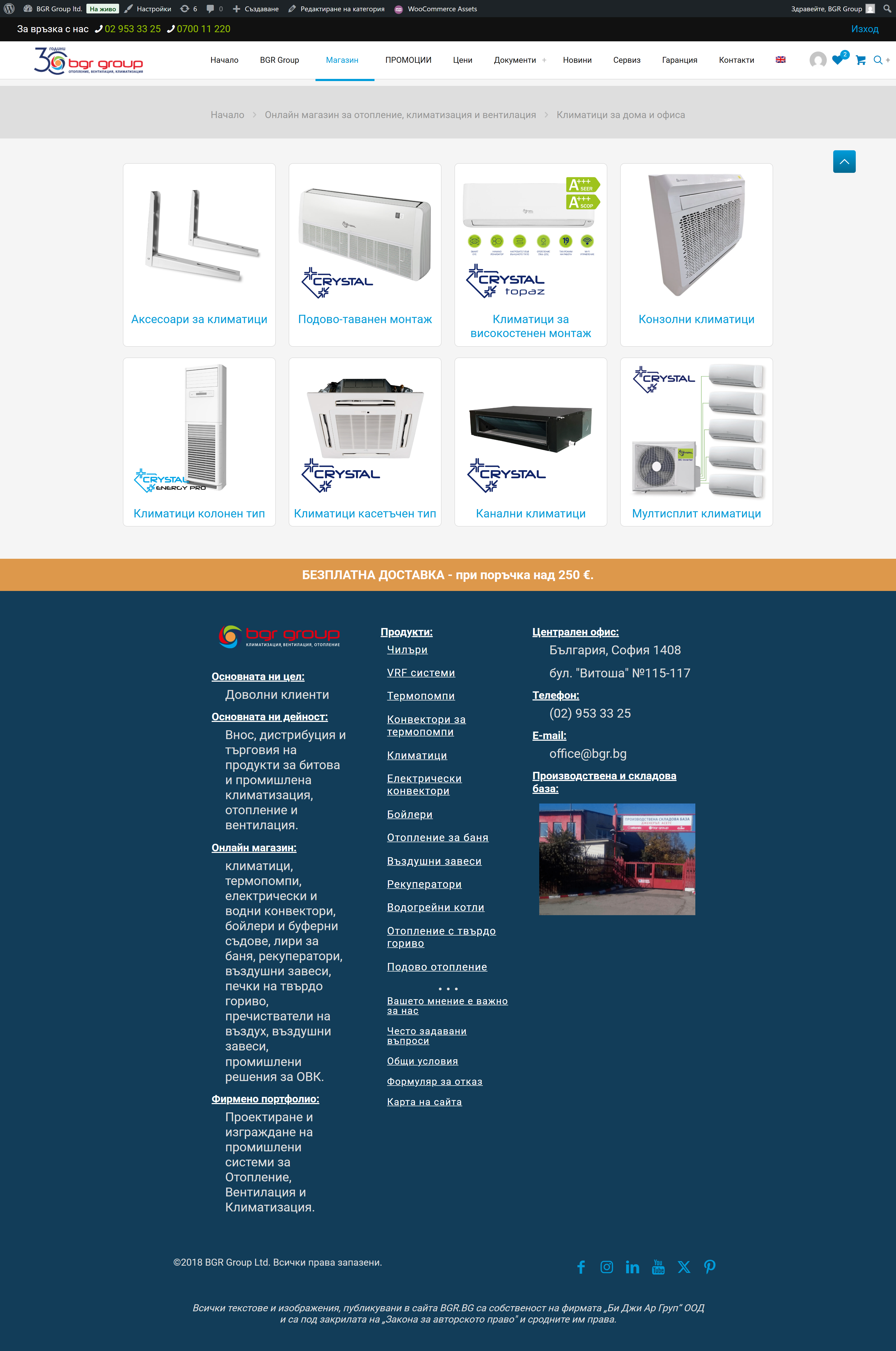
But can not find option to asign template to Main shop page!? It looks diferent from Arcives!? See 03 and 04 attached imades.
Testing site is local, so screenshots are the only way to show You settings and frontend.
Thank You in advice!
Comments
Hi,
To assign a template to the main shop page, use the All archives condition:
Best regards
Ideal for the case of 2 templates.
But what if I only have 1 template with Conditional Logic and nested categories, and I want to have different content on the main page of the store.
For example, if I have a section that lists all brands, but I want this section to be visible only on the main page of the store, and not on all parent or child categories?
Is this the only solution - 2 templates, or is there a special Conditional Logic that I can use to show the section only on the Main page of the store?
And one more important thing:
If I want to see products in addition to nested categories, is there a possibility in the Parent categories to see only products that have been added to them, and not the products from all subcategories? Ie. to display - All Products from the Current category?
You can try with the following conditional logic assigned to that section with brands:
Best regards
This is not working.
I have 3 sections:
Template is assigned to - All Archives, as You mention in previus replay. No second template for Main page.
The result is:
But us You see Section with Brands is not visable anywhere, also with 1 template for Shop main page is empty.
Your conditional logic for the brands section looks different from what I showed you in my previous message.
Please double-check it and correct your conditional login.
Thanks
Sorry, my mistake.
And thank You. Now it works
Main Shop page looks like this
Now I will try to fix Section with categories to be visable on main page too.
Do You know how to fix prolem with products list - To meake it to show Current category products only, not products fromr all subcategories?
Please attach a link to your website so we can check it out. If the page is offline(localhost), then our help will be limited. You will have to contact us when the page is online. Also, please make sure that the page is not under maintenance before you provide us with the link.
Also, please attach a screenshot showing how your Shop Products element is set up.
Thanks
Ok. Thank You very much for now.
When I transfer the new design to the live website I'll ask again.
For now You can mark this tread as Resolved. 😉
Best Regarsds,
Bogdan Dimitrov