
Betheme Blog Templates

Hey, today I tested the template feature following your YouTube video. For this, I created a template under “Page”. I can use it perfectly in posts and pages, and that works fine.
However, with the blog template, nothing happens, no matter whether I use “Archive” or “Single Post” — what exactly is the difference between these two?
As an example, I created a template for the category “Events”.
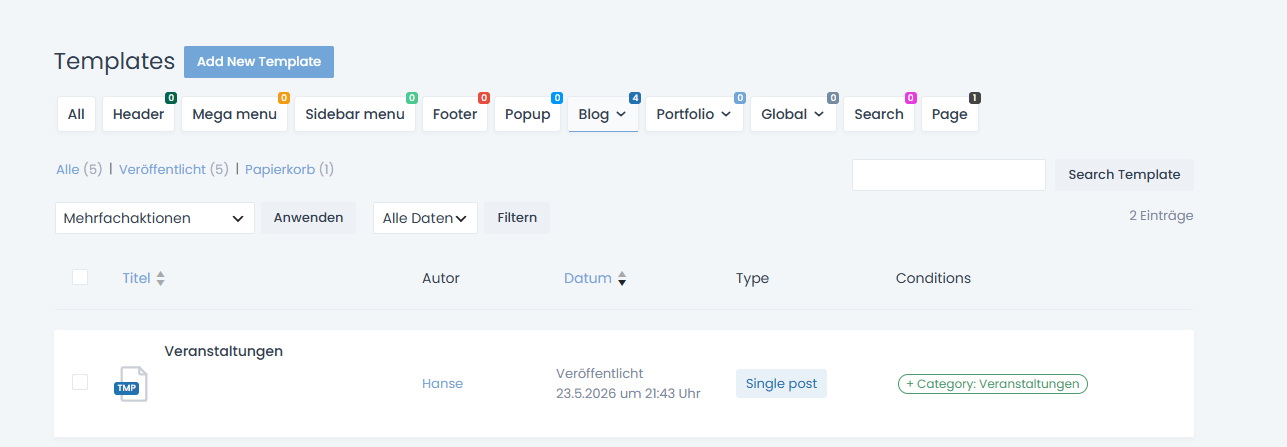
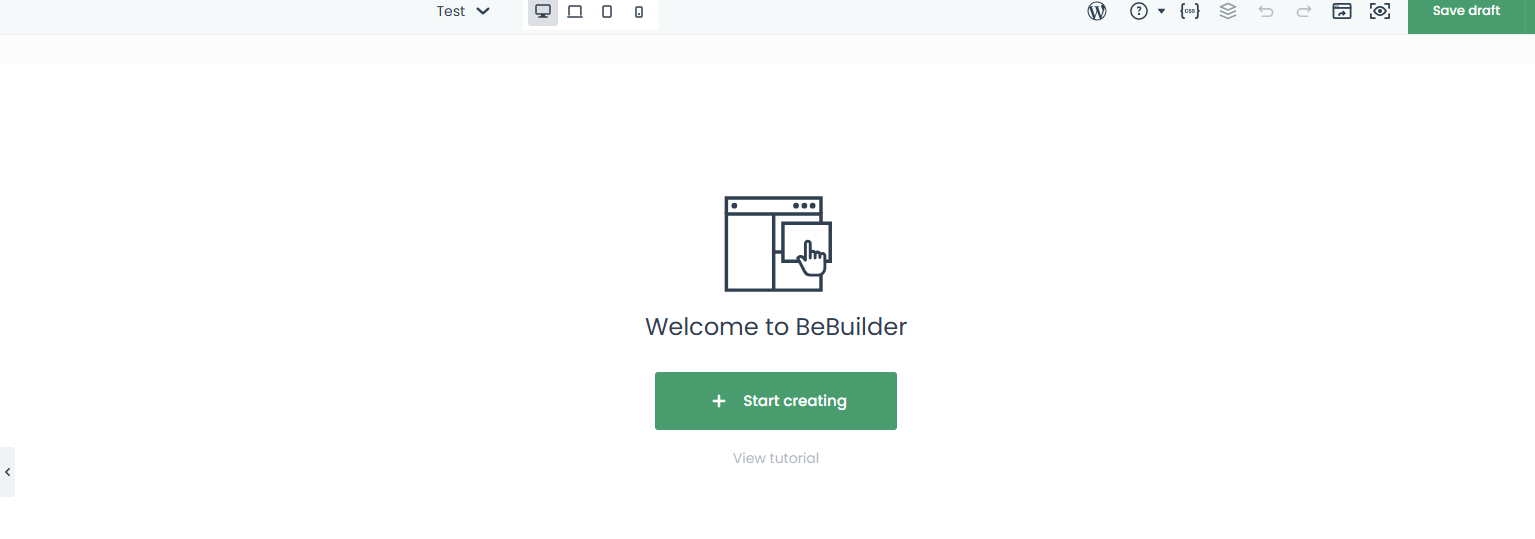
When I create a new post, I cannot select the Betheme templates under “Templates”. Also, when I assign the category, I only get an empty Betheme page.
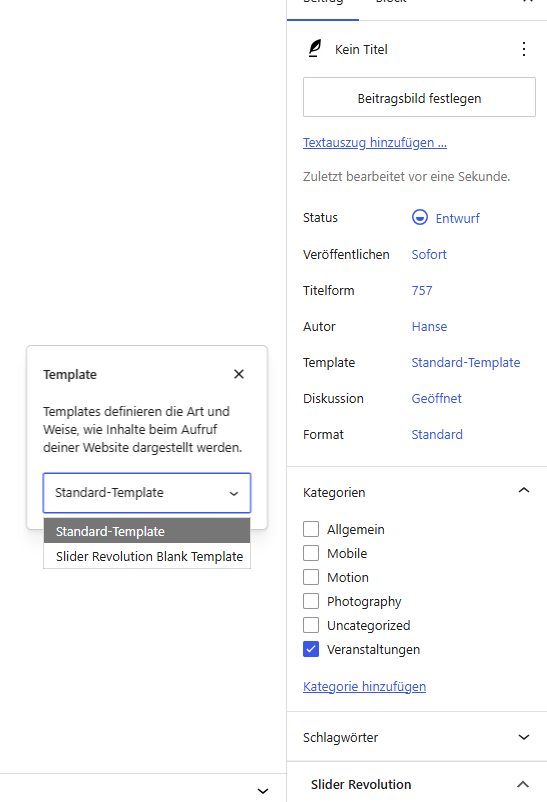
Unfortunately, the video does not explain this very clearly, and I could not find anything about it in the documentation either.
Is it possible to use templates to create a default layout for all new posts? If yes, how exactly does that work?
Comments
Hi,
Just to ensure, did you watch the following video tutorial?:
https://support.muffingroup.com/video-tutorials/how-to-use-templates-a-step-by-step-guide/
Did you follow the steps from it?
The blog archive template is for blog archives, so post lists like the main blog page or categories.
The blog single post template defines how post details should look.
Note that while editing the post, the template will not display there, and only the post content is visible.
Also, you do not assign Be templates here:
The Be templates have conditions, which you already assigned, and with this condition, the template you created will show for this particular category.
If you want to see a live example of a pre-built website which uses Blog templates, see the following demo:
https://themes.muffingroup.com/be/press2/
Best regards