
How to edit the Hungarian menu on the website

How can I edit the Hungarian menu on the website?
Link to the webpage Simtec - Ansys Simulation Software & Services [Links visible only for registered users]
I have attached a screenshot

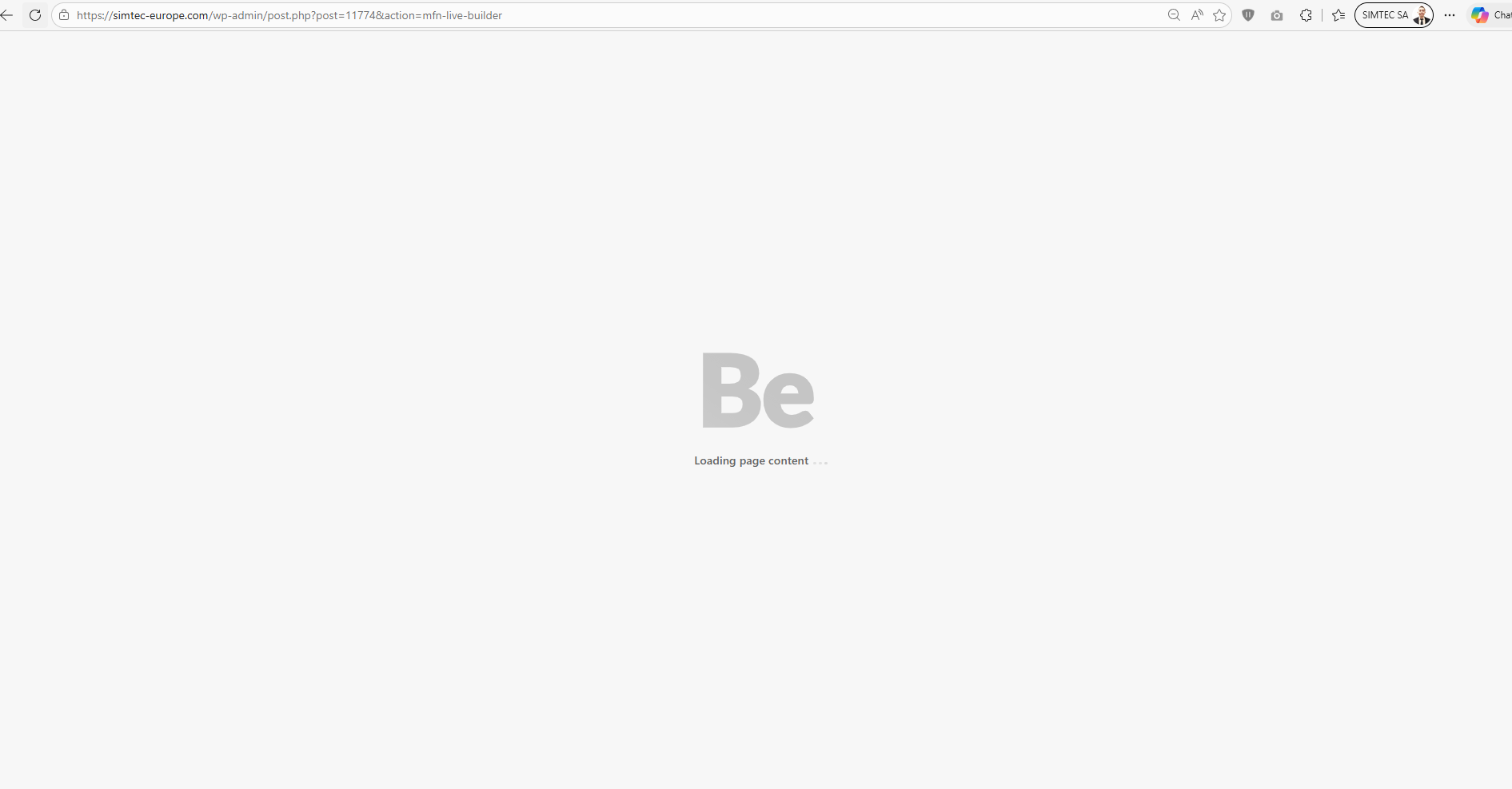
When I try to edit it by clicking "edit with BeBuilder" below the screen is loading forever I think you said before this is because each language is in a different domain on the website.
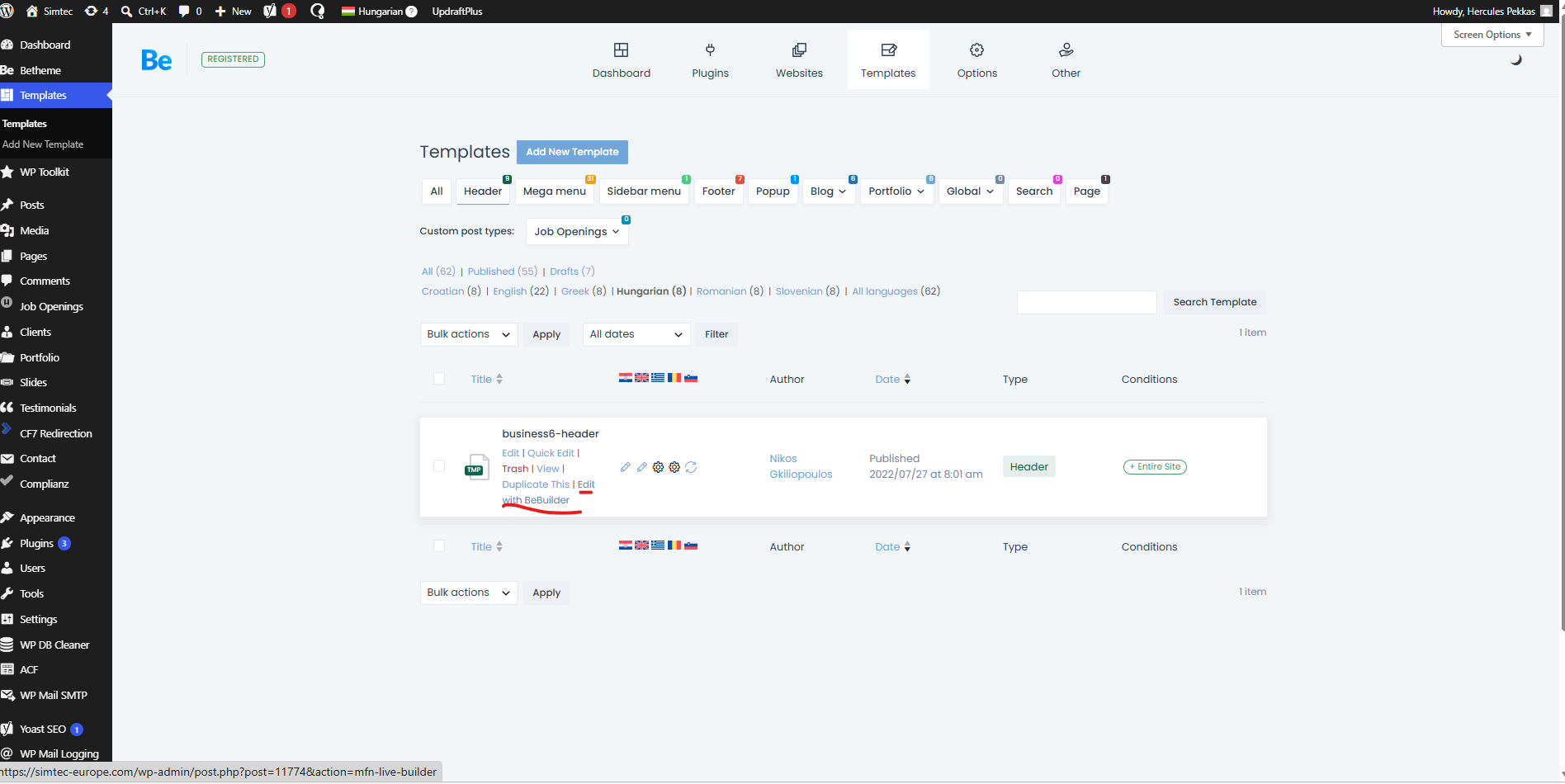
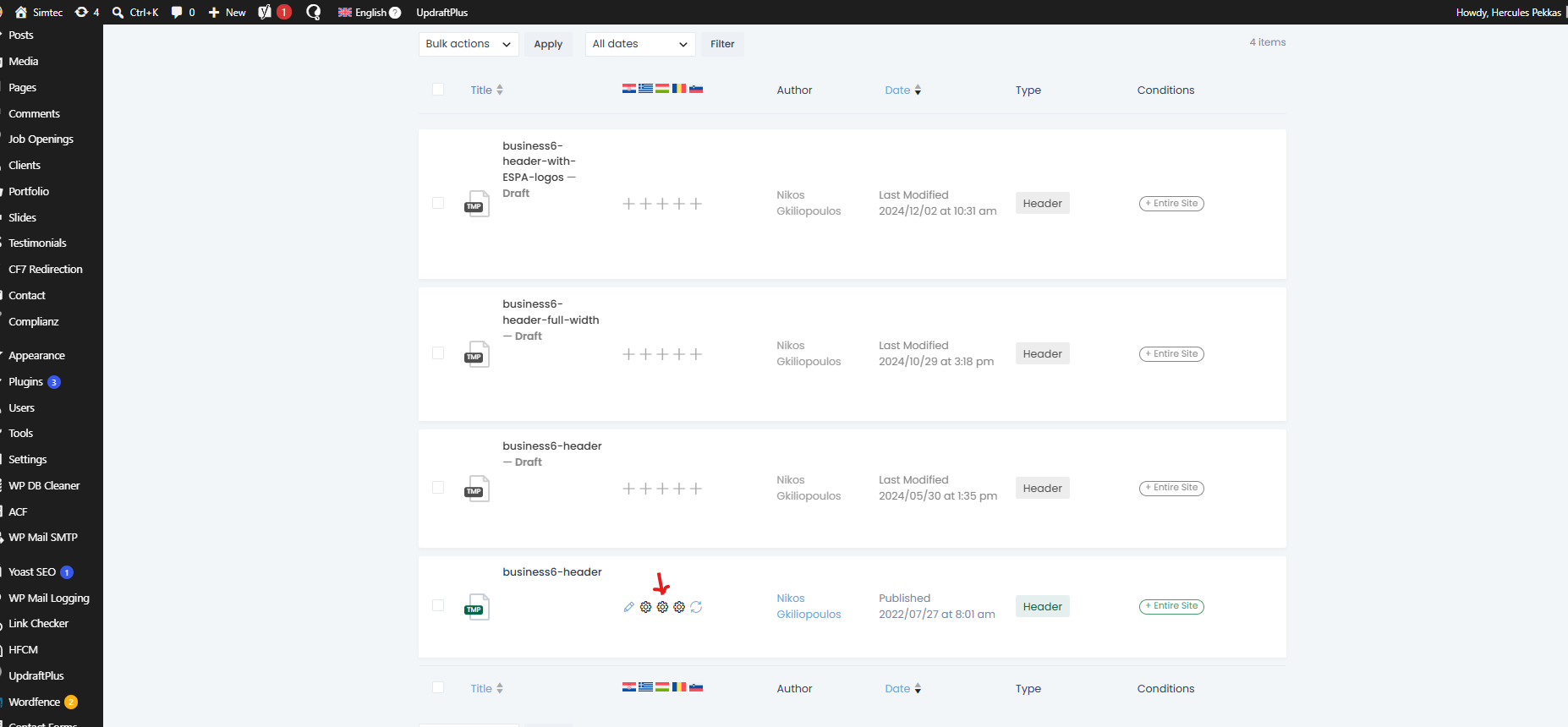
If I click the wheel icon (see image below) then the screen that opens doesn't have as option to edit the menu (see image below)

Comments
Hi,
Yes, you are right, about the different domain. BeBuilder cannot load because the iframe does not load content from a different domain.
You can try removing the translated template and translating it again.
Also, if you only want to change the menu, not the entire header, you should be able to change it through Appearance -> Menus.
Best regards