
Can not see the Layouts Menu Item

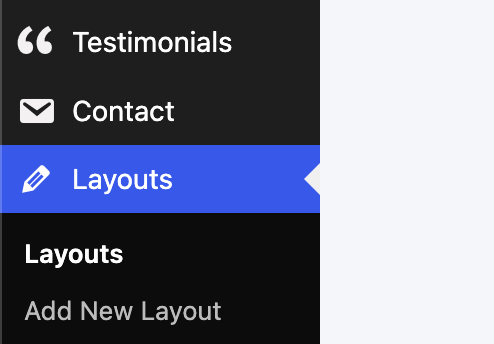
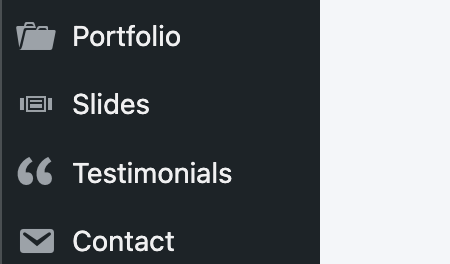
I have 2 betheme sites. On one site i can see the Layouts Menu item but on the other not!
Can someone help me?
Thanks

I have 2 betheme sites. On one site i can see the Layouts Menu item but on the other not!
Can someone help me?
Thanks
Comments
Hi,
Layout is a deprecated feature. When your website does not have at least one existing layout, then this tab will not be accessible.
Best regards
Ah thank you.
But how can do it now. Previously I added a layout to a page e.g where I want to have a different style of the page (Different Content Top Padding and so on).
What is the new way of doing that?
Now you can adjust everything with BeBuilder.
If you need to assign a different header or footer, create a template and assign it to the page.
https://support.muffingroup.com/video-tutorials/header-builder-2-0/
https://support.muffingroup.com/video-tutorials/footer-builder/
Best regards
Thank you for your reply! But currently in my deprecated layout i have
set a header style.
But I can not set a different header style for a single page
You know what i mean? Currently I am overriding a theme option with my layout only on a specific page.
So you have an existing layout, and you cannot access the layouts tab?
Best regards
No my question is. How can i apply a different header style to a page - when the layouts are deprecated as you can see in my screenshot in my question above.
Currently i created a layout to use a different default header style for a specific page.
How can i archive that without the layouts?
Please create a header template according to the video I sent in my previous messages, and assign this template in the Page Options as I showed in the screenshot.
Thanks