
Images are cropped in the Slides module

Hello,
I’m using the Slides module to display a gallery. The problem is that my images are generally in different sizes and aspect ratios, so parts of the images are being cropped and are not fully visible.
Is there a setting in the Slides module that would allow the entire image to be displayed while keeping its original aspect ratio, instead of cropping it to fill the slide area?
Ideally, I would like the images to fit inside the available slide area without being stretched or distorted.
Could you please advise what setting or CSS should be used for this?
url: [Links visible only for registered users] pw: 12345
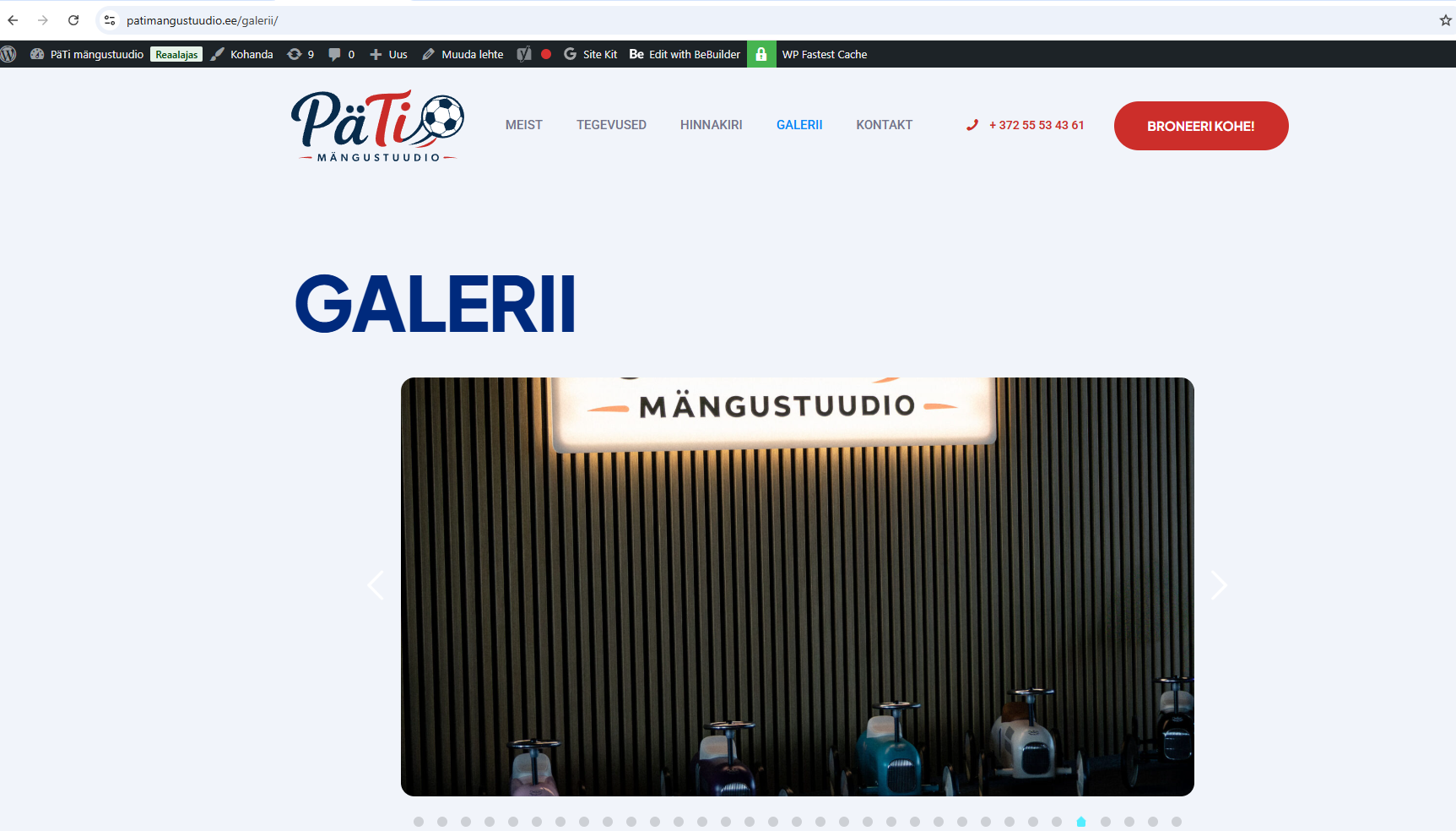
Thank you!
Steve
Comments
Hi,
under Theme Options > Performance > General, you can disable thumbnails creation but please remember, when you'll disable this option, you have to upload images again or use Regenerate Thumbnails tool.
Hi,
I disabled the “Slider 1630x860” image size under Theme Options > Performance > Images and also regenerated all thumbnails with plugin.
Unfortunately, this did not change anything. The Slides module is still loading the cropped
-1630x860.jpgversions of the images.For example:
pati-39-1630x860.jpgCould you please advise how I can make the Slides module use the original/full-size image instead of the 1630x860 cropped thumbnail?
My goal is to display the entire image while preserving its original aspect ratio, without cropping or stretching.
Ideally, I would also like all slides to remain visually consistent even when the source images have different aspect ratios. For example, a “contain” type of behavior inside a fixed slide area would be preferable, so the full image is always visible without distortion, while keeping the gallery layout consistent.
URL: [Links visible only for registered users]
Steve
Looks like you're using cache plugin. Please disable cache plugin and if you regenerated images, they should load in correct ratio/size.
Hi,
Yes I am using WP Rocket, now deactivated it and generated images again, but still not showing original/full-size image on [Links visible only for registered users]
After it, I activated cache plugin and deleted cashe, but no difference, how can fix it?
Best,
Steve
Please send us the WordPress dashboard access privately through the contact form, which is on the right side at [Links visible only for registered users] and we will check that.
Notice!
Please attach a link to this forum discussion.
Sending incorrect or incomplete data will result in a longer response time.
Therefore, please ensure that the data you send are complete and correct.
Thanks
Hi,
Now seems working, 1st image is large, regenerated I believe is not working, when I delete image and add again, then shows full image
Br,
Steve
Good to see that it's working for you now.
Can I help with anything else?
Best regards
Hi,
Not on the moment, thx!
Br,
Steve