
Not full width on mobile

I clicked on 'force full width' on the responsive tab but it's still not spanning across the screen on mobile. Would like to have the image and items be full-width.
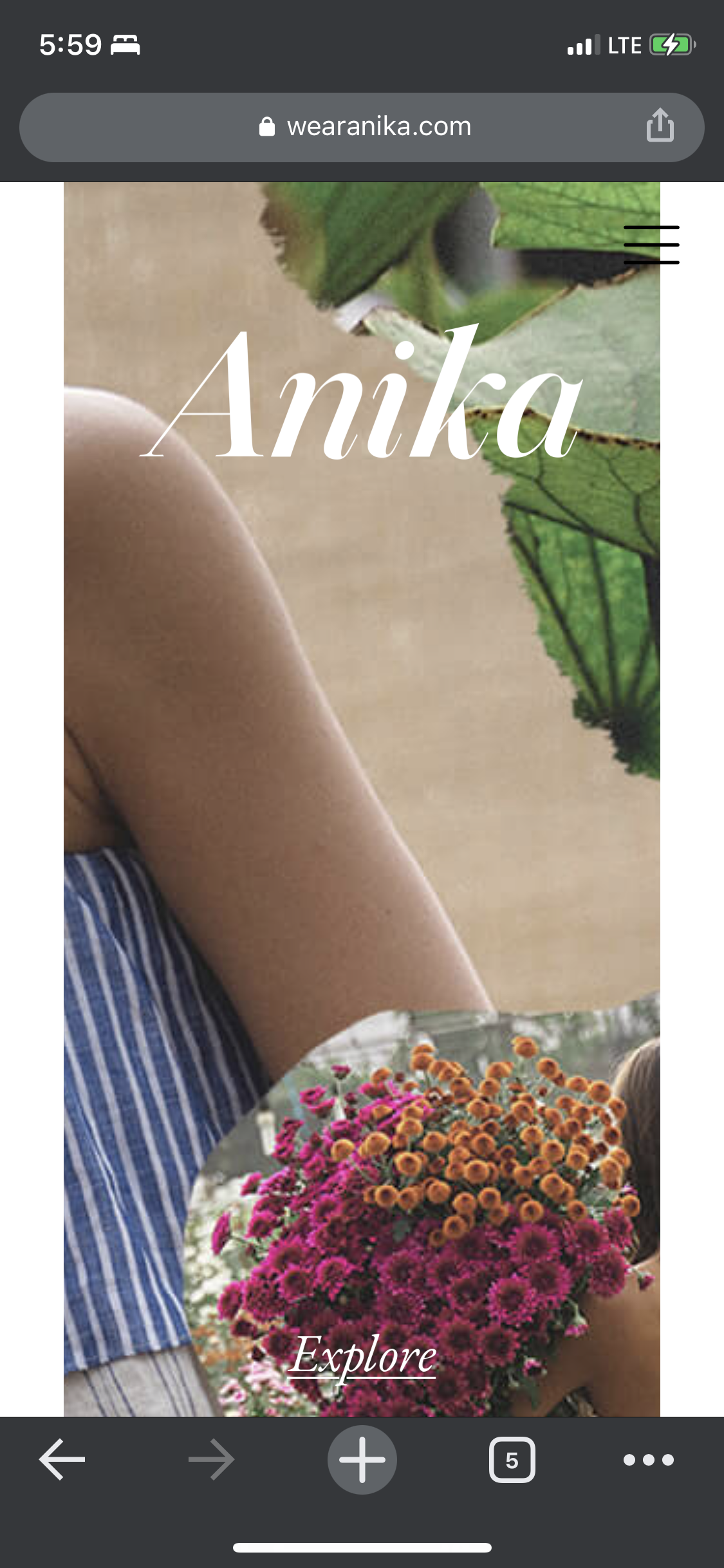
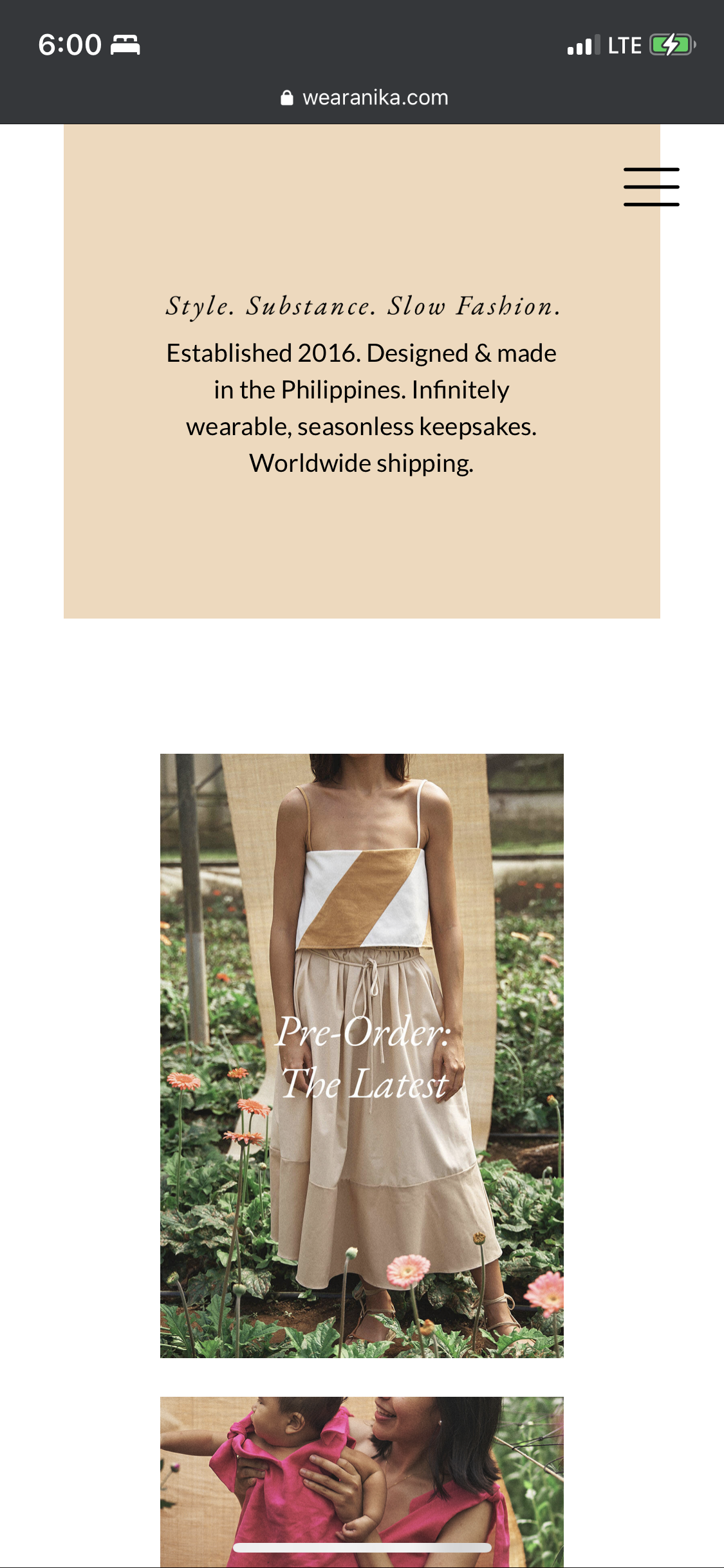

I clicked on 'force full width' on the responsive tab but it's still not spanning across the screen on mobile. Would like to have the image and items be full-width.
Comments
link to website www.wearanika.com
Hi,
Do you have any caching plugins enabled on your website?
They may hold the settings from before the update. If you have such plugins active, please, disable them, and see if the problem persists.
Thanks
Hi, I disabled the plugin like you said but it still has a white padding on both sides
Please send us WordPress dashboard access privately thru the contact form, which is on the right side at [Links visible only for registered users] and we will check what might be the reason.
Notice!
Please attach a link to this forum discussion.
Thanks
Sent login details. Thanks
Sorry, but the login credentials you have sent are not working.
Can you check them, please?
Thanks
i resent them. did it work?
Sorry, but we didn't get any message from you.
Please check your mail inbox for our response. Look also inside the spam folder.
If you don't have any message from us, please send your login credentials again.
Be sure that you sent all of the required information mentioned in the previous message.
Thanks
Sorry, but the result is still the same.
Did you check if these login credentials are correct before sending them?
Best regards