
Mobile problems

Hello,
I can't find a way to solve 2 aspects:
- On mobile, although I have it marked to display on tablet and mobile, I can't get this photo to display:

- Then this block with a blue background, the text is not visible on the mobile because the blue background becomes white:
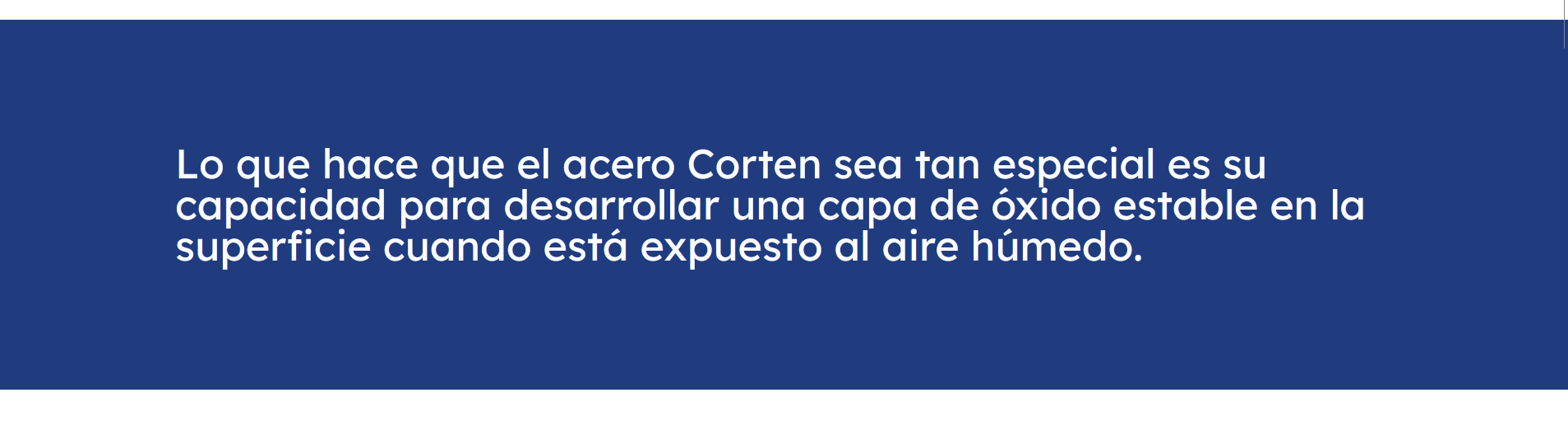
Could you help me solve these questions? I have reviewed the template options but I can't find a way to correct it.
The link to the page: [Links visible only for registered users]
Many thanks.
Comments
Hello,
1) This image is set as a wrap background. To show it on mobile, you should add a divider to this wrap and set height for mobile to extend this image height.
2) I can see this box on the mobile view correctly.
Did you handle this?
Best regards
Thank you very much, but I have tried to add the divider and I can't find a way to do it.
I try to drag the divider element, but there is no way to insert it into the wrap. He always puts it above or below the section.
Can you please tell me how to add it?
Thank you so much
Did you use the divider element?
Sections also have their dividers, but they are only for diving wraps. E.g. when you have two 1/2 wraps, and do now want to place them next to each other, but in a column.
Best regards
Hello,
Yes, I'm using that element but as a comment, when dragging it I can't place it on top of the image. It forces me to put it up or down but in the section.
Please send us WordPress dashboard access privately thru the contact form, which is on the right side at [Links visible only for registered users], and we will check what might be the reason.
Notice!
Please attach a link to this forum discussion.
Thanks
Hi, you can delete my last message, i found the way to resolve it.
Thanks
Sure, I deleted it.
I can see that you put this image as a Column background, not a wrap.
So in that case I placed a divider shortcode inside this element to extend the height for mobile view.
Best regards
Thanks!!! Now is ok!!
I also need to ask you a question about portfolio slugs:
I have 2 main categories: "arido triturado" and "arido especial":
[Links visible only for registered users]
[Links visible only for registered users]
I have the problem in the "arido especial" category, since when clicking on any of the products that appear, "arido triturado" appears in the slug instead of "arido especial", which would be correct by structure.
would it be possible to change it?
Thank you so much
The portfolio link structure is set in Betheme -> Theme options -> Blog & Portfolio -> Portfolio, and is global for all portfolio items.
Best regards