
Error code: Out of Memory

Hello. I have used BeTheme in the past and am a huge fan of the theme. I just purchased a new license for the BeTheme to use on my brand new WordPress install for another client. I installed a pre-built demo theme that I've never used before, Charity 4. When I try to make any changes in the Theme Options tabs the following error page is shown:
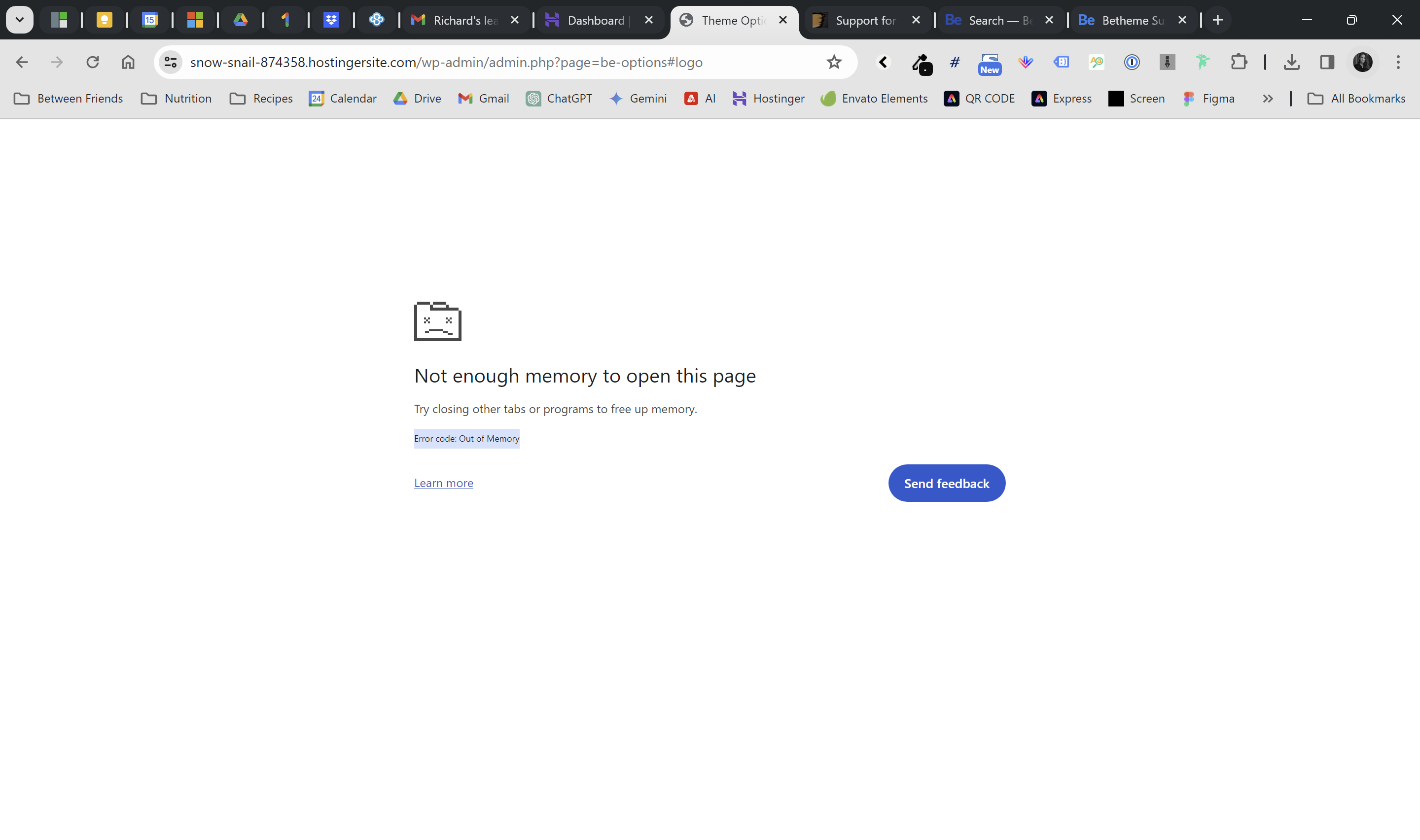
My memory is at 256MB and I have a brand new site install. I've already checked with my hosting provide and I am only using 1-2% of my hosting server's resources. I also cleared my LiteSpeed Cache and verified that I am not using any additional caching plugins/features. Can you please assist me with this issue? Thank you!
Development site: [Links visible only for registered users]
Comments
Hi,
Please see the following article and follow the steps mentioned there.
Thanks
I do not see any article linked. Am I missing it?
Sorry, I do not know why the link was not attached.
Here it is:
https://support.muffingroup.com/faq/troubleshoot-guide/
Best regards
Thank you for attaching the link. I looked into each troubleshooting step mentioned in that article and none of those steps are working. Can I grant your team access to further troubleshoot my issue?
Please send us the WordPress dashboard and FTP access privately through the contact form, which is on the right side at [Links visible only for registered users] and we will check what might be the reason.
Notice!
Please attach a link to this forum discussion.
Sending incorrect or incomplete data will result in a longer response time.
Therefore, please ensure that the data you send are complete and correct.
Thanks