
be menu

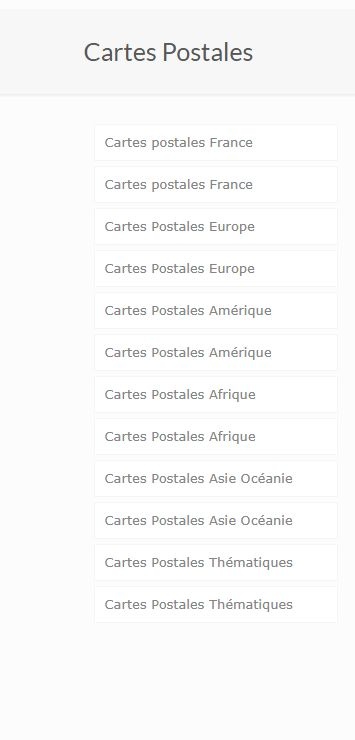

Hello, I created a sidebar menu that I add to the widget. When I select my menu, it displays correctly, but the submenus are not clickable."

Hello, I created a sidebar menu that I add to the widget. When I select my menu, it displays correctly, but the submenus are not clickable."
Comments
Hi,
You must increase the Depth value depending on how many submenu levels you have there:
So if every menu item has only one submenu, and submenus do not have more submenus under them, then "2" will be enough.
Best regards
Thank you for your response. Could you please let me know how to add this menu to a single category while making it visible in the sidebar for its subcategories?
Are these shop, blog, or portfolio categories?
Best regards
Catégorie shop
Could you please let me know how to add an arrow or a plus sign to allow the subcategories to expand?
1) You must create a shop template, assign the sidebar to it, and set the display condition to that specific category.
https://support.muffingroup.com/video-tutorials/how-to-create-custom-template-for-the-shop/
2) There is no option to add an arrow or a plus sign to that widget.
It would require file editing, for which we do not provide help.
Best regards