
Mega Menu import

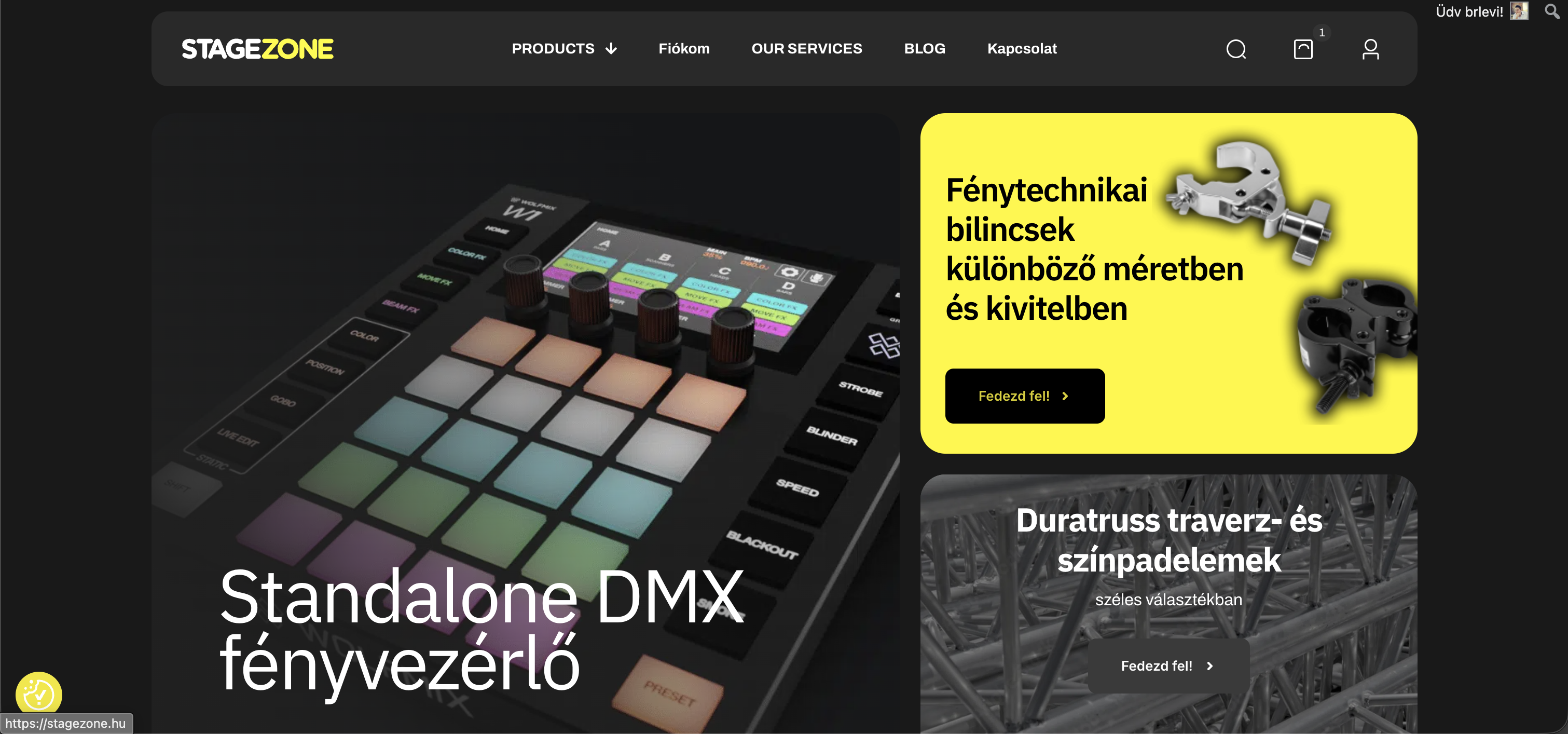
Dear Support Team,
My current theme does not include a suitable mega menu layout for the header. At the moment, I have imported the Detailing Shop demo as my active layout.
I would like to know if it is possible to import a mega menu into the header area. I really like the structure and layout of the Furniture Store and Furniture Store 2 demos, and my goal would be to adapt and customize one of those mega menu designs for my site.
However, I couldn’t find any option to import or assign those mega menu layouts separately. Could you please advise where or how this can be done, or whether it’s supported at all?
My website focuses on stage lighting equipment, and I would like to organize the lights in a clear, category-based mega menu similar to the Furniture Store demos.
Thank you in advance for your help.
Best regards,
Levente
Comments
Dear Support
or similar mega menu how can I specify so that the categories extend to a few more sub menus on the page, but the products in the category appear in the right-hand box?
Also how can I make the product tiles scrollable?
Hi,
There is no option to import the mega menu only.
You would have to recreate the desired layout.
https://support.muffingroup.com/video-tutorials/how-to-use-mega-menu/
This can be done when you use Tabber in the mega menu, just like on the Car Cosmetics demo.
https://themes.muffingroup.com/be/carcosmetics
https://support.muffingroup.com/video-tutorials/tabber-tutorial-build-content-tabs-visually-in-bebuilder/
Best regards
Is there a way to pay for it and you as the developer can set a price and transfer it via Revolut or PayPal? Because you can see that the layout is there, but the refinement is not very successful.
Also, where can I translate the filter texts? Also, where can I set up a product category hierarchy, and where can I set it to show the subcategories of categories that contain them immediately?
A while ago, we started with such a possibility. Please head to the following link, where you can submit your request:
https://muffingroup.com/betheme/customization/
Please send us the WordPress dashboard and FTP access privately through the contact form, which is on the right side at https://themeforest.net/user/muffingroup#contact, and we will check that out.
Notice!
Please attach a link to this forum discussion.
Sending incorrect or incomplete data will result in a longer response time.
Therefore, please ensure that the data you send are complete and correct.
Thanks
I received your private message, but you did not attach FTP credentials.
Please send another message with all the complete information.
Thanks
We received your private message, and we are checking this.
Best regards
I've encountered another problem, that the variation of variable products is not appearing in the products. What could be the reason for this? Is there something missing in the templates section?
example:
https://stagezone.hu/termek/3-star-dmx-kabel/
1) Hierarchy has been added to the categories on your website, and it will be added in the next update.
2) Translations have been added as well.
3) Variations are not appearing because you did not add any attributes and variations to this product:
Best regards
I added the wrong link, here is the example where it doesn't show the variation!
This product does not have attributes as well.
Best regards
Is it possible that when importing the new look, the previous ones were lost? Our theme was a basic template, and we just imported the new look, we didn't even touch the products, and then these variations were lost there?! Because they were on the old site and we didn't touch the products!
The attributes themselves have disappeared as I see it.
Did you use the database reset option during the import?
Best regards
Dear Peter,
Unfortunately, in the mobile view the menu is not scrollable for some reason. When a submenu opens, it becomes practically unusable. I have already set the mobile menu z-index to 999, but the problem still persists.
What could be causing this? Could you please take a look?
Thank you!
On what device are you checking that?
Best regards