
Change the button color on the contact form

[Links visible only for registered users]
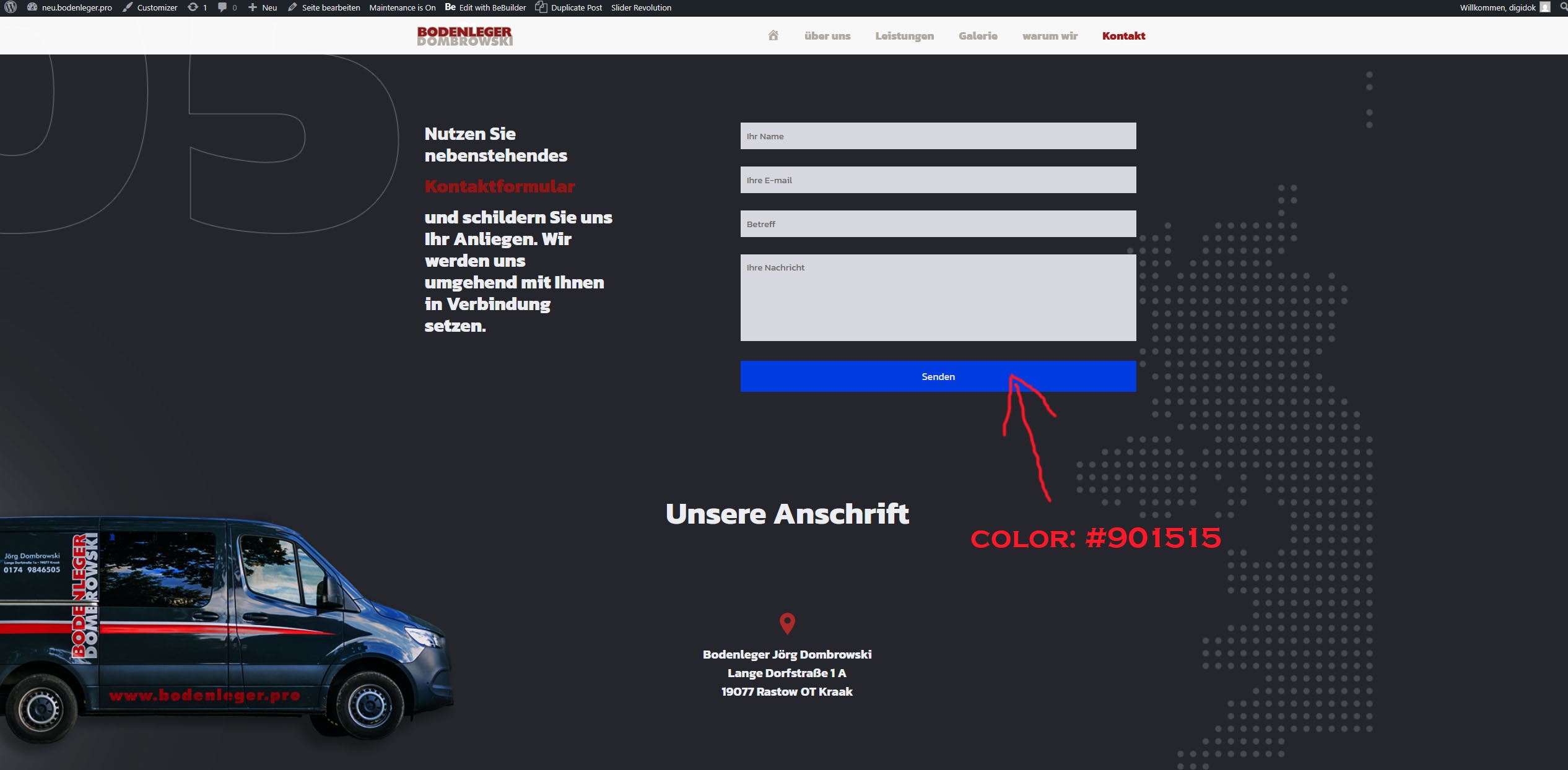
The main color of my theme is #901515. I'd like the button color in the contact form to be the same. Please tell me how I can change that.
Best regards
Comments
I have the same problem with the cookie policies
Hi,
Button in the contact form takes its styles from the highlighted button in Betheme -> Theme options -> Global -> Buttons:
But if you use the Contact Form 7 element, you can change it in the Style tab as well.
Best regards
Thanks. It worked great with the contact form. But the button for cookie settings is still blue.
Best regards
The cookie banner styles are defined in the Design tab of the GDPR settings:
Best regards
Thank you.
Best regards