
BeBuilder editor shows only “Column” and no editable fields after BeTheme update

Since a BeTheme update, I can no longer edit content properly in BeBuilder
When I open the page in BeBuilder and click on any element inside the visual frame, the left sidebar always shows only “Column” instead of the actual selected element. No editable fields or settings appear, so I cannot edit the content.
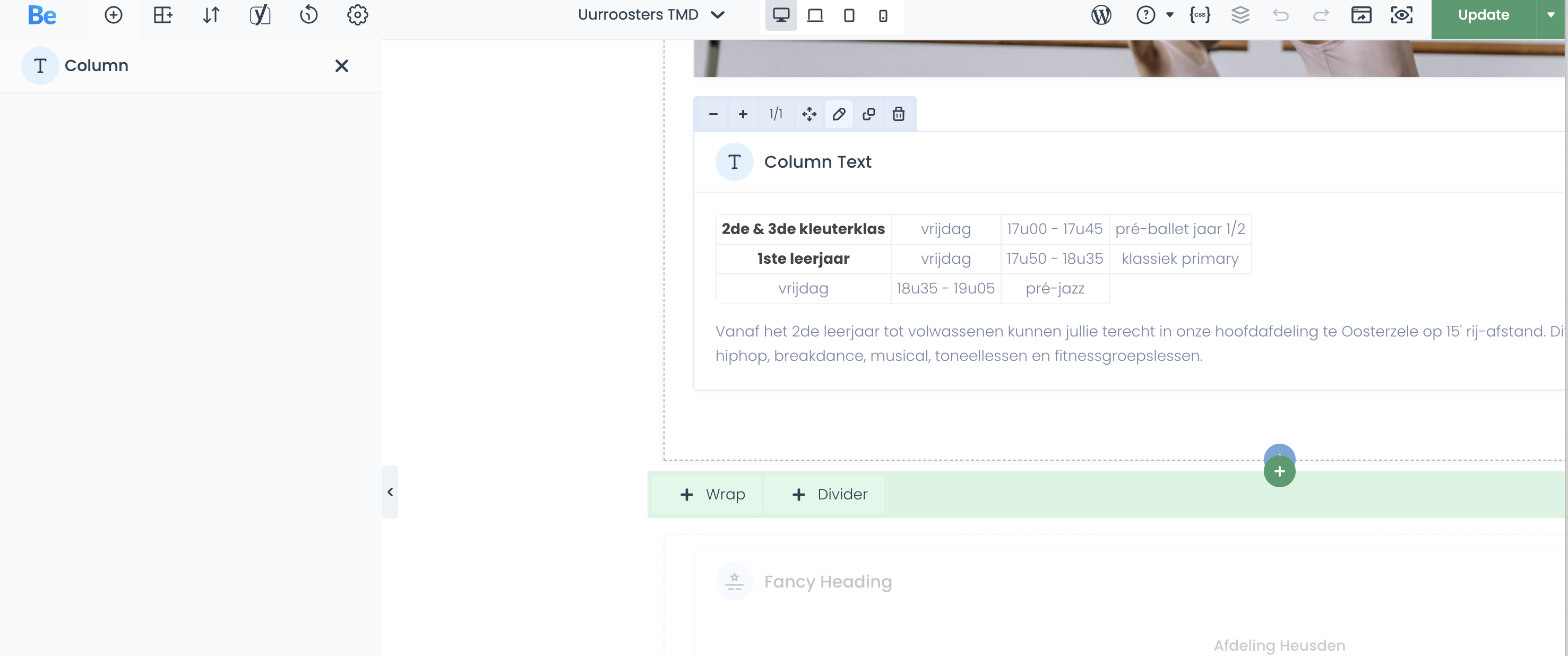
This happens on every page:
The browser console shows these errors when clicking elements:
scripts.js?ver=1779970154:1884 Uncaught TypeError: Cannot read properties of undefined (reading 'type')
    at HTMLAnchorElement.<anonymous> (scripts.js?ver=1779970154:1884:32)

scripts.js?ver=1779970154:1592 Uncaught TypeError: Cannot read properties of undefined (reading 'jsclass')
    at Object.after (scripts.js?ver=1779970154:1592:36)
I already tried the usual basic checks, but the issue remains.
It looks like older builder data is not being correctly recognized after the update.
Additionally, I am unable to update/save the page content. When I try to update the page in BeBuilder, the following JavaScript error appears in the console:
VM5682:1 Uncaught SyntaxError: "undefined" is not valid JSON
    at JSON.parse (<anonymous>)
    at HTMLElement.<anonymous> (scripts.js?ver=1779971204:2439:32)
    at ce.each (load-scripts.php?c=1…ks&ver=6.9.4:2:3129)
    at ce.each (load-scripts.php?c=1…ks&ver=6.9.4:2:1594)
    at Object.get (scripts.js?ver=1779971204:2435:17)
    at HTMLAnchorElement.<anonymous> (scripts.js?ver=1779971204:2305:32)
    at HTMLDocument.dispatch (load-scripts.php?c=1…s&ver=6.9.4:2:40035)
    at HTMLDocument.<anonymous> (load-scripts.php?c=1…s&ver=6.9.4:2:38006)
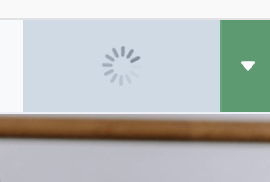
So the issue is not only that the wrong element settings are shown in the left sidebar; BeBuilder also seems to be trying to parse an undefined value as JSON when updating/saving the page. This prevents me from updating the content. (and an infinite loading icon)
Comments
Hey,
Please send us the WordPress dashboard and FTP access privately through the contact form, which is on the right side at [Links visible only for registered users], and we will check what the reason might be. Pleas also tell me from what version you made an update?
Notice!
Please attach a link to this forum discussion.
Sending incorrect or incomplete data will result in a longer response time.
Therefore, please ensure that the data you send are complete and correct.
Thanks
Thanks. I've sent the credentials via the private contact form.
We have corrected it on your website.
Please check it out now.
Best regards
Thanks a lot for the support! What was causing the issue?
There was a bug in the theme files.
We have corrected it, and it will be included in the upcoming update.
Best regards