
Error in the Shopping Cart Template

Hi,
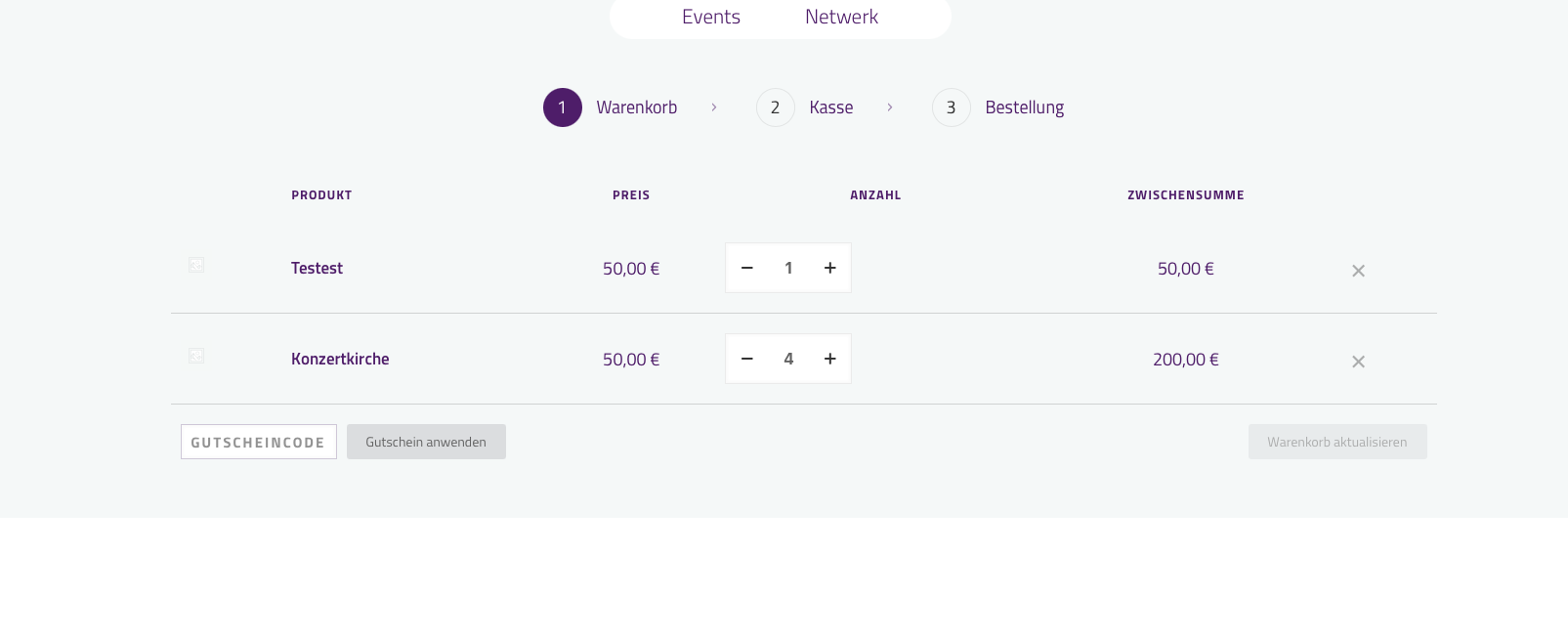
I created a template for the shopping cart (Empty/Not Empty). Now, when I add a product to the shopping cart, the “Not Empty” template appears very briefly and is then overlaid by the “Empty” template. As a result, I can't complete the purchase; I can only refresh the shopping cart.
Best regards
Comments
Hello,
Please, turn off all of the plugins, refresh your cache, and check if the problem persists.
Moreover, if you use a child theme, switch to the parent, and recheck it.
Also, please ensure that the Cart Table and Cart totals elements are present only in the "Not empty" cart template. The empty version of the cart template should look more or less (according to your design and needs) like this:
Best regards
Hi, I've deactivated the plugins (except for WooCommerce and EventTicket) and also switched to the parent theme, but unfortunately without success. When I add a product to the cart, I briefly see the “Not empty” cart, and after a short while, the view switches to the “Empty” cart. I'm only seeing this behavior with this template. Without it, everything works fine.
Did you ensure that the Cart Table and Cart totals elements are present only in the "Not empty" cart template?
If yes, and it still does not work, please send us the WordPress dashboard and FTP access privately through the contact form, which is on the right side at [Links visible only for registered users], and we will check what the reason might be.
Notice!
Please attach a link to this forum discussion.
Sending incorrect or incomplete data will result in a longer response time.
Therefore, please ensure that the data you send are complete and correct.
Thanks
I understand. Both pages have been set up correctly. I just sent the data out.
I received your private message, but it is incomplete.
You attached FTP access only, but did not include WP dashboard access.
Please send another message with all the required information and ensure it works properly.
Thanks
Sorry, I just sent it again
We have corrected it on your website.
Please check it out.
This fix will also be included in the upcoming theme update.
Best regards
Thank you. Unfortunately, I'm having the same problem with the Checkout.
[Links visible only for registered users]
We have corrected this as well.
Only the following plugin breaks the layout:
Best regards
Thank you! But where can I change the Height of the Fields/Inputs?
There is no setting to change the height.
Best regards