
Problems.

Hello,
I have purchased the theme and imported the demo content from the Furniture demo.
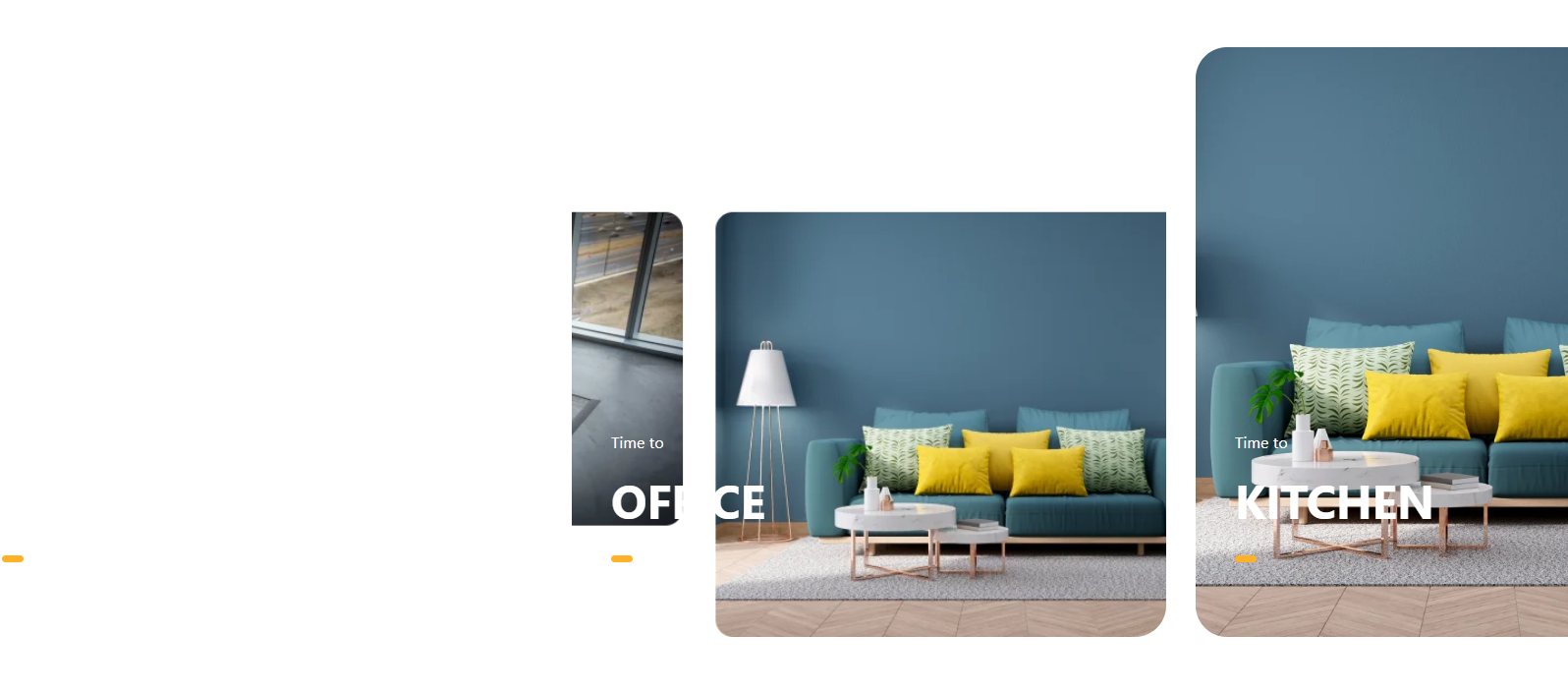
I noticed that the images in the slider are flickering, and some of the images are not displayed correctly or are not fully visible.
Could you please check what might be causing this issue and advise on how to fix it?
Thank you.
Comments
Hi,
Please always attach a link to your website so we can check it out. If the page is offline(localhost), then our help will be limited. You will have to contact us when the page is online. Also, please make sure that the page is not under maintenance before you provide us with the link.
Also, did you regenerate thumbnails after importing the demo? If not, please do it in Betheme -> Tools and check if the problem persists.
Thanks
Hello Betheme Support Team,
I'm writing to report a compatibility issue between Betheme and Elementor Pro that is significantly affecting my website (tupuerta.es).
I have both Betheme (with BeBuilder/Cornerstone) and Elementor Pro installed and active. The problem is that when I edit a page or product using BeBuilder, Elementor Pro disrupts the layout — and vice versa. If I make changes in one editor, the other one breaks the design, causing misaligned sections, broken layouts and images out of place.
This issue also occurs on mobile. The mobile version shows the old demo content from the Furniturestore template instead of the updated content, and the layout appears broken or misaligned after any edit.
Specifically:
- Editing with BeBuilder breaks any Elementor-built sections on the same page
- Editing with Elementor Pro breaks BeBuilder sections
- On mobile, layout breaks appear after edits regardless of which editor was used
- The single product page template (built with BeBuilder modules like mcb-item-product_cart_button) does not fire standard WooCommerce hooks, which causes third-party customizations to not display correctly
My setup:
- Betheme (latest version)
- Elementor Pro v4.1.2 (agency license, active and validated)
- WooCommerce v10.9.1
- PHP 8.3 / WordPress 7.0
- Hosting: Hostinger with LiteSpeed
My questions are:
1. Is there an official recommended way to use both Betheme and Elementor Pro on the same site without conflicts?
2. Does BeBuilder's single product template call standard WooCommerce hooks (woocommerce_single_product_summary, woocommerce_simple_add_to_cart, etc.) or does it bypass them entirely?
3. Is there a way to make both editors coexist so that changes in one do not affect the other?
4. What is the recommended approach for mobile — should BeBuilder mobile view be edited independently from desktop?
Thank you in advance for your help.
Best regards
website : www.tupuerta.es
You cannot use two different builders on the same page. Elementor and BeBuilder have completely different structures, and they cannot be used on the same page at the same time.
If you started building a page with one builder, you should stick to it and not mix it with another one.
Note that I refer to a page, not the entire site. You can use both Elementor and BeBuilder on your site, but not on the same page.
Yes, Be templates call standard Woo hooks, but you must apply appropriate elements to your template.
Regarding responsive editing, please see the following video tutorial:
https://support.muffingroup.com/video-tutorials/responsive-editing-in-bebuilder/
Best regards
Hi,
Thank you for clarifying this — I wasn't aware that mixing both builders on the same page would cause conflicts. Unfortunately, I did edit several pages using Elementor without realizing they were originally built with BeBuilder, so now I'm in a situation where some pages have mixed content from both editors.
I would like to revert those pages back to BeBuilder as the default editor, but I'm not sure how to do this safely without losing the content or breaking the pages further.
My questions are:
1. Is there a way to manually reset a page back to BeBuilder as the default editor? Can this be done from the WordPress database or from the admin panel?
2. Can your support team help me identify which pages have been affected by this conflict and assist in reverting them to BeBuilder?
3. Is there a recommended process to cleanly remove Elementor data from a page so that BeBuilder can take over again without issues?
I want to standardize the entire site on BeBuilder going forward and stop using Elementor completely. Any guidance or manual assistance from your team would be greatly appreciated.
Thank you very much for your help.
1, 3) Please edit a page that uses Elementor:
Then, at the top bar, click on the "Back to WordPress Editor" button:
Then remove everything that appeared in the WP Editor.
There is no option to convert content made with Elementor into BeBuilder, so everything that has been done with Elementor must be manually recreated.
2) Please note that identifying pages affected by content conflicts and manually reverting them to a previous builder falls outside the scope of our standard support services. As this is a result of a manual switch or conflict on the user's end, we are unable to perform these rollbacks for you.
However, as a helpful tip to guide you through the cleanup, you can easily identify which pages were modified: if you go to your Pages list in the WordPress dashboard, any page that was edited with the alternative builder will have a clear "- Elementor" suffix next to its title.
Best regards