
Questions about translating theme elements and missing CSS in WPML

Hi,
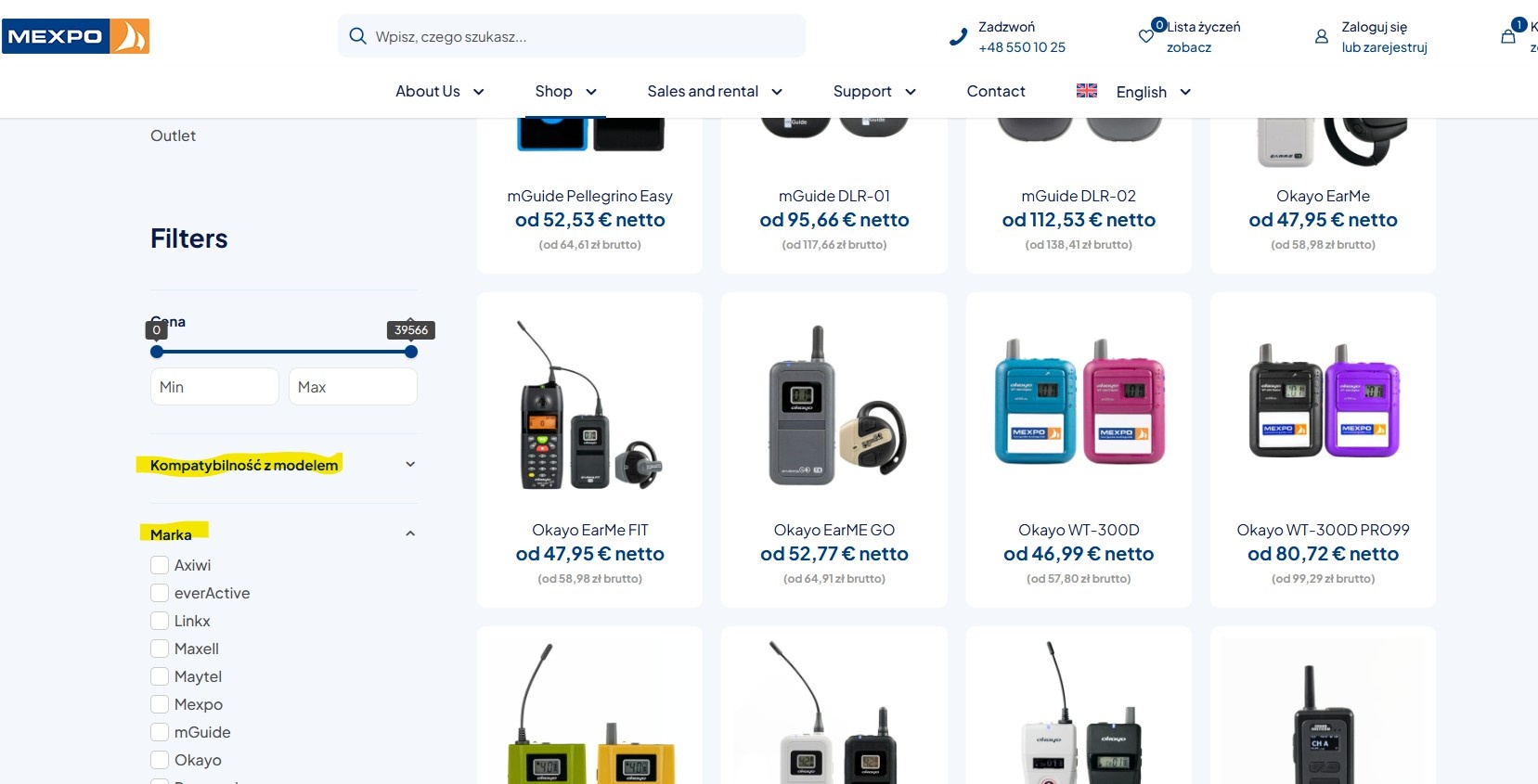
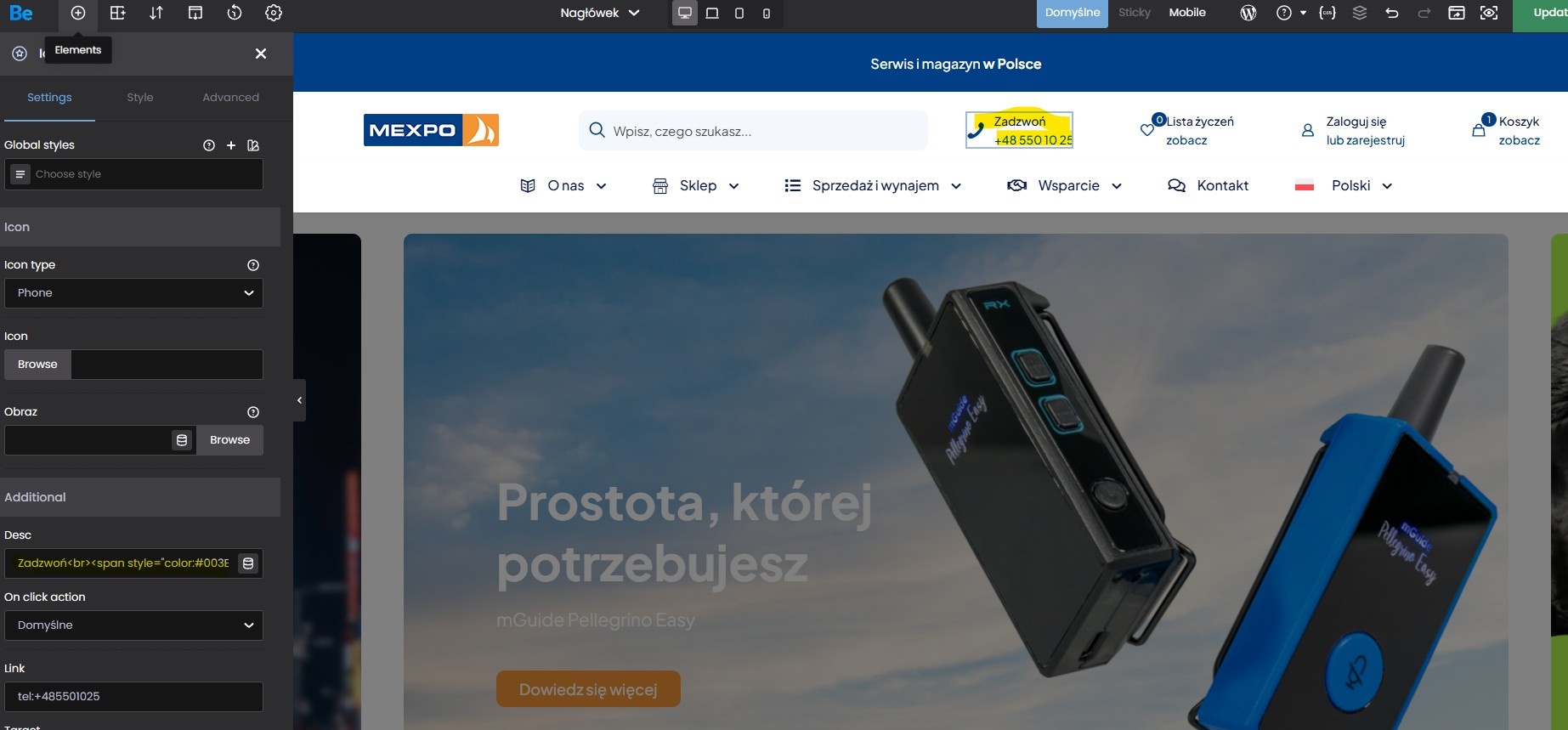
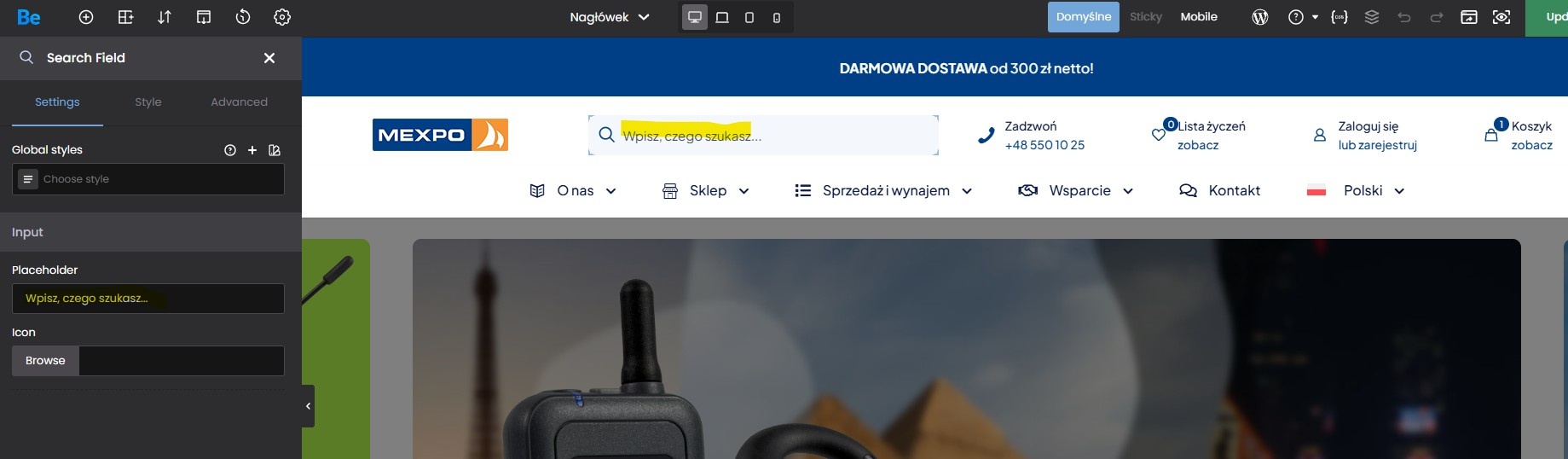
1) What is the correct way to translate theme elements that are not available in String Translation and are also not detected by the WPML Translation Editor? For example, this applies to the placeholders, header elements and shop filter titles marked in the attached screenshot. Do I need to change these texts separately for each language in the theme settings?
2) Sometimes the CSS styles are not copied correctly to one of the language versions. Updating both the original page and its translation does not restore the missing styles. What is the recommended way to fix this situation?
Thanks for help.
Best regards

Comments
Hello,
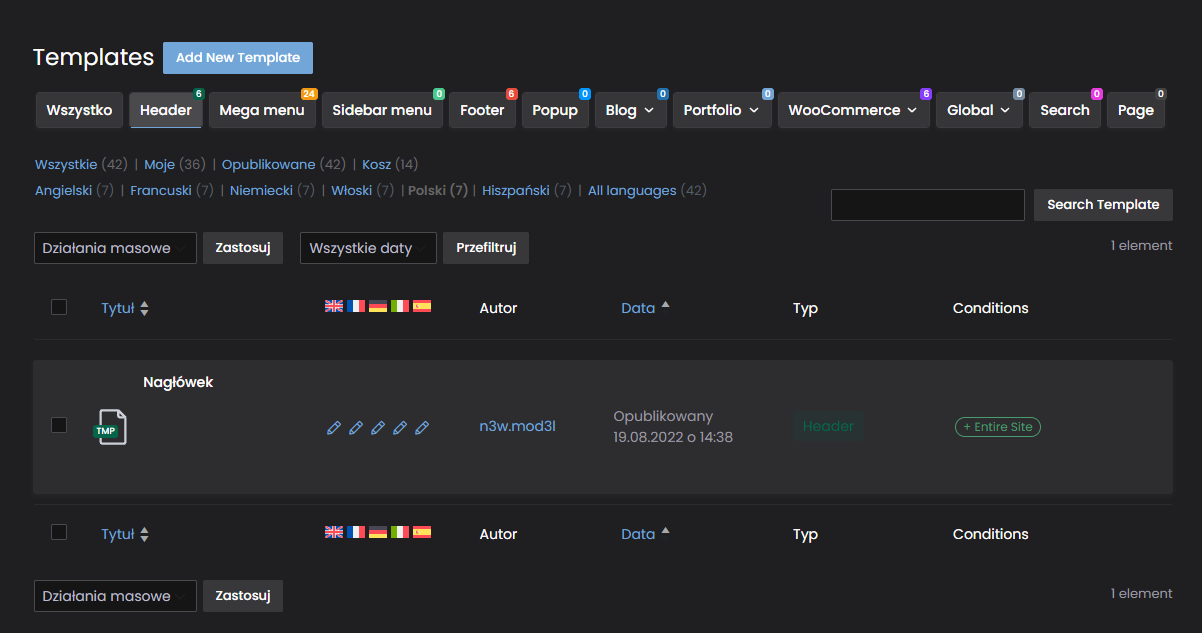
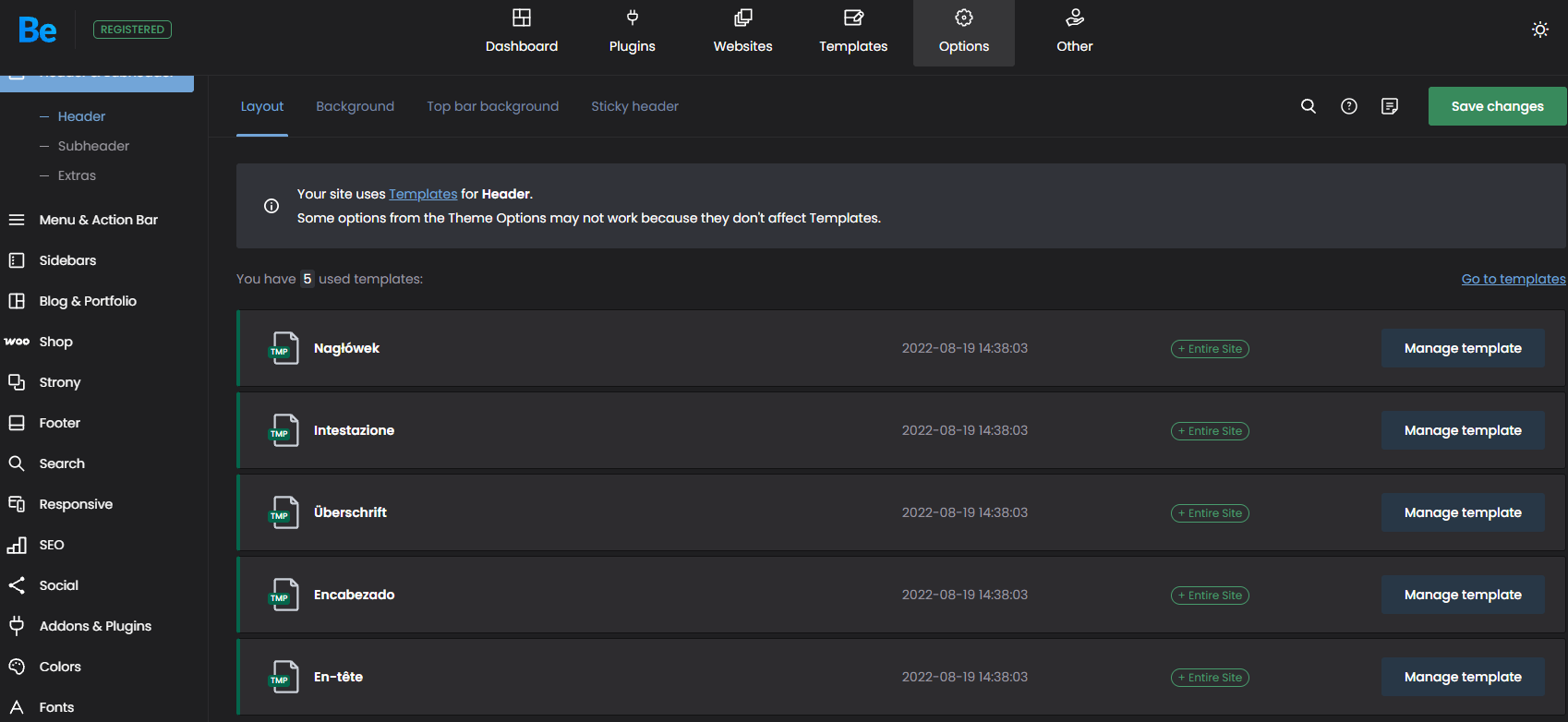
1) Filter element titles should be translatable by translating the shop template.
Note that after translating the template, you should edit the translated version and click the Update button so that the template will be assigned to the appropriate language.
Please try it out with the header template.
This way you can also translate parts that did not translate properly.
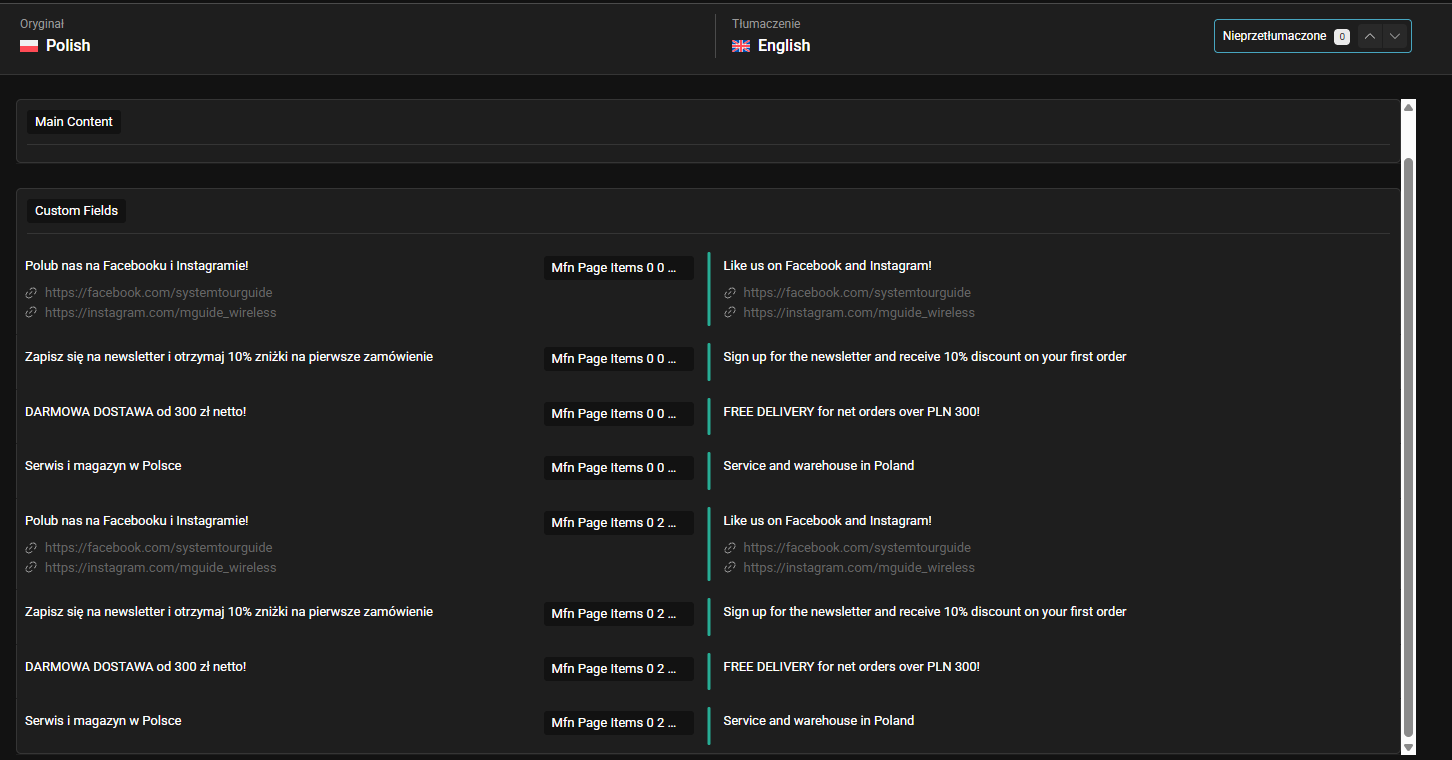
Anyway, the descriptions for icons elements did not appear in the WPML tranlation for you at all?
2) Please try to use the CSS update from Betheme -> Tools:
Best regards
In that case, not everything is working as it should:
Please send us the WordPress dashboard and FTP access privately through the contact form, which is on the right side at [Links visible only for registered users] and we will check what might be the reason.
Notice!
Please attach a link to this forum discussion.
Sending incorrect or incomplete data will result in a longer response time.
Therefore, please ensure that the data you send are complete and correct.
Thanks
I gave you access to our website earlier. You should still have it, we haven't removed it.
I am sorry, but we receive many accesses every week, and we do not remember which access is whose. That is why we always ask to send an access along with a link to the forum discussion, so we know where to answer.
Thanks
Sorry, I am sending the access details again below.
I do not know how to permanently exclude these strings from automatic translation and prevent WPML from translating or overwriting them again.
1) Can you tell me which strings you refer to, please?
2) After translating the template, you should edit the translated version and click the update button so that all styles are assigned properly.
3) Can you tell me the page with this example so we can check that, please?
Thanks
ad 1) See the attachment.
ad 2) Okay, it works now. I didn’t realize that I had to update each language separately.
ad 3) On every product page, for example:
[Links visible only for registered users]
It looks fine at the moment, but from time to time the strings mentioned above get refreshed, and then the product page layout breaks. Everything is displayed in a single column because the other fractional width values are being translated.
WPML support asked me to report this issue to you.
1) If you want, you can use own .xml file in child theme but theme itself can not debug your custom fields.
3) Looks like this happens due to your custom .xml file. You have probably added fields there that shouldn't be translated but like said above, we can not debug your custom fields.
Re: 1) I don’t want to use an additional XML file. I only had to add it because some elements were missing from translation. How else should I solve this?
Re: 3) Please find the contents of the XML file below. Could any of these elements be responsible for the column width values being translated over and over again (e.g. one-second, two-fifth, three-fifth, etc.)?
I also have a few additional questions related to the same issue:
4) Every time I update the header, its contents are automatically translated again (I use WPML automatic translation). Is this how it is supposed to work? Is there any way to keep an existing translation unchanged, so that it remains in place when I edit something else in the header?
5) On the other hand, translations of button links do not seem to work correctly. In the translated versions of the website, the buttons still link to the Polish version of the page.
For example, on this page, please check the “I want to rent a set” button: [Links visible only for registered users]
I dont know why but buttons that link to sections within the same page are translated correctly.
Could this also be related to the XML configuration?
1) Can you tell me which elements exaclty were missing from translations, please?
3) I am sorry, but as Albert said, we do not debug custom XML files, so we cannot help you with that.
4, 5) Have you tried contacting WPML support regarding this? It seems to be on the WPML side/configuration.
Best regards
Re 1) I showed the missing elements in the screenshots in my first post: the filter titles in the widgets, and the placeholders and field labels in the header. That's why I solved it with the XML configuration. If there is a better solution, please let me know.
Re 3, 4) Thank you, I have sorted this out with WPML support.
Re 5) This may help someone else: when adding buttons, don't enter a fixed URL. Use a dynamic permalink instead. Then the link is translated correctly.
I am sorry, you have not answered this topic for a long time, and I lost track.
Anyway, I explained in my first message that you should open the translated template and set it all there:
By the way, after every template translation, you should open the translated template and click the update button to assign the template to the appropriate language.
Best regards
OK, thank you for the explanation and your time.
BTW. Sorry for spreading my questions out over time.
I am glad I could help.
Best regards