
How to change footer icon in BeHotel 2

Hello, how i can change this image in be hotel 2 ? i dont find nothing in THeme Options -> footer, also nothing in Templates-> Footer is empty, and also in Widgets -> footers
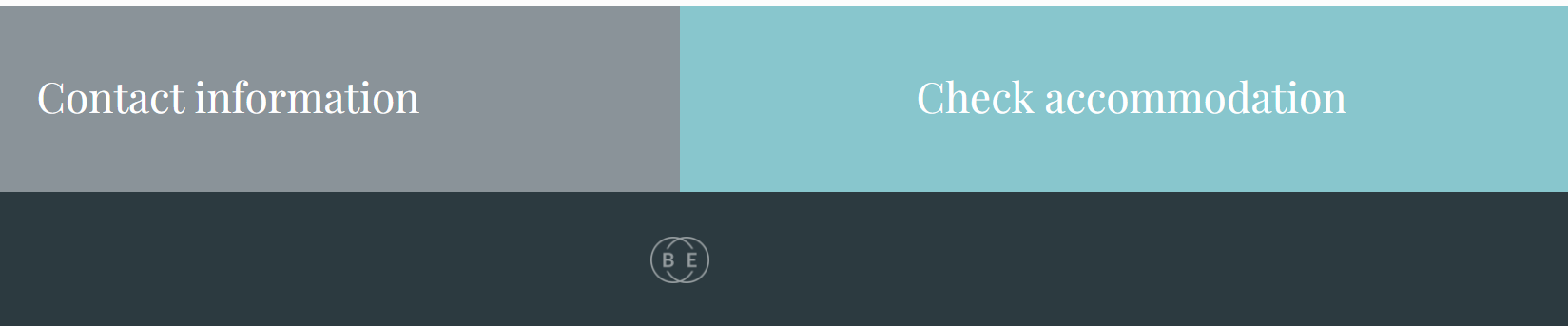
Hello, how i can change this image in be hotel 2 ? i dont find nothing in THeme Options -> footer, also nothing in Templates-> Footer is empty, and also in Widgets -> footers
Comments
Hi,
You can change/remove it in Appearance -> Widgets under the Footer | #1 tab:
Best regards
Thank you sir!
About FavIcon, when i changed, first loads your favico Be and after 1 sec changes automatically with mine, why can not be first loaded my favicon?
Where have you set your favicon?
Do you have any caching active on your website?
Best regards
From General -> Settings -> Favicon
Yes, wp rocket but i clearead all caches
Please attach a link to your website so we can check it out. If the page is offline(localhost), then our help will be limited. You will have to contact us when the page is online. Also, please make sure that the page is not under maintenance before you provide us with the link.
Thanks