
attributes that have disappeared

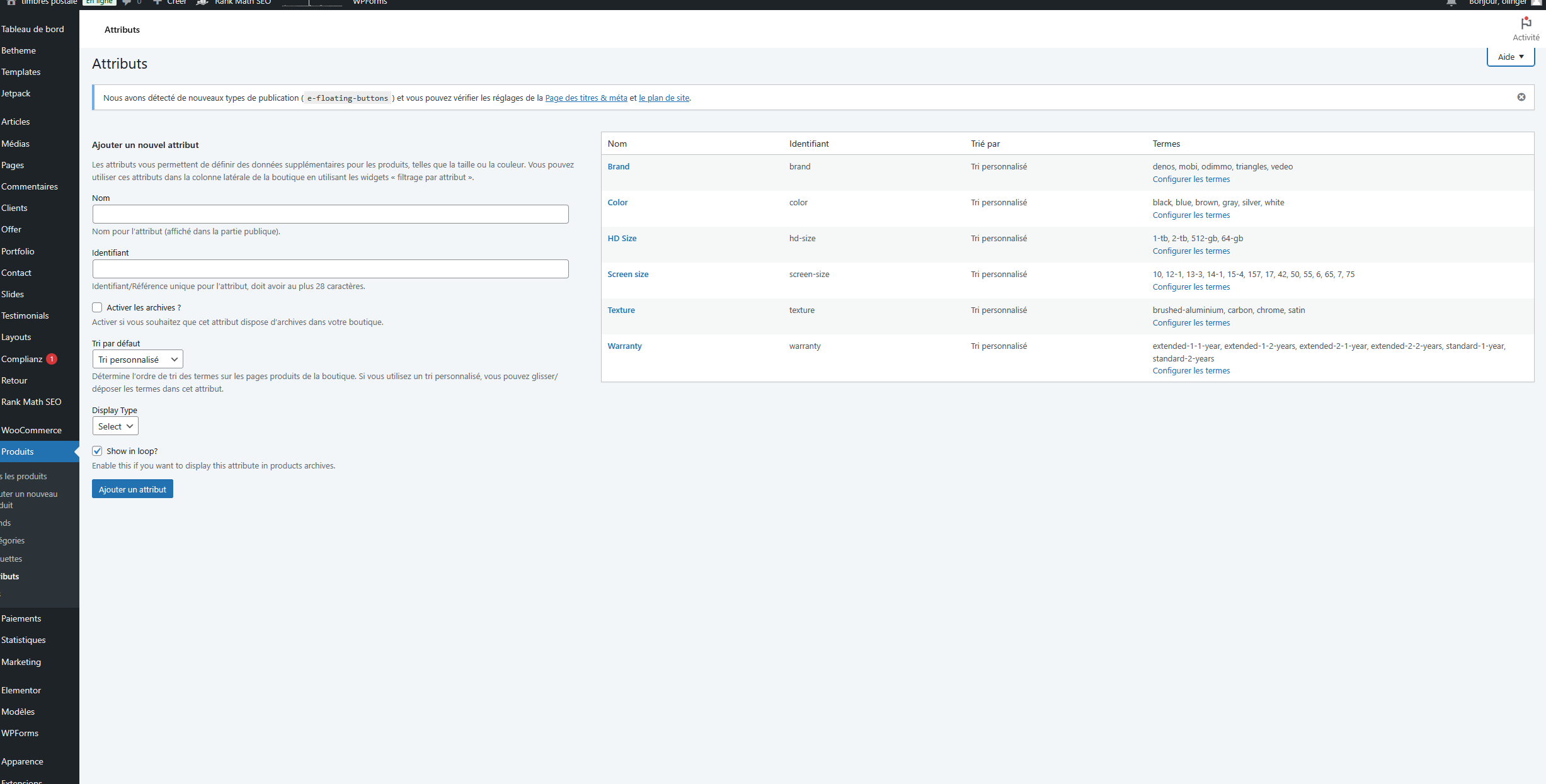
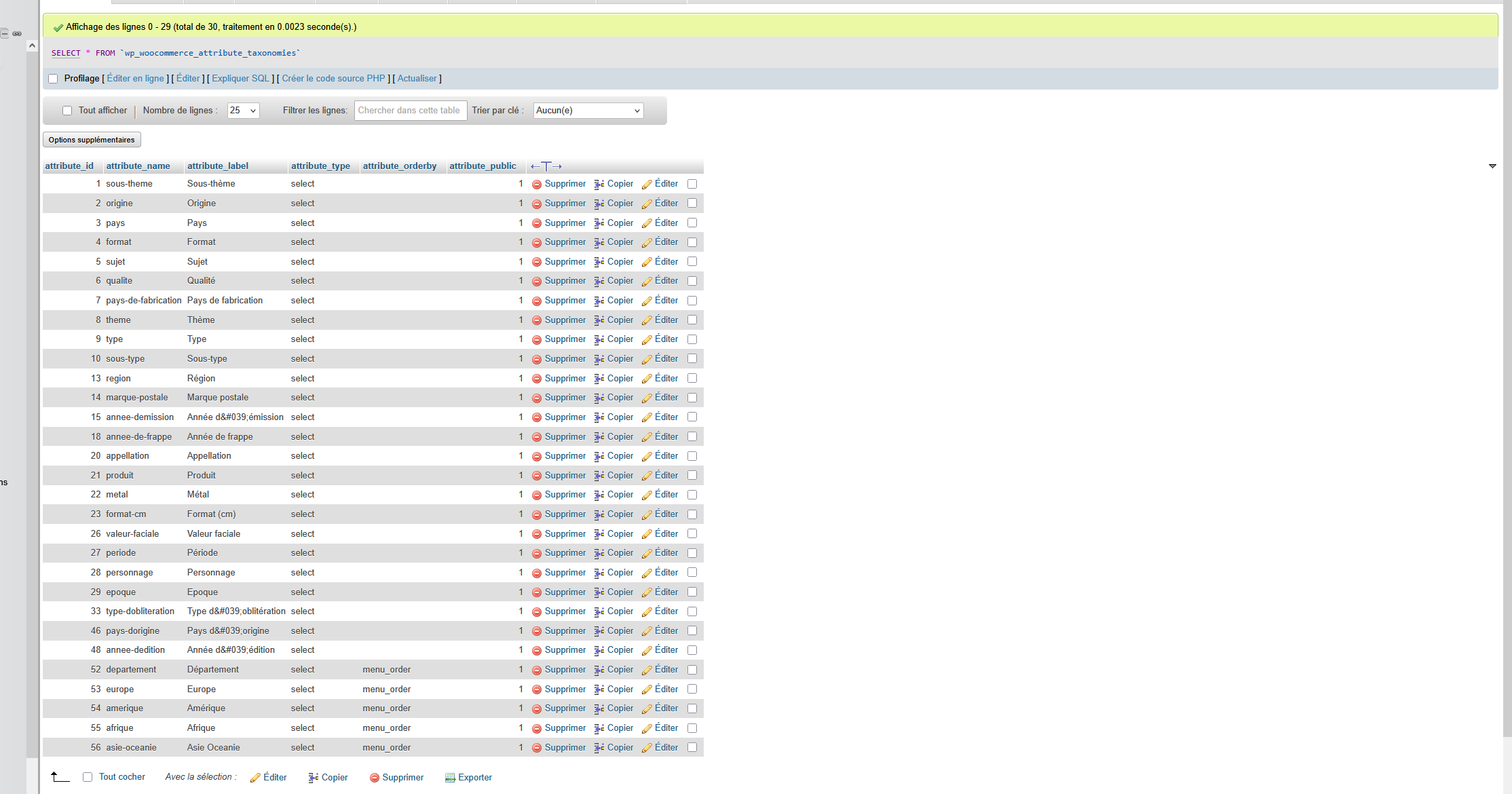
Hello, after installing the Default Store theme, all my store attributes disappeared from the back office. Could you tell me how to restore them?

Hello, after installing the Default Store theme, all my store attributes disappeared from the back office. Could you tell me how to restore them?
Comments
Hi,
Did you use an option to reset the database while installing this pre-built website?
If yes, then you must restore a backup to get your previously created attributes back.
Best regards
I restored a backup and then reran the Default Store theme installation without resetting the database, but all my attributes were still gone.
Please send us the WordPress dashboard, database, and FTP access privately through the contact form, which is on the right side at [Links visible only for registered users] and we will check what might be the reason.
Notice!
Please attach a link to this forum discussion.
Sending incorrect or incomplete data will result in a longer response time.
Therefore, please ensure that the data you send are complete and correct.
Thanks
Send now
Sorry, but we haven't received a message from you yet.
Please check your mail inbox for our response. Look also inside the spam folder.
If you don't have any message from us, please send your login credentials again.
Ensure you sent all the required information mentioned in the previous message.
Thanks
I just entered your WP dashboard, and attributes are there:
Did you handle this in the meantime?
Best regards
No, I made a backup to recover the attributes. The problem occurs when I install the Default Store theme without resetting the database: all my attributes disappear at that point.
this theme
Please check it now.
For future or for anyone with a similar problem, after importing without a database reset, open attributes and add any new attributes. After that rest of the attributes will appear.
Best regards
Thank you very much, it works perfectly.
I used the wrong theme, so I made a backup, then reinstalled the correct theme. I then repeated the manipulation for the attributes, but now my menus have disappeared: they are there, but empty.
Without a database reset, menus cannot be correctly assigned and that is why you might encounter this obstacle.
The easiest and safetest way is to recreate them manually.
https://support.muffingroup.com/documentation/menus/
Best regards
For the missing menus, I used the WPS Menu Importer plugin. I first backed up the menus, then installed the theme, and finally, reimported the menus.